

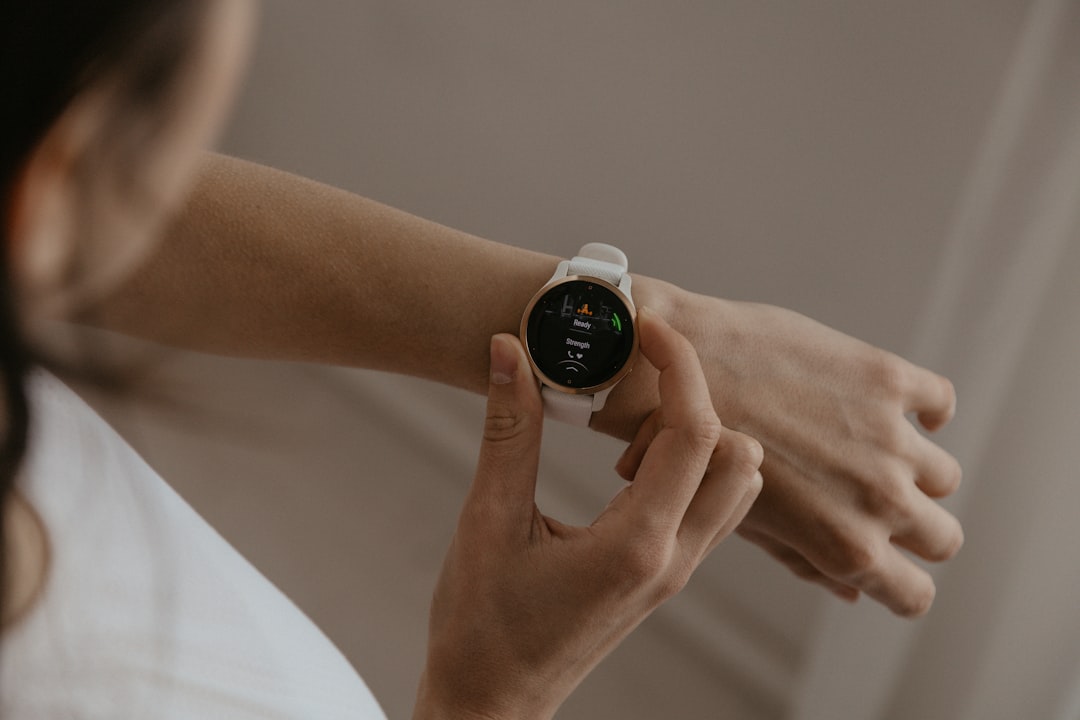
Millions of people glance at their Garmin each morning, checking a stress score or HRV Status before deciding how hard to push in training. But how much should you actually trust those numbers? The answer is nuanced — and understanding the difference between what Garmin does well and where it falls short can genuinely change how you train and recover.
Table of Contents
This guide explains the technology behind Garmin’s HRV and stress features, what peer-reviewed research says about their real-world accuracy, and how to squeeze the most reliable signal out of the data you’re already collecting.
Quick Answer
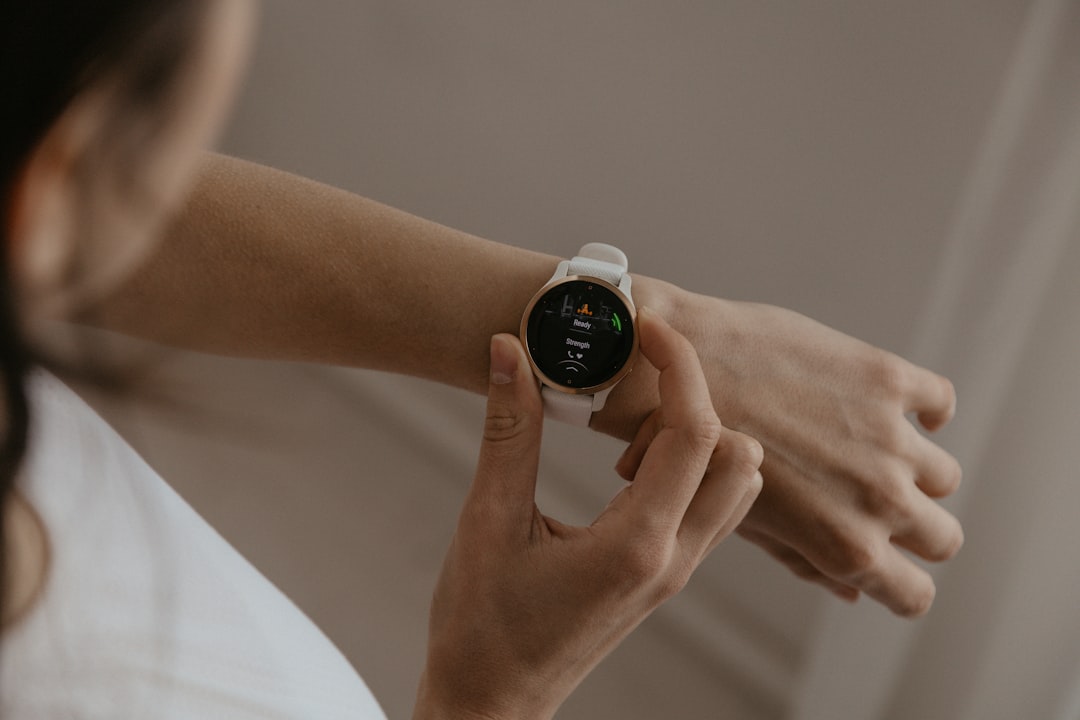
Garmin’s HRV and stress tracking are genuinely useful for spotting trends over time, but they are not clinical-grade measurements. The wrist-based optical sensor can capture directional patterns — rising HRV after a recovery week, a sustained dip during illness or overtraining — but the absolute numbers don’t reliably match what an ECG in a lab would show. Treat the data as a directional guide, not a precise medical reading.
How Garmin Measures HRV and Stress
Garmin uses a technology called photoplethysmography (PPG) — the optical sensor on the back of the watch shines light into your wrist and measures how it reflects off blood flowing through your vessels. Each pulse corresponds to a heartbeat, and the device captures the tiny variations in timing between beats. This is heart rate variability, or HRV, and specifically the RMSSD metric, which is sensitive to shifts between your sympathetic (fight-or-flight) and parasympathetic (rest-and-digest) nervous systems.
The stress score you see (0–100) is processed by the Firstbeat Analytics engine, which Garmin acquired in 2020. It interprets HRV patterns to estimate whether your body is in a stressed or recovered state. Stress scores of 0–25 indicate rest, 26–50 low stress, 51–75 medium stress, and 76–100 high stress. Importantly, any source of physiological activation — exercise, caffeine, illness, or digestion — can push the score higher, which is why individual spikes matter less than trends. The Body Battery feature builds on this, combining stress estimates with sleep and activity data to output an energy reserve score. A separate HRV Status feature compares your rolling HRV average against your personal baseline — established over several weeks of consistent wear — and labels you Balanced, Unbalanced, Low, or Poor.
One important thing to understand: all of this happens at the wrist, continuously, across sleep, movement, and daily life. That convenience comes with trade-offs.
What Peer-Reviewed Research Actually Shows
Independent research consistently finds that Garmin’s wrist-based HRV readings correlate with established clinical metrics but don’t match them with precision. A 2025 study published in Physiological Reports (Dial et al.) compared the Garmin Fenix 6 against Oura Ring Gen3 and Gen4, Whoop 4.0, and Polar Grit X Pro, using a Polar H10 chest strap as the ECG reference standard, across more than 500 nights of sleep in a small group of participants. Garmin’s device showed a systematic bias — overestimating HRV when true values were low and underestimating when they were high — while Oura Ring consistently showed the strongest agreement with the reference. This is not a flaw unique to Garmin: wrist placement introduces inherent limitations for all optical sensors compared to the finger or chest.
A study published in Stress and Health (Rosenbach et al., 2025) validated the Garmin Vivosmart 4’s stress score against ECG-derived HRV using a Polar H10 chest strap, following a pilot study with a larger follow-up sample. The key finding was that the Garmin stress score correlated strongly with heart rate, and the authors concluded it may reflect general physiological arousal — rather than psychological stress specifically — warranting cautious interpretation. This means the score does track that something is happening in your nervous system, but it can’t reliably distinguish workout-induced activation from emotional stress.
Ambulatory accuracy is a larger challenge. A more recent preprint by Sinichi and colleagues — not yet peer-reviewed, and separate from the stress-score research above — tested the Garmin Vivosmart 4 against a full ECG reference across sleep, activity, and posture changes in daily life. It found that RMSSD measurement errors could exceed 100 milliseconds in some participants during movement and posture changes, and critically, the direction of error was inconsistent across individuals — some users’ HRV was systematically overestimated, others’ underestimated. This makes cross-person comparisons unreliable using wrist optical data. Garmin’s Enhanced BBI technology, introduced in newer devices, is reported to address the historical systematic bias found in older hardware by eliminating non-linear error patterns, though a smaller physiological offset reportedly remains due to the difference between wrist PPG and chest ECG sensing.
The takeaway from the research: trust the direction of your trends, not the specific millisecond values. A sustained downward trend in HRV over two weeks is a meaningful signal. A single night’s reading varying by a few milliseconds is noise.
Tips for Getting More Reliable Readings
Wear the watch consistently — especially to bed. HRV Status requires regular nightly wear over several weeks to establish a reliable personal baseline. Without that baseline, the status labels are essentially meaningless. The first few weeks are calibration, not insight.
Fit matters more than most people think. The watch should sit snugly about a finger’s width above the wrist bone — too loose and motion artifacts corrupt the reading. Avoid wearing it over a tattoo, which can interfere with optical sensors. Skin tone can also affect PPG accuracy, a known limitation across the wearable industry.
Focus on your HRV Status label and the multi-day trend line, not the individual nightly number. A single poor reading can be explained by a late meal, alcohol, or a restless night — but a stretch of Unbalanced or Low readings almost always reflects something real: accumulated training load, illness, poor sleep, or high life stress.
For the most accurate readings, pair your Garmin with a compatible chest strap (such as the HRM-Pro or HRM-Dual) during morning measurements. Chest straps use electrical conduction rather than optical sensing and produce significantly more precise HRV data for features that support it. Know the limits of what you’re measuring — Garmin explicitly states its HRV tools are not medical diagnostic instruments, and they are not FDA-cleared for clinical use. They are wellness guides.
Explore more: Fitness guides and training resources.
Garmin HRV & Stress Tracking FAQs
Is Garmin HRV the same as what a doctor or cardiologist would measure?
No. Clinical HRV is measured with an ECG, which reads the electrical signals of the heart directly. Garmin uses optical sensors at the wrist (PPG), which infer heartbeat timing from blood flow. The two correlate, but the wrist method introduces more noise and can’t match clinical precision. Garmin’s HRV tools are wellness indicators, not medical diagnostics.
How long before Garmin HRV Status is actually reliable?
Garmin recommends consistent nightly wear over several weeks to establish a meaningful personal baseline. You’ll see a short-term average early on, but the Balanced/Unbalanced/Low/Poor status comparison doesn’t become genuinely useful until the baseline is solid. Patience in this phase pays off later.
Will using a Garmin chest strap improve my HRV accuracy?
Yes, significantly. Chest straps like Garmin’s HRM-Pro use electrical sensing rather than optical wrist tracking, and they produce much stronger agreement with clinical HRV standards. If you want more precise data for recovery decisions, pairing a chest strap with a compatible Garmin device — particularly for a dedicated morning measurement — is one of the most practical upgrades you can make.
Make Your Digital Life Better
More practical tech how-tos, tool picks, and guides to upgrade your everyday digital life. More on GTWebs.
Photo by Káplár Bálint Áron on Unsplash.