


If you’re running client calls back-to-back, you already know the problem: you either take notes and miss what’s being said, or you listen closely and forget the details an hour later. AI meeting transcription tools solve this by joining your calls, transcribing them in real time, and turning the recording into a summary, action items, and a searchable record you can hand off to your team or drop into a CRM.
Table of Contents
This guide compares the AI transcription tools that make the most sense for small businesses specifically — not enterprise sales orgs with dedicated ops teams, but consultants, agencies, and service businesses that need something affordable, easy to set up, and safe to use with client data. You’ll get a quick recommendation, a breakdown of the top options and their pricing, and the practical mistakes to avoid when you start recording client conversations.

Quick Answer
For most small businesses, Otter.ai is the best starting point — it’s affordable, works across Zoom, Google Meet, and Microsoft Teams, and its free plan is generous enough to test with real client calls. If your calls are mostly video and you want a genuinely useful free tier, Fathom is the strongest no-cost option. If you run a sales-heavy business and need transcripts pushed into a CRM like HubSpot or Salesforce, Fireflies.ai is built for that workflow.
Top AI Meeting Transcription Tools Compared
Otter.ai is one of the most established names in this space and a safe default for small teams. The free Basic plan includes around 300 transcription minutes a month with roughly a 30-minute cap per conversation — enough for a handful of client calls. The Pro plan (typically priced in the high single digits to high teens per month, depending on whether you pay monthly or annually) raises that allowance substantially and extends the per-call cap, which covers most solo consultants. The Business plan pushes the monthly allowance so high it’s effectively unlimited for normal use and adds team-wide search and collaboration, though it typically requires a multi-seat minimum — worth checking against your team size before you commit.
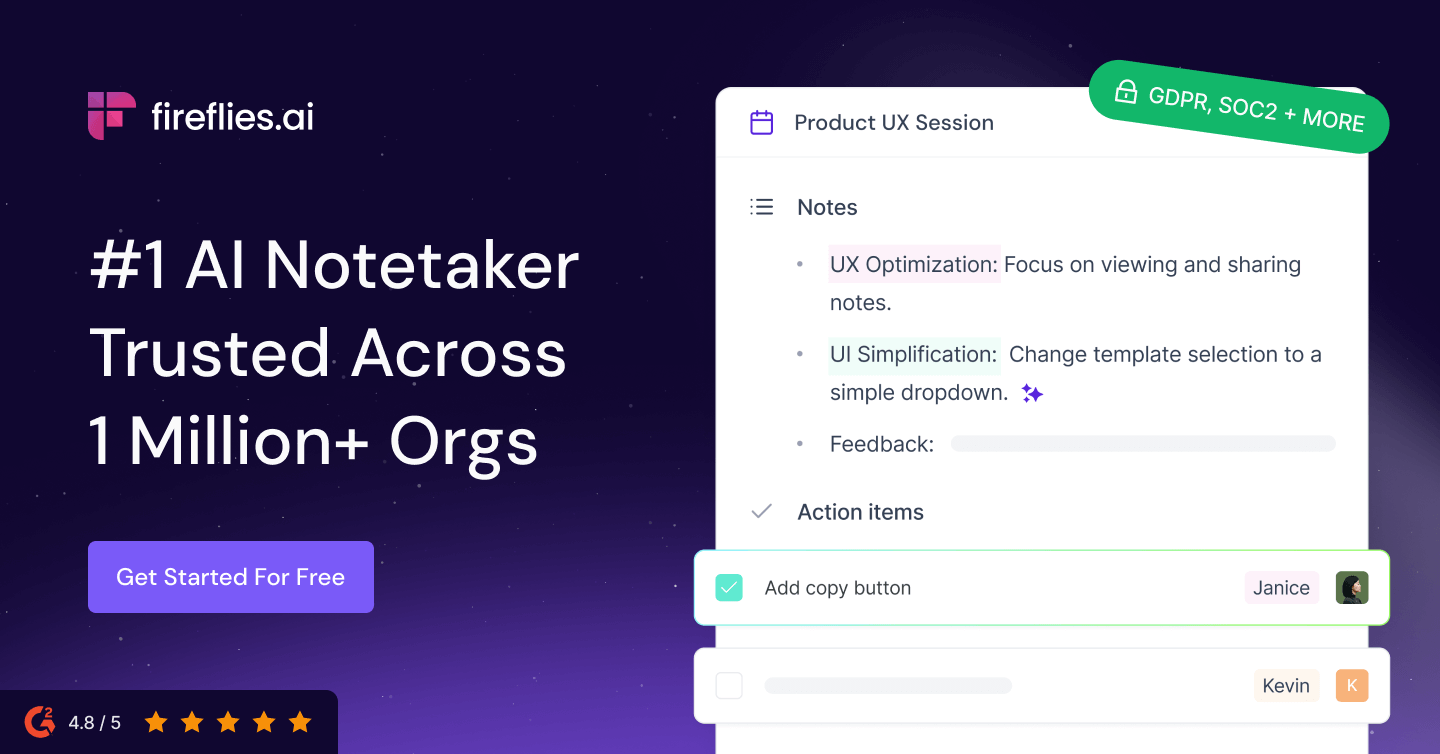
Fireflies.ai leans into automation and CRM integration more than any other tool on this list. Its free plan gives you structured meeting summaries (overview, notes, and action items) plus transcription, but usage is metered: a limited monthly allowance of AI credits and a capped amount of per-seat storage govern how much you can transcribe, summarize, and use AI features like AskFred and AI Skills, so summaries are not simply unlimited the way the plan is sometimes marketed. That’s fine for occasional use, but a small team on daily client calls will burn through the free allowance quickly. Paid plans raise both the credit and storage allowances and deepen CRM sync, scaling up to an Enterprise tier for larger teams. If you already log client calls in a CRM, this integration depth is the main reason to pick Fireflies over Otter.
Fathom stands out for having the most generous free plan of the three: unlimited recording and transcription at no cost, with richer AI-generated summaries limited to a handful of calls per month on the free tier (after that, you still get a basic summary, just not the more detailed version). Paid plans unlock unlimited advanced AI summaries, Zapier integrations, and team-wide libraries. Fathom also publishes HIPAA, SOC 2 Type II, and GDPR compliance information, which is worth checking if your client calls touch regulated data like healthcare or financial details.
How to Choose the Right Tool for Client Calls
Start with where your calls actually happen. If you’re mostly on Zoom or Google Meet video calls, a bot-based tool like Fathom or Otter that joins the meeting automatically is simplest. If a meaningful share of your client calls are phone calls or in-person, look for a tool with a mobile app and live in-person recording, which Otter and Fireflies both support.
Check what happens to the data. Client calls often include sensitive information — pricing discussions, personal details, contract terms — so look at each vendor’s data retention policy, whether transcripts are used to train AI models (and whether you can opt out), and whether the tool offers SOC 2 or similar compliance documentation before you commit.
Match the plan to your call volume, not your team size. A solo consultant doing 10 client calls a month may never need a paid plan at all. A two-person team doing daily client calls will hit free-tier minute, storage, or AI-credit caps fast, and Business-tier seat minimums on tools like Otter can make a plan more expensive than it first looks for a small team — check current minimums before you commit.
Tips / Common Mistakes
Get consent before you record. Many states and countries require some form of consent to record a call — sometimes just one party (you), sometimes all parties. Say at the start of the call that it’s being recorded and transcribed, or add a line to your calendar invite; most tools also have the bot announce itself when it joins.
Don’t skip the summary review. AI summaries and action items are a starting point, not a finished deliverable — always skim the transcript for anything the summary might have flattened or misread, especially names, numbers, and commitments you made to the client.
Watch for minute caps, storage caps, and credit limits, not just monthly totals. A free plan advertised as having unlimited transcription or summaries may still cap storage or meter AI features behind a limited monthly credit allowance, which is a common surprise on entry-level tiers — read the fine print, not just the headline claim.
Turn off recording for anything off the record. If a client asks to speak candidly or the conversation shifts to something sensitive, pause or stop the bot — most tools let you do this mid-call without ending the meeting.
Explore more: more small business tech guides.
AI meeting transcription tools FAQs
Is it legal to record and transcribe client calls?
It depends on where you and your client are located. Some places only require one party’s consent (yours), while others require everyone on the call to agree. When in doubt, tell the client at the start of the call that it’s being recorded and transcribed.
What’s the best free AI meeting transcription tool?
Fathom currently offers the most generous free plan, with unlimited recording and transcription, though its richer AI summaries are capped to a handful of calls per month on the free tier. Otter.ai’s free plan is also solid for lighter call volume, with a monthly transcription minute allowance in the low hundreds.
Do these tools work with phone calls, not just video meetings?
Otter.ai and Fireflies.ai both support mobile apps that can transcribe in-person conversations and some phone call setups. Fathom is built primarily around joining video meetings (Zoom, Google Meet, Microsoft Teams) as a bot.
Can AI transcripts sync with a CRM?
Yes — Fireflies.ai is built specifically around pushing call notes and summaries into CRMs like HubSpot and Salesforce. Otter.ai and Fathom also offer integrations, though CRM sync is deeper on Fireflies’ paid plans.
Is Fireflies.ai’s free plan really unlimited?
Not entirely. Fireflies markets generous free-tier transcription and summaries, but in practice usage is governed by a limited monthly allowance of AI credits plus a per-seat storage cap, so heavy users will hit limits well before a truly unlimited plan would.
Make Your Digital Life Better
More practical tech how-tos, tool picks, and guides to upgrade your everyday digital life. More on GTWebs.
Images: Otter.