

Packing one e-reader instead of a stack of paperbacks is one of the easiest upgrades you can make to a carry-on, but Kindle and Kobo take different approaches to getting books onto the device — and that difference matters more on a three-week trip than it does at home.
Table of Contents
This guide breaks down how the current Kindle and Kobo lineups actually compare for travel: battery life between charges, waterproofing for pool and beach days, storage for long hauls, and which ecosystem makes it easier to keep reading when you’re off your home Wi-Fi.

Quick Answer
For most travelers, the Kindle Paperwhite or the Kobo Libra Colour are the sweet-spot picks — both are IPX8 waterproof, hold thousands of books, and run for weeks on a charge (the Kobo carries a modest price premium over the Kindle). Choose Kindle if you’re already invested in Amazon’s ecosystem or use Kindle Unlimited/Audible; choose Kobo if you borrow library ebooks often, want physical page-turn buttons, or prefer a device that reads EPUB files natively without conversion.
What Actually Matters for Long Trips
Battery life is the biggest quality-of-life factor when you can’t count on a charger every night. The Kindle Paperwhite is rated for a couple of months on a single charge with typical use, and Kobo’s Clara and Libra Colour models are similarly rated for weeks of reading between charges. In practice, both brands’ current mid-range readers will comfortably outlast a two-week trip if you turn off Wi-Fi and Bluetooth when you’re not syncing.
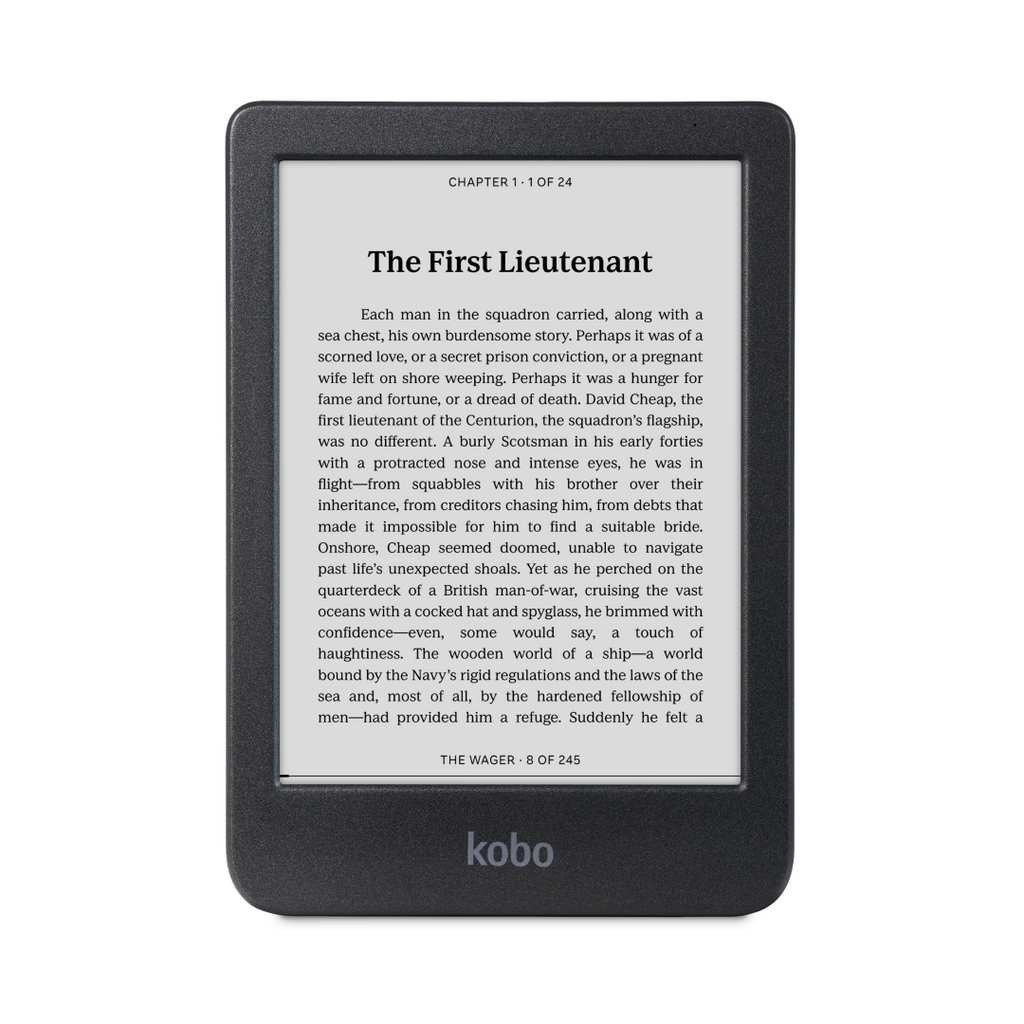
Waterproofing matters more while traveling than at home — pool decks, rain, and spilled drinks on planes. The Kindle Paperwhite, Kindle Colorsoft, Kobo Clara BW, Kobo Clara Colour, and Kobo Libra Colour are all IPX8-rated, meaning they can survive brief accidental submersion in fresh water. The entry-level basic Kindle is not waterproof, so skip it if beach or poolside reading is part of the plan.
On storage, the base tier on the Kindle Paperwhite, Kobo Clara BW, and Kobo Clara Colour is enough to carry thousands of ebooks, so it’s plenty for even a long trip unless you’re also loading graphic novels or audiobooks. The Kindle Paperwhite Signature Edition and Kobo Libra Colour step up to a larger storage tier and add extras like wireless charging (Kindle) or physical page-turn buttons (Kobo).
Kindle vs Kobo: The Real Differences for Travelers
Library books are still the clearest split between the two brands, but the difference is about convenience, not access. Kobo has OverDrive/Libby support built into the device itself — sign in with your library card under Settings, then browse, borrow, and download library ebooks right on the e-reader over Wi-Fi. Kindle can also receive library loans through Libby (U.S. libraries only): you pick a book in the Libby app, choose ‘Read With Kindle,’ sign in to Amazon, and the loan gets delivered to your Kindle from Amazon’s site rather than downloaded on-device. It works well, but it’s an extra hop through the Libby app or a browser each time, which is more annoying without reliable internet than Kobo’s on-device borrowing.
File formats work in Kobo’s favor too: Kobo readers support EPUB natively, the format most libraries, indie bookstores, and non-Amazon retailers use, along with PDF, and other common formats. Kindle uses Amazon’s own formats (AZW3/KFX) and requires converting or emailing files through Amazon’s ‘Send to Kindle’ tool to get outside content onto the device — an extra step that’s more annoying without reliable internet.
On the flip side, Kindle wins on raw content breadth and convenience if you’re already buying from Amazon: the Kindle store has the largest ebook catalog, Kindle Unlimited gives you a subscription library to browse offline once downloaded, and Whispersync keeps your place synced with the Audible audiobook if you own both. The Kobo store is smaller but includes Kobo Plus, a comparable reading/listening subscription, plus easy access to library and non-Amazon EPUB purchases.
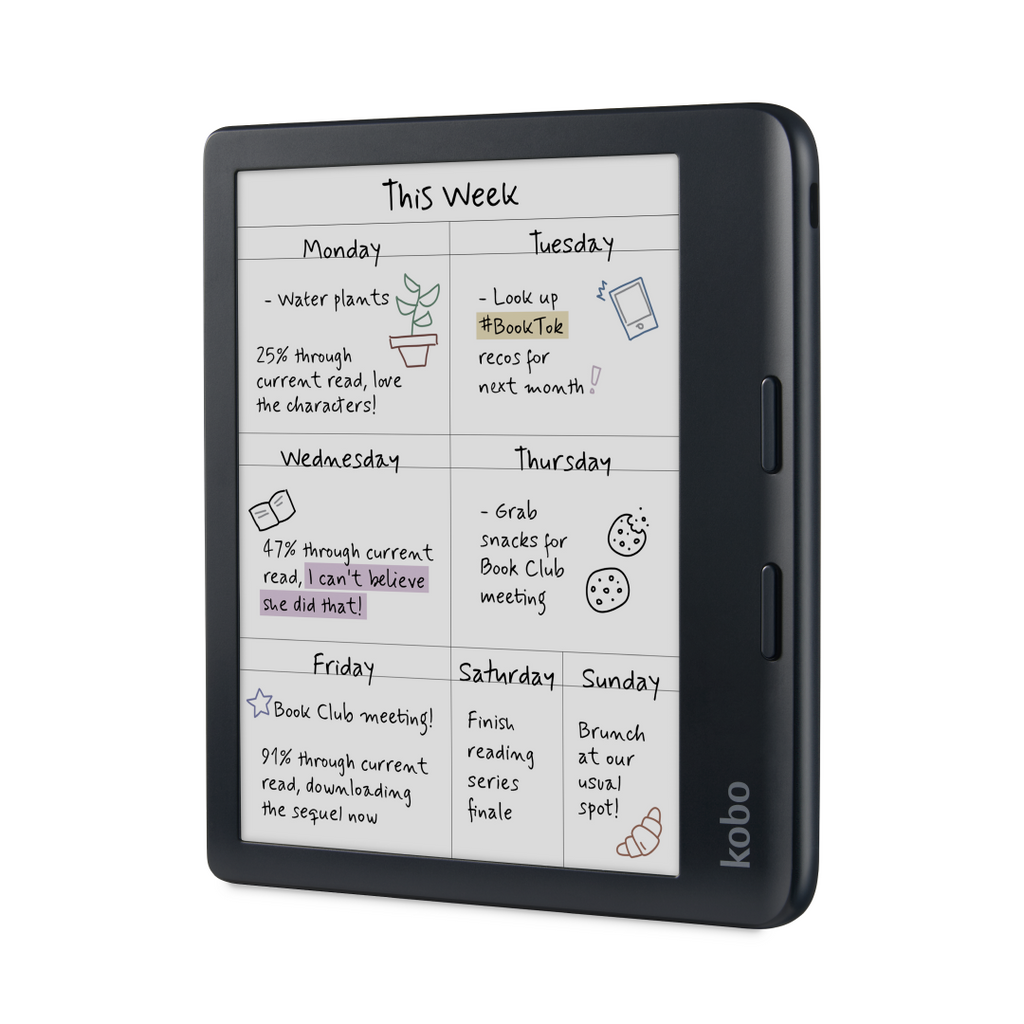
One physical detail worth noting for travel specifically: the Kobo Libra Colour has physical page-turn buttons, which are genuinely easier to use one-handed on a plane, in a hammock, or holding a coffee. The Kindle Paperwhite and Colorsoft are touch-only (Amazon retired the button-equipped Oasis with no direct replacement).
Tips / Common Mistakes
Download everything before you leave. Don’t count on hotel or airport Wi-Fi to sync new books, especially with Kindle’s extra Send-to-Kindle step for outside files — load your whole trip’s reading list at home.
Turn off Wi-Fi and Bluetooth in flight mode when you’re not actively syncing; it’s the single biggest lever for stretching battery life on a multi-week trip.
Check store and library-lending availability by country before you fly. Kindle’s Libby-to-Kindle delivery is U.S.-libraries-only, and both storefronts can vary by region, so confirm your account works the way you expect if you’re traveling internationally for an extended stay.
Skip the non-waterproof entry-level Kindle if beach, pool, or rainy-climate travel is on the itinerary — the IPX8 models across both brands are worth the extra cost for peace of mind alone.
Bring a basic sleeve or case even though these devices are waterproof — the glass touchscreen can still crack if it’s tossed loose into a bag with hard objects.
Explore more: more travel gear guides.
Kindle vs Kobo for travelers FAQs
Is Kindle or Kobo better for international travel?
Both work well internationally, but Kobo’s on-device library-borrowing and native EPUB support make it more flexible if you rely on library apps or buy ebooks outside Amazon. Kindle’s Libby integration only works with U.S. libraries, so Kobo has an edge for travelers borrowing from libraries abroad.
Do e-readers need Wi-Fi to work while traveling?
No — once books are downloaded, both Kindle and Kobo devices read fully offline. You only need Wi-Fi to buy, borrow, or sync new titles, so download your reading list before you leave home.
How long will an e-reader battery last on a two-week trip?
Current Kindle Paperwhite and Kobo Clara/Libra Colour models are rated for multiple weeks of typical reading on one charge, so a single charge before departure will comfortably cover a two-week trip if you keep wireless radios off between syncs.
Can you still send library books from Libby to a Kindle?
Yes. U.S. Libby users can send most eligible library ebook loans to a Kindle by choosing ‘Read With Kindle’ in Libby and signing in to Amazon; the loan is delivered to the device from Amazon rather than downloaded directly on the e-reader. Kobo, by contrast, lets you browse and borrow library books right on the device.
Make Your Digital Life Better
More practical tech how-tos, tool picks, and guides to upgrade your everyday digital life. More on GTWebs.
Want web tips in your inbox? Subscribe to the free newsletter.
Images: Rakuten Kobo (US) eReader Store.