

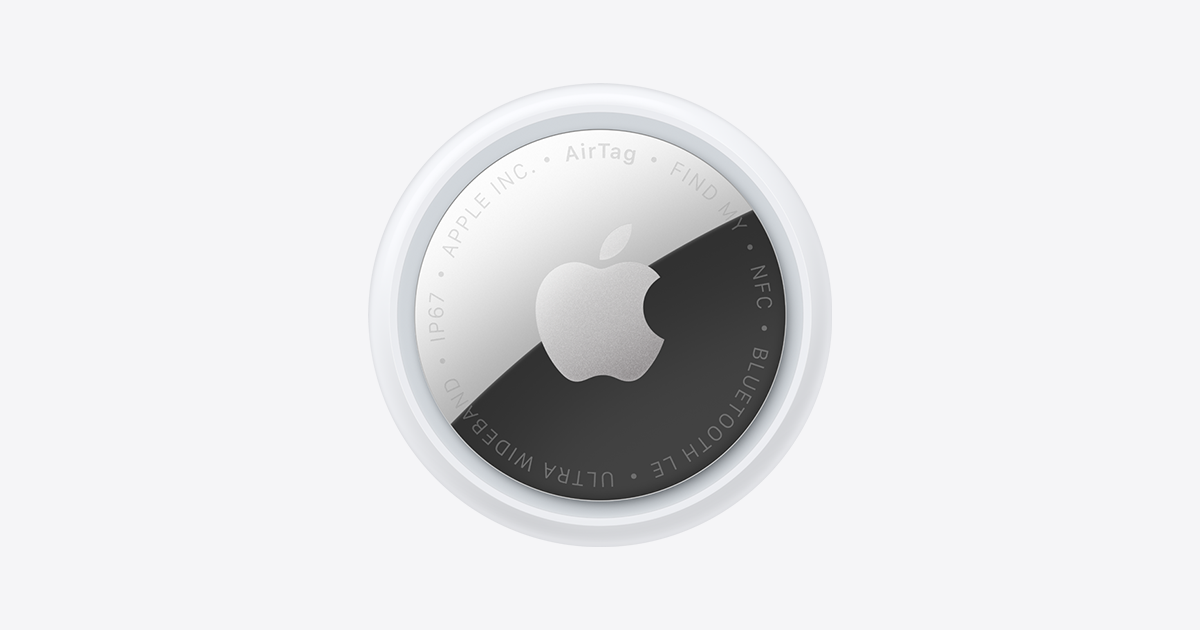
You drop your suitcase at the counter, watch it vanish down the conveyor belt, and then just… hope. An AirTag tucked inside promises a way to actually see where your bag is instead of hoping the airline’s tracking sticker didn’t fall off. But a lot of people assume it works like a live GPS dot the whole flight, and that’s not quite right.
Table of Contents
Here’s what an AirTag can and can’t do once your bag disappears into the cargo hold, whether airlines and regulators actually allow it, and how to set it up so it’s useful instead of just a false sense of security.
Quick Answer
Yes, an AirTag works in checked luggage, and it’s legal on every major airline — the FAA has confirmed its coin-cell battery falls well under the lithium limit for checked bags. But it isn’t a continuous live tracker in the air. It relies on nearby Apple devices to report its location, so you’ll typically see updates when the bag is near baggage handlers’ phones, in a terminal, or once it’s off the plane — not a constant signal from 30,000 feet.
Is It Actually Legal and Allowed?
The FAA has stated that luggage trackers powered by lithium metal cells with 0.3 grams of lithium or less are fine in checked baggage, and an AirTag’s CR2032 battery contains only about 0.1 grams — well inside that limit. TSA follows the same standard, so you don’t need to declare it or pack it any special way.
The one hiccup worth knowing about: Lufthansa briefly suggested in 2022 that AirTags might violate dangerous-goods rules, citing ICAO guidance. That caused a wave of confusing headlines, but Lufthansa reversed itself within days and confirmed low-power tracking devices like AirTags are permitted. No other major carrier followed suit with a ban. If you’re flying a smaller or less familiar international airline, it doesn’t hurt to double-check their site, but for every major U.S. and European carrier, an AirTag in a checked bag is a non-issue.
How It Actually Works Once Your Bag Is Out of Sight
An AirTag has no GPS chip. It only broadcasts a Bluetooth signal, and any nearby iPhone, iPad, or Mac anonymously relays that signal’s location to Apple’s Find My network — that’s what shows you the dot on the map. This matters a lot for luggage: inside a packed metal cargo hold or a shielded baggage-sorting area, there often aren’t Apple devices close enough to pick up the signal, so the location can go stale for a while during the flight.
In practice, most people see the AirTag’s location update as the bag moves through the airport (surrounded by travelers’ phones), go quiet during the actual flight, then update again once it’s unloaded and near people again — often within 15 to 30 minutes of landing. That’s normal, not a malfunction. If you want the bag to be independently traceable with an airline, use Find My’s Share Item Location feature: open the item in Find My, tap Share Item Location, and you get a link you can hand to a gate agent or baggage-claims desk, which a growing number of major airlines now accept directly to help locate a bag faster than their own tracking stickers can.
Tips and Common Mistakes
Don’t expect a live blue dot moving across a flight map — that’s what dedicated satellite trackers do, not Bluetooth-based AirTags. Set your expectations around ‘last known location,’ not real-time GPS.
Put it somewhere it won’t get crushed loose in a side pocket or attach it to the zipper pull with a holder — a battery CR2032 lasts roughly a year, but a cracked AirTag from being sat on by a baggage cart won’t last that long. It’s IP67-rated, so brief rain or a splash on the tarmac isn’t a concern.
Set up Share Item Location before you travel, not after your bag is already missing — you can generate the link anytime from the Find My app so it’s ready if you need it.
If you’re flying on a tracker brand other than AirTag, check its lithium content specifically. The FAA’s 0.3-gram threshold applies to all trackers, but not every competing tag publishes a compliant battery, and gate agents have been known to ask.
Explore more: More travel tech guides.
AirTag in checked luggage FAQs
Does an AirTag work in checked luggage during a flight?
It can report a location, but only when an Apple device is close enough to relay its Bluetooth signal — so updates are more frequent on the ground than mid-flight, when the bag is sealed in a cargo hold away from passengers’ phones.
Is it legal to put an AirTag in checked luggage?
Yes. The FAA has confirmed AirTags fall well under the lithium content limit for checked bags, and TSA follows the same rule. No special declaration or packing is required.
Why does my AirTag show an old location after my flight lands?
This is normal. The AirTag needs a nearby Apple device to relay its position, so there’s often a lag of 15–30 minutes after landing before the location updates, especially if the bag is still inside a metal baggage area.
Can I share my AirTag’s location with the airline if my bag is lost?
Yes — use the Share Item Location feature in the Find My app to generate a link you can give to airline staff. A number of major airlines now accept these links directly to help locate delayed or misrouted bags.
Make Your Digital Life Better
More practical tech how-tos, tool picks, and guides to upgrade your everyday digital life. More on GTWebs.
Want web tips in your inbox? Subscribe to the free newsletter.
Images: Apple.