

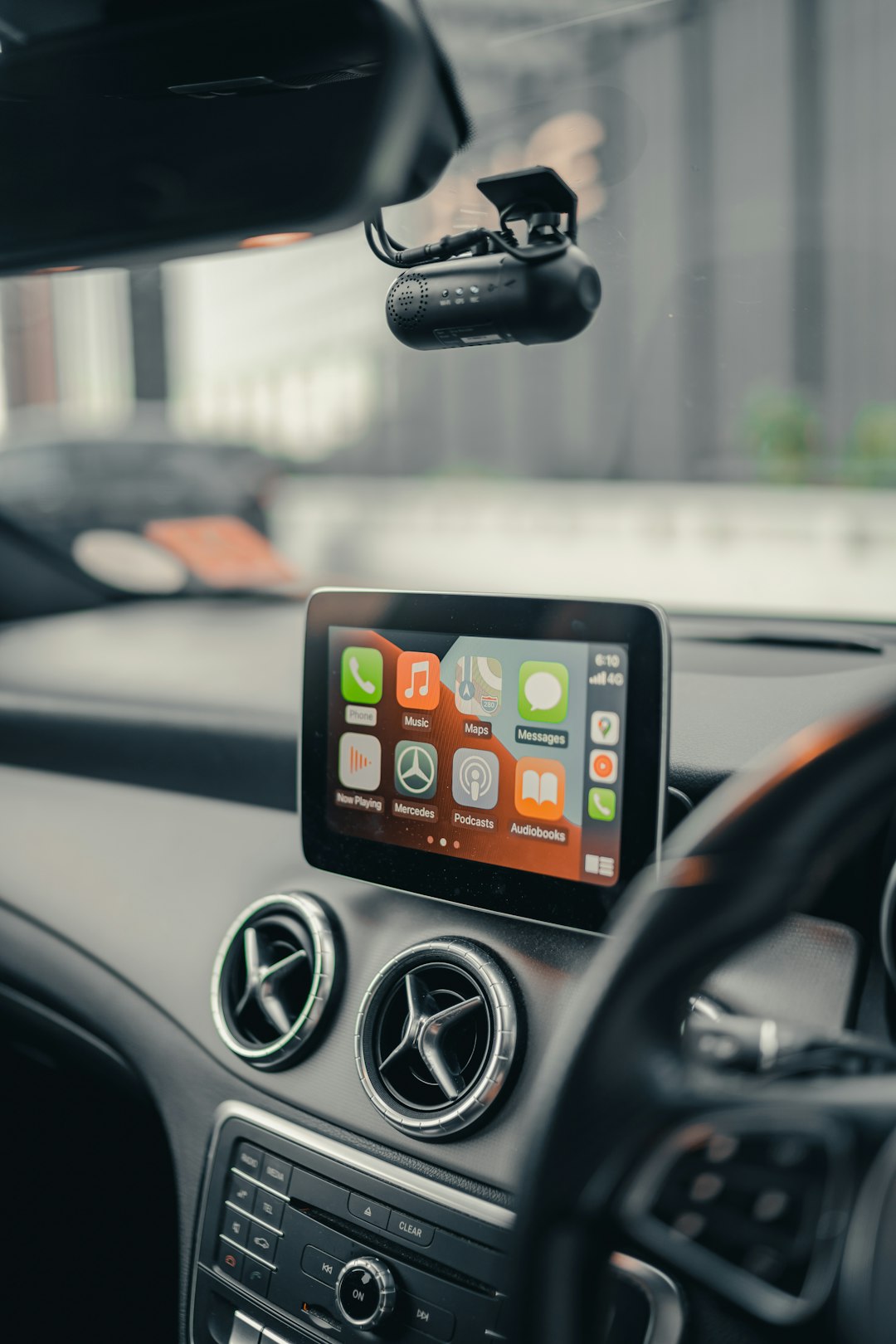
If your music or calls keep stuttering, skipping, or dropping out the moment you connect your phone to your car stereo, you’re dealing with one of the most common wireless annoyances on the road. The good news is that a choppy Bluetooth connection almost always comes down to a short list of fixable causes: a weak or overloaded radio link, interference from other wireless gear, a codec mismatch between your phone and head unit, or a corrupted pairing profile.
Table of Contents
This guide walks through the fixes in order, starting with the fastest ones. Most people solve the problem in the first two steps; if yours is more stubborn, the later sections cover codec settings and hardware-level causes.
Quick Answer
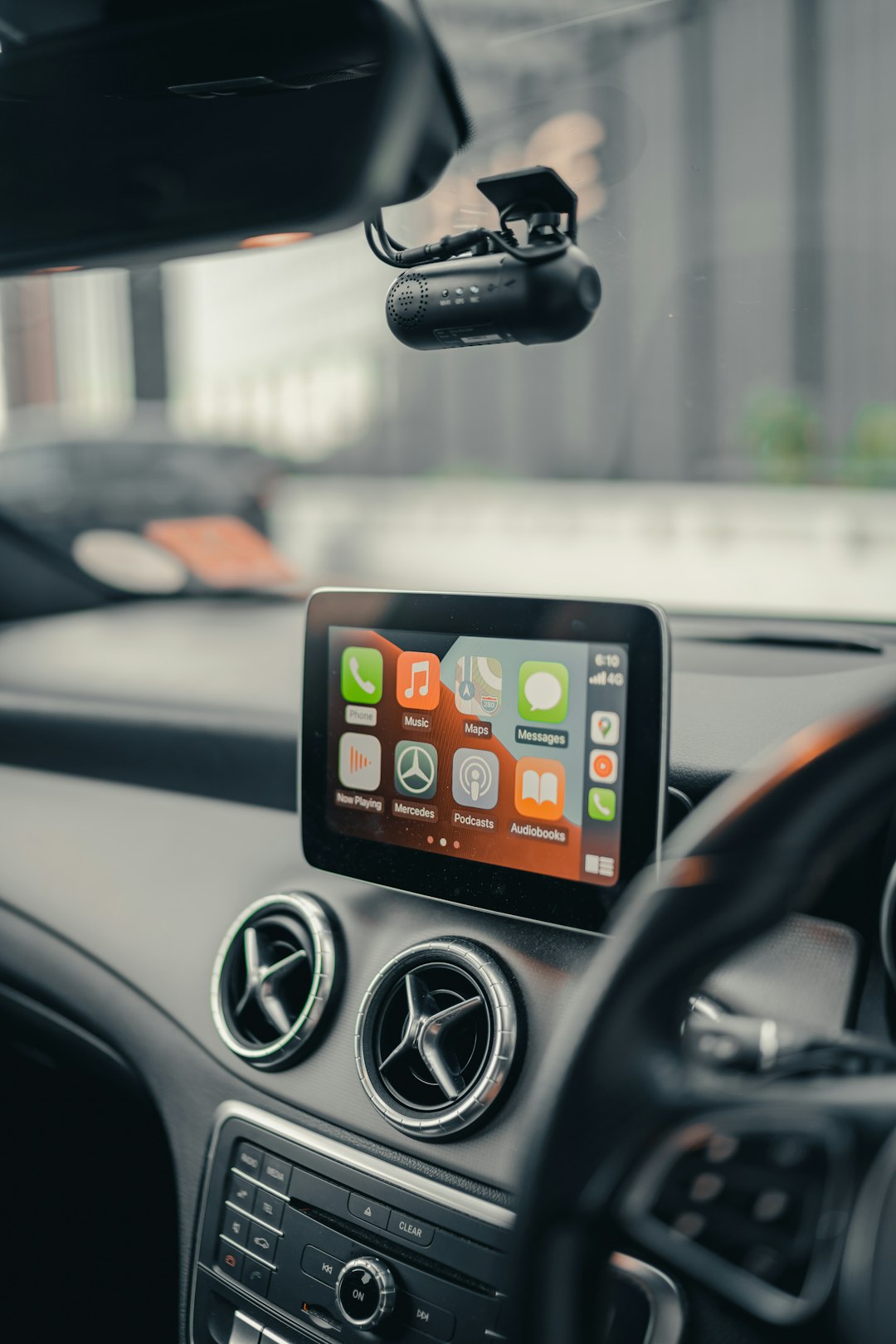
Start by forgetting and re-pairing your phone with the car’s Bluetooth system, then disconnect other Bluetooth devices (like a smartwatch or earbuds) that might be competing for the connection. If the choppiness continues, move your phone out of your pocket or a metal cupholder, turn off battery-saver mode, and, on Android, try forcing the SBC codec in Developer Options — codec mismatches with older head units are a frequent cause of stutter.
Start With These Quick Fixes
Forget the pairing and start fresh. On your phone, go to Bluetooth settings, select your car, and choose Forget/Unpair. Do the same from the car’s infotainment menu if it has a paired-devices list, then re-pair from scratch. This clears out a corrupted connection profile, which is one of the most common causes of intermittent stutter after a phone software update.
Disconnect competing Bluetooth devices. Phones can usually only stream high-quality audio to one device at a time. If your smartwatch, wireless earbuds, or a Bluetooth speaker is also connected, the phone may be splitting its attention between them, causing dropouts in the car. Turn off Bluetooth on other paired gadgets before you drive, or forget devices you don’t use often.
Keep your phone out of your pocket or a metal cupholder. Bluetooth is a low-power radio signal, and your body or a metal enclosure can block or weaken it enough to cause dropouts, especially over the few feet between a pocket and the dashboard. Place the phone in open air, ideally in a phone mount, for the most reliable signal.
Turn off aggressive battery-saving modes. Some Android phones throttle background radio activity in battery-saver mode, which can make Bluetooth streaming choppier, particularly on longer drives when the screen is off. Turn the mode off, or add your car’s Bluetooth profile to any ‘exempt from battery optimization’ list your phone offers.
Update your phone’s OS and your car’s infotainment firmware. Bluetooth stack bugs are common, and manufacturers patch them regularly. Check for pending phone software updates, and check your car manufacturer’s site or owner’s app for an infotainment firmware update — many can be applied via USB or over Wi-Fi.
Dig Deeper: Codecs and Interference
Check for a codec mismatch. Bluetooth audio quality and stability depend on which audio codec your phone and car agree to use. SBC is the baseline codec every Bluetooth audio device supports; AAC and aptX offer better quality but need more processing power and a cleaner connection, and some older car stereos handle them poorly, causing exactly the kind of stutter and dropout you’re hearing. On Android, you can often force a specific codec: enable Developer Options (Settings > About Phone > tap Build Number seven times), connect to your car, then go to Settings > Developer Options > Bluetooth Audio Codec and try switching to SBC. If it stabilizes, your car’s Bluetooth chip likely struggles with the higher-bitrate codec. iPhones don’t expose a codec switch — iOS negotiates AAC or SBC automatically.
Reduce wireless interference. Bluetooth shares the 2.4GHz radio band with Wi-Fi, and a car cabin can have several 2.4GHz devices active at once: a mobile hotspot, a dash cam, or a nearby Wi-Fi router if you’re parked near a building. Try turning off your phone’s Wi-Fi or hotspot while driving to see if that resolves the stutter. Note that a Qi wireless phone charger isn’t a likely culprit here — it operates at a much lower frequency (roughly in the low hundreds of kilohertz) than Bluetooth’s 2.4GHz band, so it’s an unlikely source of this kind of interference.
Rule out a hardware or cable-adapter issue. If you’re using a Bluetooth-to-aux adapter or FM transmitter rather than a built-in car Bluetooth system, the adapter itself can be the weak link — try a different USB port or a fresh set of batteries if it’s battery-powered. If audio is fine over a wired USB or aux connection but chops only over Bluetooth, that narrows the problem to the wireless link rather than your phone’s audio output in general.
Tips and Common Mistakes
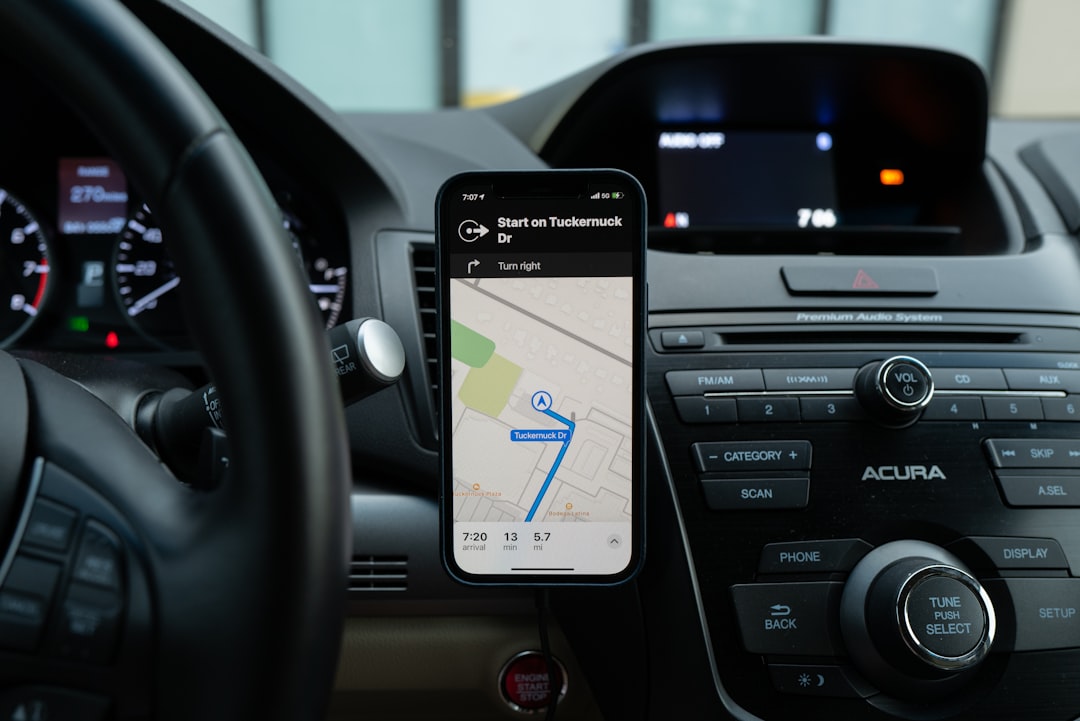
Test one change at a time. It’s tempting to re-pair, toggle Wi-Fi, and switch codecs all in one go, but that makes it hard to know what actually fixed it — and equally hard to fix it again if the issue returns after a future update. Change one setting, drive around for a few minutes, then move to the next fix if needed.
Don’t assume it’s your car if a rental or loaner has the same issue. If choppy audio follows your phone across multiple vehicles, the problem is almost certainly on the phone side — a background app, a stuck Bluetooth cache, or a codec setting — not the car.
Keep the car’s infotainment software up to date. Many manufacturers quietly patch Bluetooth stability bugs in firmware updates that most owners never install. It’s worth checking once or twice a year even if nothing seems broken.
Explore more: more technology how-to guides.
Choppy Bluetooth car connection FAQs
Why does my Bluetooth audio only stutter in my car and nowhere else?
Cars have more radio interference than most rooms (other Bluetooth accessories, mobile hotspots, dash cams) and a wider variety of Bluetooth chipsets in the infotainment system, so a codec mismatch or interference issue that’s mild elsewhere often shows up clearly in the car.
Does switching from AAC to SBC hurt sound quality?
Slightly — SBC is the most basic Bluetooth audio codec — but the difference is minor for spoken word, podcasts, and most music played through car speakers, and a stable SBC connection sounds better in practice than a stuttering AAC one.
Will a factory reset fix a choppy Bluetooth connection?
Usually not necessary. Forgetting and re-pairing the specific Bluetooth connection resolves the same corrupted-profile issues a factory reset would fix, without the hassle of setting up your whole phone again.
Make Your Digital Life Better
More practical tech how-tos, tool picks, and guides to upgrade your everyday digital life. More on GTWebs.
Want web tips in your inbox? Subscribe to the free newsletter.
Photo by Albert Vincent Wu on Unsplash.