featured article
How to Make a GIF in Canva From Photos or Video
Latest articles


Static text works fine for a flyer, but if you’re building a social video, ... Read more

A duotone effect replaces all the tones in a photo with just two colors, ... Read more

A polished server icon and banner are the first thing new members notice before ... Read more
Curved text turns a flat headline into something that looks like a badge, stamp, ... Read more

Your podcast cover art is the first thing a potential listener sees, often at ... Read more
Open Canva, search a category, pick a pretty template, drop in your logo — ... Read more

You don’t need a design degree to make graphics that look like a professional ... Read more
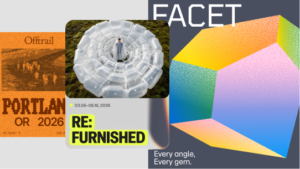
Canva is a solid default for quick social graphics, but its free tier locks ... Read more

A flat block of text can make even a well-designed Canva project feel unfinished. ... Read more

If you run a small business without a designer on staff, you’re probably the ... Read more
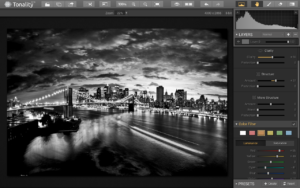
Photoshop is powerful, but it’s overkill if you just need to remove a background, ... Read more
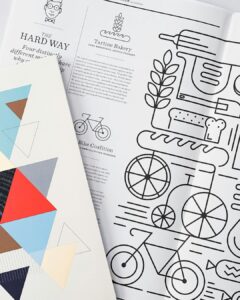
Pinterest works less like a social feed and more like a visual search engine, ... Read more
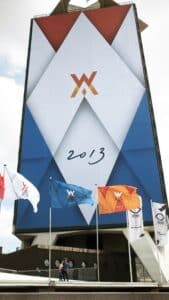
If your social media posts look different from your flyers, and your email header ... Read more

Canva has become the go-to design tool for millions of creators, business owners, and ... Read more
You do not need to hire a designer or spend hours learning complex software ... Read more
A blank slide deck is one of the fastest ways to kill momentum on ... Read more