

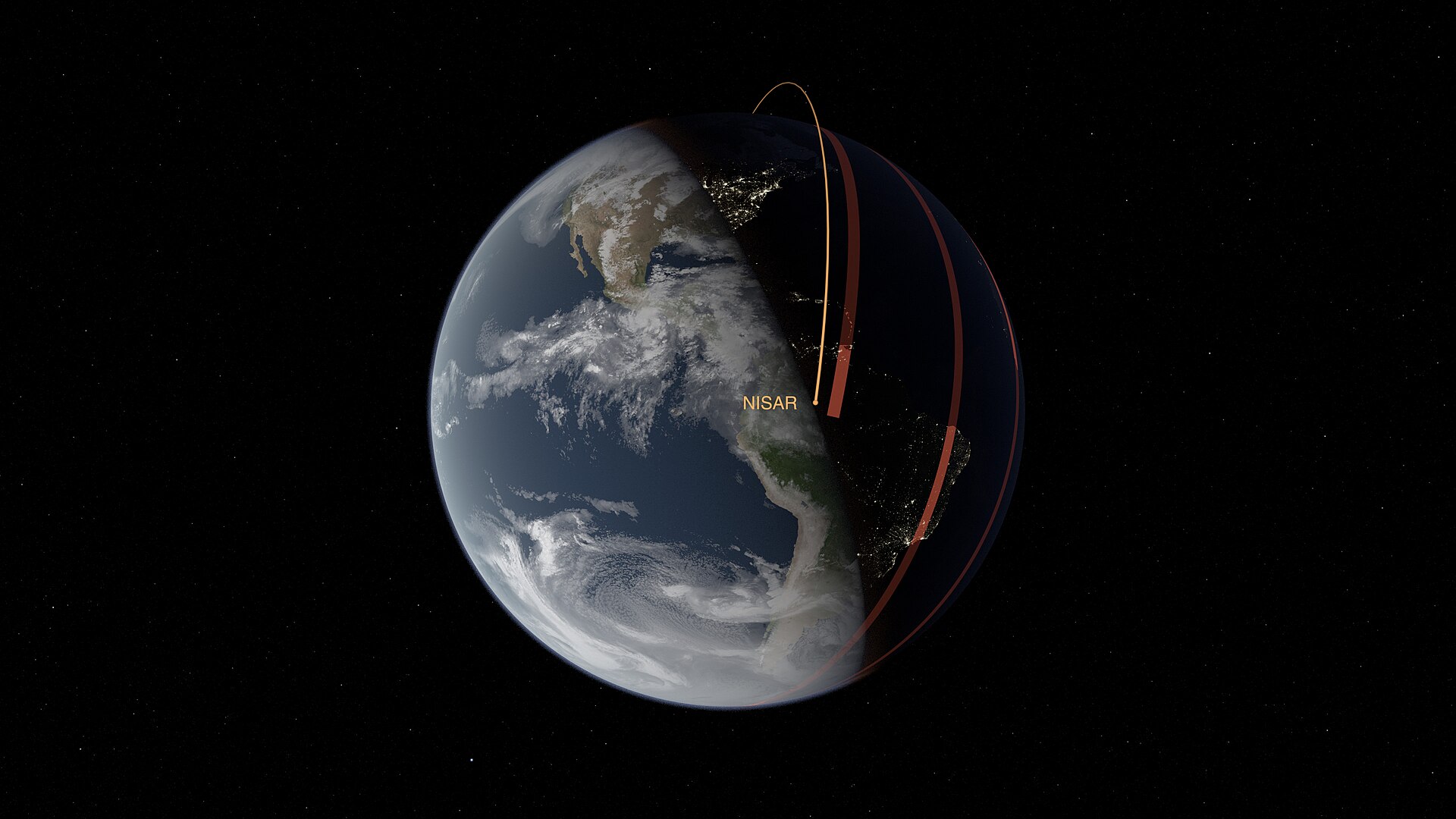
Every night, thousands of active satellites and tens of thousands of tracked debris fragments pass overhead, and a handful of free tools make it easy to see exactly where they are. Whether you want a phone alert before the ISS glides over your backyard or a full map of the junk cluttering low Earth orbit, there’s an app built for it.
Table of Contents
This guide covers the apps and websites worth installing, what each one is actually good for, and the setup details people usually get wrong the first time.
Quick Answer
For spotting the ISS and bright satellites with your eyes, use ISS Detector or Satellite Tracker by Star Walk on your phone. For tracking space junk and the full catalog of orbiting objects, use the web-based tools N2YO.com or KeepTrack.space, both of which plot live positions of thousands of tracked satellites and debris fragments on an interactive globe.
Best Mobile Apps for Spotting Satellites
ISS Detector (iOS and Android) is the most popular pick for casual sky-watchers. It sends push notifications a few minutes before a visible pass, checks your local cloud cover so you know if a pass is even worth watching, and includes a radar view with a compass and tilt indicator that points you toward the satellite in real time. The free version covers the ISS and a handful of other bright objects; a paid upgrade unlocks Starlink trains, Hubble, rocket bodies, and dozens of ham radio and weather satellites with Doppler shift data.
Satellite Tracker by Star Walk (iOS, Android, and Huawei devices) leans more visual, with an AR sky view, 3D satellite models, and a ‘fly with satellite’ camera mode that follows an object’s orbit over Earth. It ships with a large catalog of tracked objects, though only the ISS is tracked by default — everything else, including Starlink, requires a subscription. It’s free to download but runs ads unless you subscribe.
Heavens-Above (Android, plus a mobile-friendly website at heavens-above.com that works on any device) is the choice for accuracy over polish. It calculates every pass prediction locally on your phone, so it only needs a data connection every few days, and covers amateur radio satellites with uplink/downlink details alongside standard ISS and satellite passes. There’s a night mode for preserving your eyes during an observing session.
Best Tools for Tracking Space Junk and Full Catalogs
If you want to see the debris field, not just the well-known satellites, mobile apps aren’t built for that — you need a web tool that renders the full tracked-object catalog. N2YO.com is free and tracks thousands of objects, including the ISS, GPS constellations, weather satellites, and debris, with both 2D and 3D live views. You can search by name, international designation, or NORAD ID, set up pass notifications, and pull data through its public API if you want to build something with it.
KeepTrack.space is a free, open-source, browser-based visualization tool built for tracking satellites and simulating debris fields, including breakup events, without needing to install anything. It loads real Two-Line Element data, runs on desktop and mobile browsers, and works well past a basic satellite catalog, making it one of the more capable free options for actually seeing how crowded low Earth orbit is, rather than just the curated, visible objects most consumer apps show.
Tips and Common Mistakes
Grant location access. Every one of these tools calculates passes based on your exact coordinates — a wrong or approximate location is the number one reason people get pass times that don’t match what they see outside.
Check the pass magnitude, not just the time. Apps list a brightness magnitude for each pass; lower numbers are brighter. A pass low on the horizon or with a faint magnitude may not be visible even on a clear night.
Don’t confuse ‘satellite’ apps with ‘debris’ tools. Consumer apps like ISS Detector and Star Walk are curated to show notable, visible objects — they intentionally hide most debris. If you want the full catalog including dead hardware and fragments, use N2YO or KeepTrack.space instead.
Turn off notifications for objects you don’t care about. Once you unlock the expanded satellite catalogs in ISS Detector or Star Walk, alert volume can get overwhelming fast — trim the tracked list down to what you actually want to see.
Explore more: More space guides and news.
Satellite and space junk tracking apps FAQs
What’s the best free app for tracking the ISS in real time?
ISS Detector and Heavens-Above are both free and give accurate ISS pass predictions with local notifications; ISS Detector also has a compass-based radar view to help you locate it in the sky.
Can these apps track space junk, not just active satellites?
Most consumer mobile apps focus on visible, notable satellites and filter out debris. For actual space junk tracking, use web tools like N2YO.com or KeepTrack.space, which plot a much larger catalog of tracked objects, including derelict hardware, rocket bodies, and simulated debris fields.
Do I need a subscription to track Starlink satellites?
In most consumer apps, yes. ISS Detector and Satellite Tracker by Star Walk both track the ISS for free by default but require a paid upgrade or subscription to unlock Starlink and other satellite groups. Free web tools like N2YO and KeepTrack.space don’t have that restriction.
Make Your Digital Life Better
More practical tech how-tos, tool picks, and guides to upgrade your everyday digital life. More on GTWebs.
Photo: NASA’s Scientific Visualization Studio – Science and Technology Corporation/Kel Elkins / Public domain, via Wikimedia Commons.