

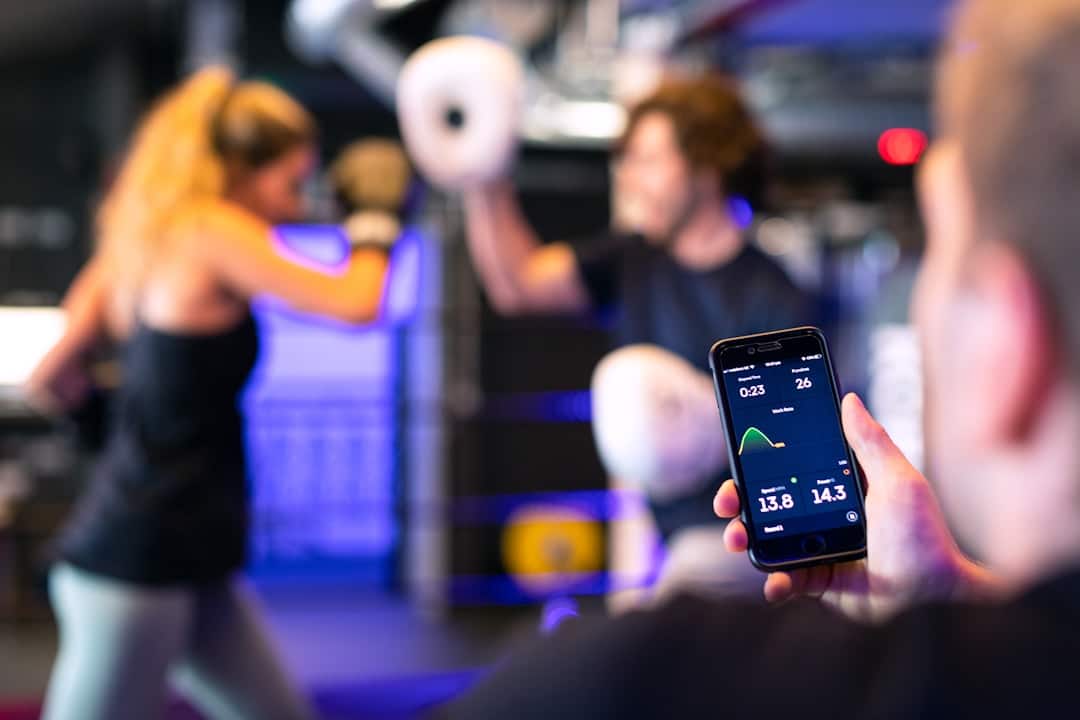
Your phone’s app store is packed with fitness tools, but not all of them do the same thing. A fitness tracker and a workout app might look similar on the surface — both involve your phone, both touch on exercise — but they solve very different problems. Picking the wrong one for your goals is like buying a speedometer when you actually need GPS directions.
Table of Contents
This guide breaks down exactly what each type of tool does, where they overlap, who should use which, and how to combine them effectively. Whether you’re just starting out or trying to sharpen your setup, you’ll finish with a clear, actionable answer.
Quick Answer
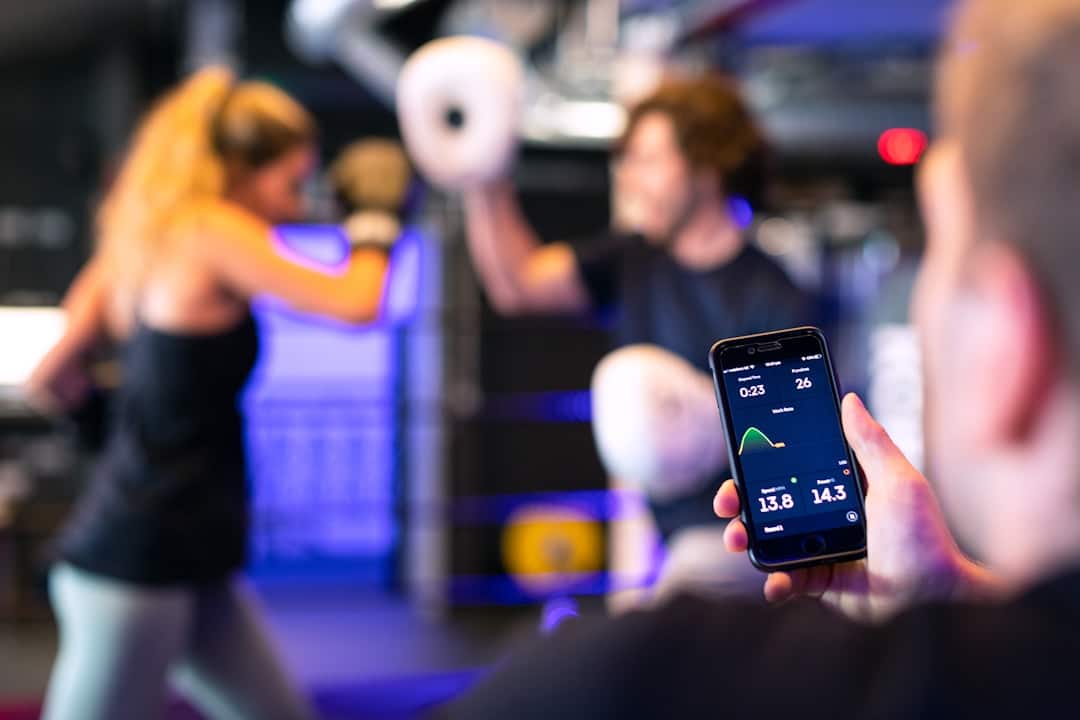
A fitness tracker (or its companion app) passively monitors your body — steps, heart rate, sleep, recovery, and calories burned throughout the day. A workout app actively guides you through exercise — it tells you what to do, when to do it, and tracks your sets, reps, and progress over time. Most serious exercisers benefit from using both together, but each solves a distinct problem on its own.
What Is a Fitness Tracker?
A fitness tracker is a wearable device — a watch, band, or ring — that continuously collects health data in the background without any active input from you. Popular examples include the Garmin Fenix and Forerunner series, Apple Watch, Fitbit Charge, Whoop, and the Oura Ring. Each pairs with a companion app (Garmin Connect, Apple Health, the Whoop app) where you review all the collected data.
The core strength of a fitness tracker is passive, always-on monitoring. It answers questions like: How deeply did I sleep? Is my resting heart rate trending up or down? How recovered am I after yesterday’s run? Am I moving enough on rest days? Garmin Connect, for example, provides detailed training load metrics, VO2 max estimates, and recovery time recommendations based on continuous sensor data — none of which requires you to manually log anything.
Fitness trackers are best suited for people who want to understand their body’s baseline and daily patterns: overall activity levels, sleep quality, stress response, and long-term recovery trends. They are especially valuable for athletes managing training load, or anyone with health goals around movement, sleep, or stress.
What Is a Workout App?
A workout app is pure software — no wearable required — that focuses on the exercise itself rather than background health monitoring. It tells you what to do, coaches you through it, and logs your progress session by session. The landscape covers many niches: Peloton (free App One tier, or App+ at $9.99/month) delivers high-production live and on-demand classes for cardio and strength; Nike Training Club offers free follow-along workouts covering strength, HIIT, and mobility; Strava ($11.99+/month) provides GPS tracking and social features built for runners and cyclists; Fitbod ($79.99/year) generates AI-powered strength plans based on your equipment and history; and Caliber offers a genuinely useful free strength coaching tier with optional paid upgrades.
Where fitness trackers answer ‘how is my body doing?’, workout apps answer ‘what should I do today?’ They maintain your exercise history — which lifts you’ve done, what weights you used, how your pace compares week over week — and use that history to build progressive structure. Apps like Hevy and Strong (both free with premium tiers) are popular for gym-goers who want fast, no-friction workout logging with a built-in exercise library.
Workout apps are the right choice for people who want direction and accountability during workouts, need a structured training plan, or want to clearly see performance improvement over time — whether that’s a heavier deadlift, a faster 5K, or simply showing up more consistently.
Where They Overlap — and Where They Don’t
The line has blurred in recent years. Strava uses your phone’s GPS to track outdoor runs and rides (fitness tracking), but it also provides structured training plans and coaching audio (workout app territory). Apple Fitness+ ($9.99/month or $79.99/year) pairs guided workout videos with real-time Apple Watch metrics displayed on screen, blending both categories into one experience. Garmin Connect, primarily a tracker companion, now includes structured workout import and training plan features.
Even so, the core distinction holds: fitness trackers are designed to run in the background and capture data you don’t think about, while workout apps require your active participation — you open them, follow along, and log your efforts. A tracker notices you slept poorly and flags elevated stress; a workout app tells you to go lighter today. They inform each other but are not interchangeable.
Which One Do You Actually Need?
Choose a fitness tracker if your primary concern is understanding your overall health — daily movement, sleep quality, recovery, and heart rate trends over time. It’s also the right call if you already exercise independently and want to understand your body’s response to training without needing guided instruction. Wearable hardware typically ranges from around $100 for entry-level bands to $500 or more for advanced GPS multisport watches, with most companion apps free or included with the device.
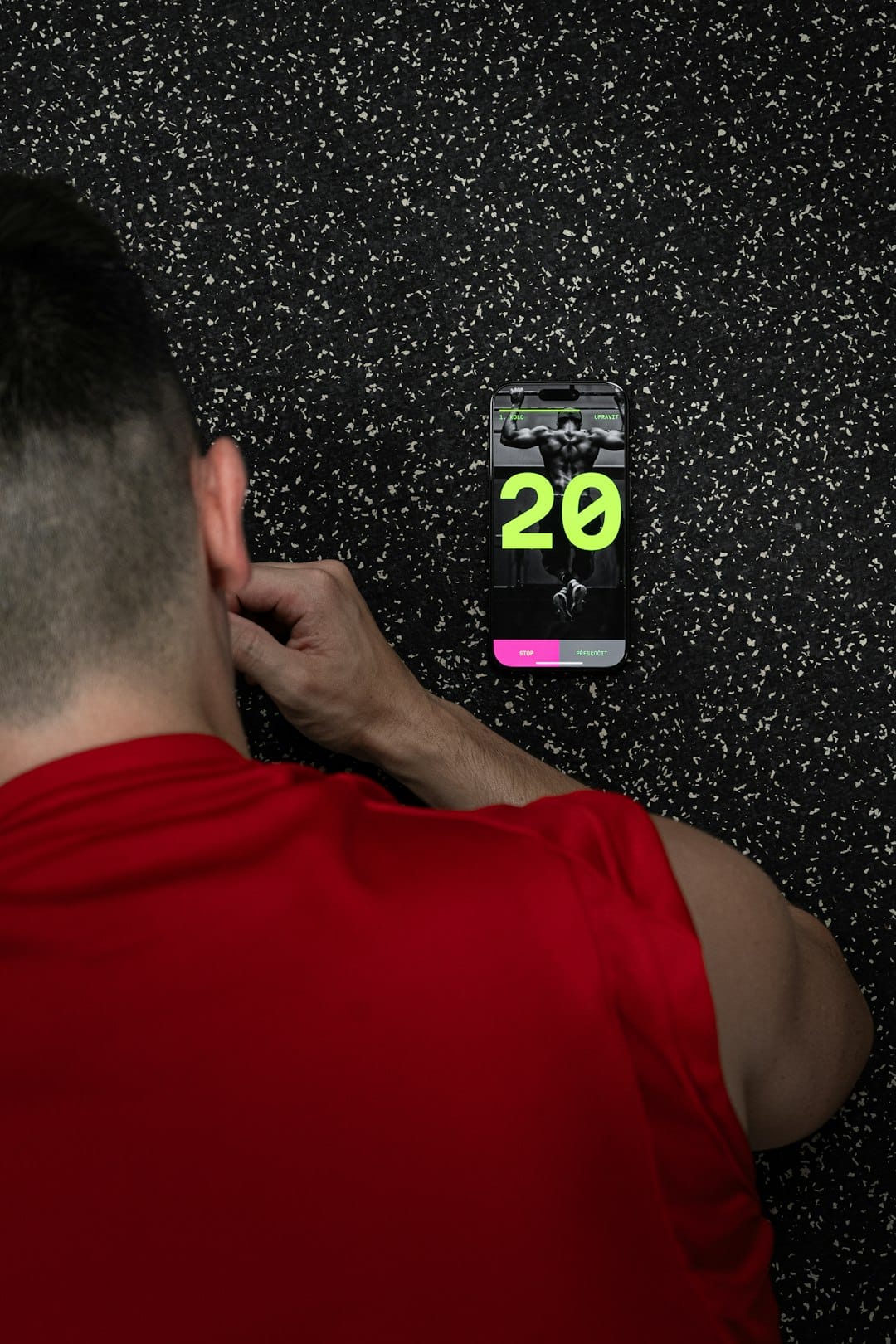
Choose a workout app if you need structure and guidance: you’re unsure what to do at the gym, you want a program to follow, or you need the accountability of an instructor-led class or coach. Most workout apps have free tiers that are genuinely solid — Nike Training Club, Hevy, and Caliber’s free plan are all meaningful starting points with no upfront cost.
Use both if you’re serious about long-term progress. The most effective setup pairs a tracker to monitor your body’s readiness (recovered, fatigued, trending well or poorly) with a workout app that structures what you actually do each session. Apps like Apple Fitness+ and Garmin Connect have started bridging this gap natively, but combining a dedicated wearable with a focused workout app still delivers more depth in each area than any single tool can provide.
Tips and Common Mistakes
Don’t obsess over tracker data at the expense of consistency. Checking your recovery score every morning is only useful if you’re also training consistently. Many beginners spend more time optimizing their tracking setup than actually working out — a basic workout app used three times a week beats an elaborate monitoring system you rarely act on.
Avoid buying an expensive wearable hoping it will motivate you to exercise. Trackers reveal patterns; they don’t create habits. If you’re not currently exercising regularly, start with a free workout app like Nike Training Club to build the habit first, then consider adding hardware once consistency is established.
Match the tool to your sport. Strava is excellent for runners and cyclists but limited for gym work. Fitbod and Hevy shine for strength training but don’t track outdoor cardio well. Don’t force a general-purpose tool into a role a specialist app handles far better.
Sync your apps where possible. If you use both a wearable and a workout app, check whether they connect — Apple Health and Garmin Connect act as central data hubs that many third-party workout apps can pull from or push to, reducing duplicate logging and giving you a more complete view of your fitness across all activities.
Explore more: Fitness guides and tips.
Fitness Tracker vs Workout App FAQs
Can a workout app replace a fitness tracker?
Partly. A workout app logs your exercise sessions and tracks performance over time, but it won’t passively monitor your heart rate, sleep, or recovery throughout the day the way a wearable does. If background health monitoring matters to you — especially sleep quality and daily readiness — a dedicated tracker is still worth adding.
Do I need to buy a wearable to use a fitness tracker app?
No. Apps like Apple Health and Google Fit can pull step counts and basic activity data from your phone’s built-in sensors without any wearable. The data won’t be as rich or continuous as a dedicated device, but it’s a practical and free starting point.
What’s the best free option in each category?
For workout guidance, Nike Training Club is fully free with a broad library of strength, HIIT, and mobility workouts with no subscription required. Peloton also offers a free App One tier with access to select classes. For fitness tracking without hardware, Apple Health (iPhone) or Google Fit (Android) are free and integrate with many third-party apps. Hevy and Caliber also offer solid free tiers specifically for gym and strength tracking.
Make Your Digital Life Better
More practical tech how-tos, tool picks, and guides to upgrade your everyday digital life. More on GTWebs.
Photo by ThisisEngineering on Unsplash.