

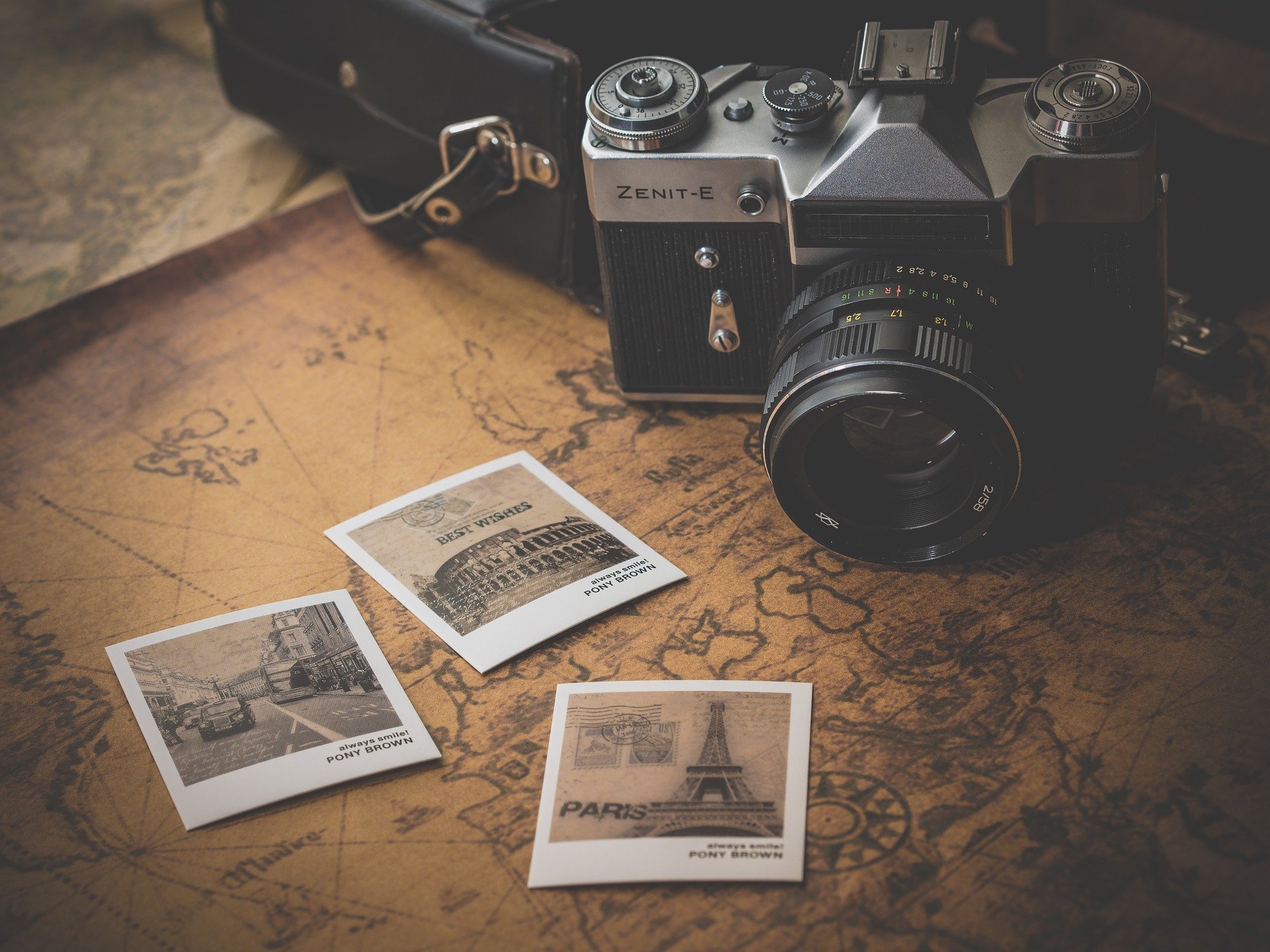
Have a burgeoning photography hobby? With the power of new smart phone cameras today, it’s a great time to start your own photography web site.
Table of Contents
What platform should you use?


I highly recommend using WordPress to set up your photography web site with the Envira Gallery plugin. Envira Gallery makes it super easy to set up and share all of your photos. You can even watermark your photos if you want! I set up Envira Gallery on our sister site, ThrillZing.com. Check out an example gallery here: Steel Vengeance First Drop.
Click below on my referral link to learn more and buy Envira Gallery today!
Choosing the Right Platform
The platform you choose will define your experience. For photographers, the most popular options are WordPress, Squarespace, and SmugMug. Each has distinct advantages depending on your goals.
WordPress offers maximum flexibility and thousands of photography-specific themes. It requires more technical setup but gives you complete control. Squarespace provides gorgeous templates with minimal effort — perfect if you want something beautiful in an afternoon. SmugMug is built specifically for photographers and includes client galleries, print sales, and watermarking out of the box.
Essential Pages Every Photography Site Needs
Regardless of platform, your photography website should include these core pages:
- Portfolio/Gallery: Your best 20-30 images organized by category (weddings, portraits, landscape, etc.)
- About Page: Tell your story. Clients want to know the person behind the camera.
- Contact Page: Make it dead simple to reach you. Include a form, email, and phone number.
- Pricing (optional): Some photographers prefer to discuss pricing privately, but listing starting rates filters out non-serious inquiries.
- Blog: Regular posts featuring recent shoots improve SEO and show you’re actively working.
Optimizing Images for the Web
This is where many photographers stumble. A 40MB RAW file has no business being on your website. Use tools like Squoosh or Lightroom’s export settings to compress images to under 500KB without visible quality loss. The WebP format offers excellent quality at smaller file sizes than JPEG.
Aim for images around 2000px on the longest side for full-screen gallery views. Always include descriptive alt text on every image — it helps with accessibility and search engine optimization. Instead of “IMG_4523.jpg” use “sunset-portrait-golden-gate-bridge.jpg” as your filename.
SEO for Photographers
Search engine optimization might sound technical, but the basics are straightforward. Use Google’s own SEO starter guide as a reference. Focus on:
- Location-based keywords: “wedding photographer in [your city]”
- Blog posts about recent sessions with relevant keywords
- Fast page load times (compress those images!)
- Mobile-responsive design (over 60% of visitors browse on phones)
- Google Business Profile listing with your portfolio link
Building a Client Experience
Your website is the first impression potential clients get. Make the experience seamless: fast loading, easy navigation, and a clear call to action on every page. Consider adding a client portal where past clients can view and download their photos. Services like Pixieset and ShootProof integrate well with most website platforms.
For more web development tips and guides on building effective websites, check out GTWebs — we cover everything from design to deployment.