

Cranking a podcast straight to 2x usually backfires — the host starts sounding like a chipmunk, you tune out, and you rewind more than you saved. The trick isn’t raw speed, it’s how you get there and what your app does with the dead air in between.
Table of Contents
This guide covers the actual techniques and app features that let you cut real listening time while still catching every point, plus which speed to use for which kind of podcast.
Quick Answer
Start around 1.2x-1.5x and increase in small steps every few episodes until your comprehension starts to slip, then back off. Combine that with a silence-trimming feature (like Overcast’s Smart Speed or Pocket Casts’ Trim Silence) rather than relying on raw speed alone — trimming dead air saves time without distorting speech, so you can keep the voice speed lower and still finish faster.
Build Up Speed Gradually Instead of Jumping to 2x
Comprehension at higher speeds is a trained skill, not a fixed limit. Most people can adapt to 1.5x within a couple of episodes and eventually get comfortable well above that, but only if they step up gradually. Jumping straight from 1x to 2x usually means your brain spends its processing budget just keeping up with the words instead of following the argument.
A practical ramp: listen at 1.2x for an episode or two, move to 1.4x, then 1.5x, and keep nudging up only as long as you can still follow without rewinding. The moment you notice yourself missing punchlines, losing the thread of a story, or replaying segments, drop back down — that’s your actual ceiling for that show, not a number you should force.
Almost every major podcast app (Apple Podcasts, Spotify, Pocket Casts, Overcast) applies pitch correction automatically at higher speeds now, so voices stay natural instead of getting that classic ‘chipmunk’ pitch shift — you’re only fighting word-density, not pitch distortion.
Use Silence-Trimming, Not Just Raw Speed
The single biggest lever most people ignore: a lot of ‘runtime’ in conversational podcasts is silence, filler (‘um,’ ‘you know’), and pauses between thoughts — not information. Trimming that out saves time without ever speeding up the actual words.
Overcast’s Smart Speed dynamically shortens silences and gaps in talk shows, saving listening time on most shows without any audible speed-up at all. Pair it with Voice Boost, which normalizes volume and clarity between episodes so you’re not riding the volume knob. Pocket Casts has a comparable Trim Silence feature that cuts dead air while leaving the host’s speaking cadence untouched, on top of its own 0.5x-3.0x variable speed control.
If your app supports it, turn on silence-trimming first, then layer a modest speed increase (1.2x-1.5x) on top — you’ll cut a meaningful chunk of runtime before you’ve sped up a single word of actual talking.

Match Speed to the Type of Show
Not every podcast should run at the same speed. Two loosely-structured co-hosts riffing casually can usually handle 1.5x-1.8x easily because the content is redundant and low-density. Dense interview shows, technical explainers, or anything with unfamiliar names, numbers, or jargon deserve a slower speed (1.0x-1.3x) so you’re not losing details you’ll actually need later.
Narrative or scripted podcasts — true crime, audio documentaries, fiction — are usually the worst candidates for high speed. They’re paced deliberately, often with sound design and dramatic timing that gets flattened at 1.8x+. Keep those closer to 1x-1.2x.
Apple Podcasts (iOS 26 and later) lets you save a preferred speed per individual show, adjustable from 0.5x-3x, so a comedy show and a dense interview can each remember their own setting under that show’s playback options. Spotify offers a wider preset range (0.5x up to 3.5x) but applies it as one setting across your podcast listening rather than remembering a different speed for each show — so on Spotify, plan to nudge the speed manually when you switch between a casual show and a denser one.
Tips and Common Mistakes
Don’t multitask through dense content. Speed listening plus doing dishes works fine for casual chat shows, but for anything you need to retain, give it your full attention — divided attention costs you more comprehension than a faster speed does.
Use headphones over phone speakers, especially at higher speeds — trimmed silences and compressed speech get harder to parse through tinny external audio.
Don’t be afraid to slow back down mid-episode. If a host brings on a guest with an accent you’re less used to, or the topic gets technical, dropping to 1x for that segment and speeding back up after is normal and keeps you from missing the part that actually matters.
If you catch yourself rewinding more than once or twice an episode, that’s a sign the speed is too high — treat it as feedback, not failure.
Explore more: more culture and media guides.
podcast listening speed FAQs
What’s the best speed to start listening to podcasts faster?
Start around 1.2x-1.5x, which most listeners adjust to within an episode or two, and increase in small increments from there rather than jumping straight to 2x.
Does speeding up podcasts hurt comprehension?
It can if you increase speed too quickly or apply it to dense, unfamiliar content. Ramping up gradually and keeping technical or narrative shows at lower speeds avoids most comprehension loss.
What is Smart Speed or Trim Silence in podcast apps?
These are features (Overcast calls it Smart Speed, Pocket Casts calls it Trim Silence) that shorten silences and dead air between words automatically, saving listening time without speeding up the actual speech.
Can I set a different podcast speed for each show?
Apple Podcasts (iOS 26 and later) lets you save a preferred speed per show. Spotify offers speeds from 0.5x to 3.5x, but as one setting applied across your podcast listening rather than a memory per individual show.
Make Your Digital Life Better
More practical tech how-tos, tool picks, and guides to upgrade your everyday digital life. More on GTWebs.
Want web tips in your inbox? Subscribe to the free newsletter.
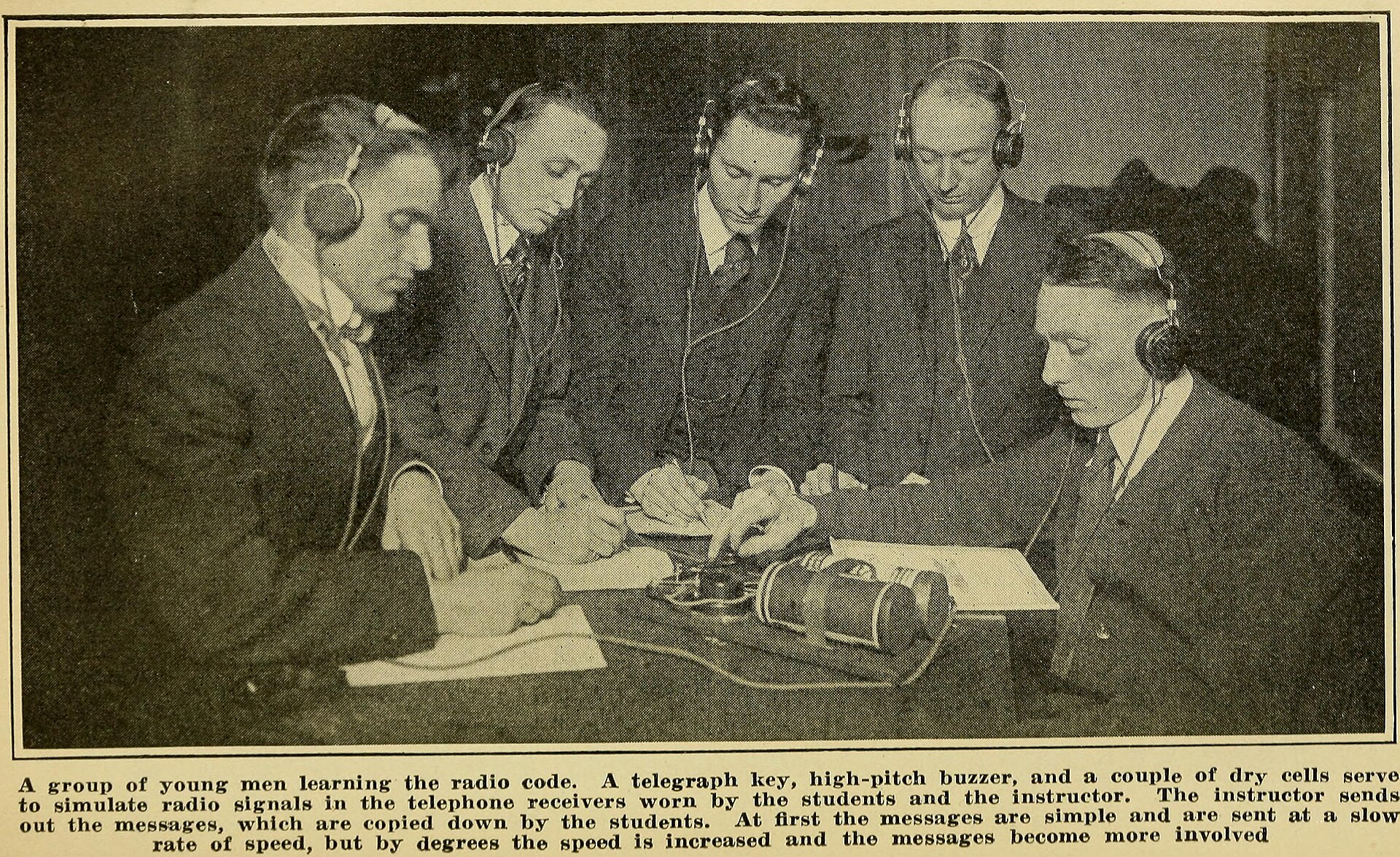
Photo: Lescarboura, Austin C. (Austin Celestin), 1891- / No restrictions, via Wikimedia Commons.