

Local LLMs are giving developers and privacy-conscious users the power to run AI models entirely on their own machines — no cloud, no API calls, no data leaving your device. As models get smaller and more efficient, running local LLMs has gone from a hobbyist experiment to a viable production strategy. This guide covers everything you need to know about running local LLMs in 2026.
Table of Contents
Why Run Local LLMs?
The cloud-based AI model works great for many use cases, but local LLMs solve problems that cloud models can’t:
- Privacy: Your data never leaves your machine. For healthcare, legal, finance, and government applications, this isn’t a preference — it’s a requirement
- Cost: No per-token API charges. After the initial hardware investment, local LLMs cost only electricity
- Latency: No network round-trip means faster response times for real-time applications
- Availability: Local LLMs work offline, on planes, in remote locations, and during cloud outages
- Customization: Full control over model selection, quantization, fine-tuning, and inference parameters
The 6 Best Local LLMs in 2026
1. Llama 3.1 and Llama 4 (Meta) Meta’s Llama models are the most popular open-weight models for local deployment. Llama 3.1 70B rivals GPT-4 class performance, and smaller variants (8B, 13B) run comfortably on consumer hardware. Llama 4 pushes the frontier further with improved reasoning and coding capabilities.
2. Mistral and
Mixtral Mistral AI produces some of the most efficient models per parameter. Mixtral uses a mixture-of-experts architecture that activates only a fraction of parameters per query, delivering strong performance at lower compute cost.
3. Qwen 2.5 (Alibaba) Qwen models excel at multilingual tasks and coding, with competitive performance against much larger models. The 72B variant is particularly strong for technical applications.
4. Gemma 2 (Google)
Google’s open models are optimized for efficiency on consumer GPUs, making them excellent local LLMs for developers who want good performance without enterprise hardware.
5. Phi-3 (Microsoft)
Microsoft’s small language models pack surprising capability into tiny packages. Phi-3 Mini runs on phones and laptops, making it perfect for edge deployment of local LLMs.
6. DeepSeek-V2
DeepSeek models offer exceptional coding and reasoning performance with efficient architectures that work well on consumer-grade GPU setups.
Hardware Requirements for Local LLMs
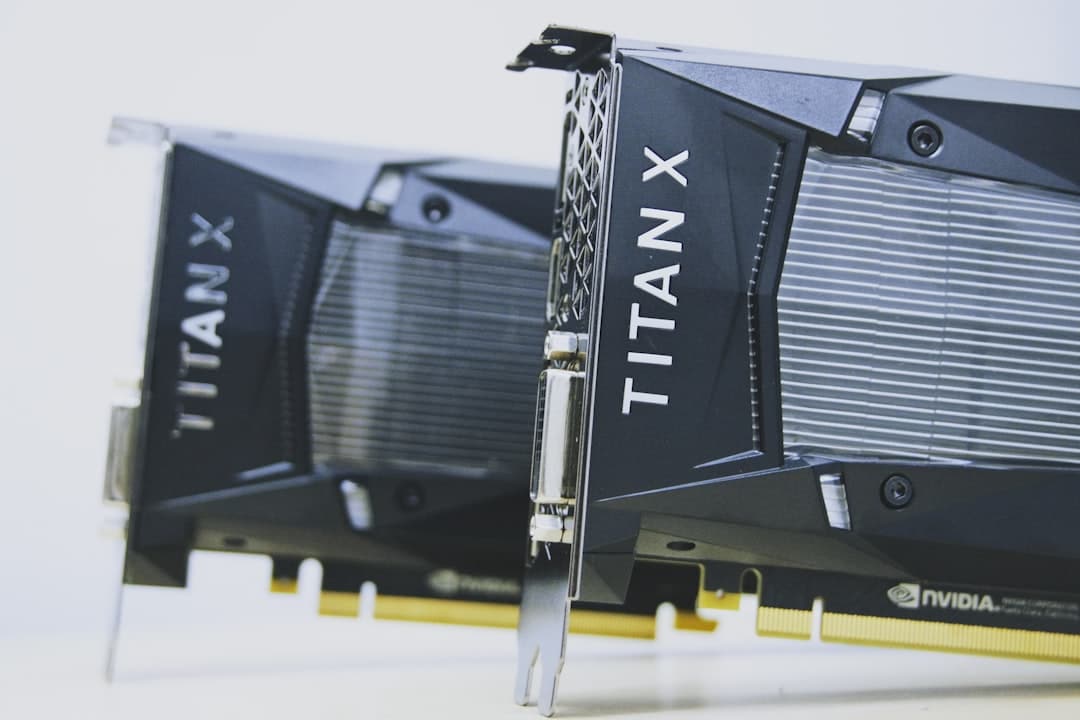
The most important factor for running local LLMs is VRAM — video memory on your GPU. Here’s what you need:
Consumer Setup ($500-2,000)
- GPU: NVIDIA RTX 4070 (12GB VRAM) or RTX 4090 (24GB VRAM)
- RAM: 32-64GB system RAM
- Runs: 7-13B parameter models at full speed, 30-70B models with quantization
- Experience: Good for development, personal use, and small team deployments
Prosumer Setup ($2,000-5,000)
- GPU: 2x RTX 4090 or 1x RTX A6000 (48GB VRAM)
- RAM: 64-128GB system RAM
- Runs: 70B models at good speed, 100B+ models with quantization
- Experience: Near-cloud quality for most tasks
Apple Silicon
- M2/M3/M4 Pro/Max/Ultra: Apple’s unified memory architecture makes Macs surprisingly capable for local LLMs. An M4 Max with 128GB unified memory can run 70B models efficiently
- Advantage: Unified memory means no VRAM bottleneck — the model uses whatever memory is available
Essential Tools for Running Local LLMs
Ollama Ollama is the easiest way to run local LLMs. One command downloads and runs any supported model. It handles model management, quantization, and serves a local API compatible with the OpenAI format.
llama.cpp The foundational project for efficient local LLM inference. Written in C/C++ for maximum performance, llama.cpp supports CPU inference, GPU acceleration, and runs on everything from Raspberry Pis to data center GPUs.
LM Studio
A desktop application that provides a user-friendly GUI for downloading, running, and chatting with local LLMs. Perfect for non-technical users who want local AI without command-line tools.
vLLM A high-performance inference engine optimized for throughput. If you’re serving local LLMs to multiple users or building a local API, vLLM delivers significantly faster token generation than standard inference.
Quantization: Making Big Models Fit Small Hardware
Quantization reduces model precision from 16-bit floating point to 8-bit, 4-bit, or even 2-bit representations. This dramatically reduces memory requirements with surprisingly little quality loss:
- 16-bit (FP16): Full precision, requires ~2GB VRAM per billion parameters
- 8-bit (Q8): ~1GB per billion parameters, minimal quality loss
- 4-bit (Q4): ~0.5GB per billion parameters, slight quality loss for most tasks
- 2-bit (Q2): ~0.25GB per billion parameters, noticeable quality loss
A 70B parameter model at full precision needs 140GB of VRAM. Quantized to 4-bit, it needs only 35GB — fitting on a single high-end consumer GPU or an Apple M4 Max laptop.
Local LLMs vs Cloud AI: When to Use Each
Local LLMs aren’t always the right choice. Use cloud models when you need the absolute best quality (frontier models like Claude Opus or GPT-4 are still ahead of local options), when you need massive scale, or when you lack the hardware. Use local LLMs when privacy is paramount, when you need offline access, when per-token costs add up at scale, or when latency matters for real-time applications.
The smartest strategy in 2026 is hybrid — use local LLMs for routine tasks and sensitive data, and cloud models for the hardest problems that demand frontier capability.
Frequently Asked Questions
Can I run AI models on my own computer?
Yes. Local LLMs can run on consumer hardware including gaming PCs with NVIDIA GPUs and Apple Silicon Macs. Tools like Ollama and LM Studio make it easy to download and run models locally with minimal setup.
How much VRAM do I need to run a local LLM?
For 7-13B parameter models, 8-12GB VRAM is sufficient. For 70B models with quantization, you need 24-48GB VRAM. Apple Silicon Macs can use unified memory, so an M4 Max with 64-128GB works well for large local LLMs.
Are local LLMs as good as ChatGPT or Claude?
The best local LLMs like Llama 3.1 70B approach GPT-4 class performance for many tasks, but frontier cloud models still lead in reasoning, coding, and complex analysis. The gap is narrowing rapidly with each new model release.
Is it legal to run local LLMs?
Yes. Models like Llama, Mistral, Gemma, and many others are released under open licenses that permit personal and commercial use. Always check the specific license terms for each model before deploying in production.