

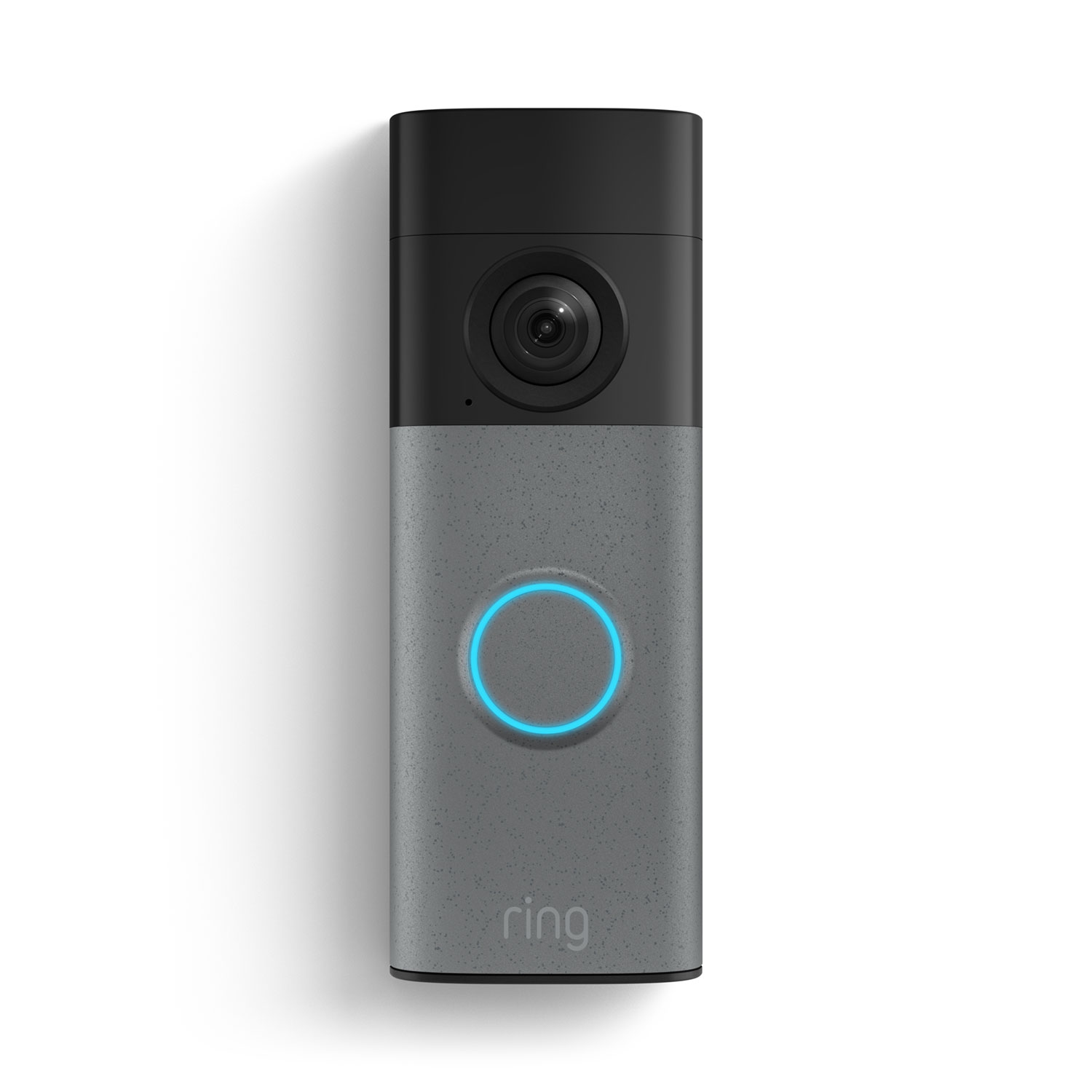
If your lease says no drilling and no rewiring the buzzer, most smart doorbells look off-limits — but they’re not. A growing lineup of battery-powered video doorbells skips your building’s doorbell wiring entirely, runs on a rechargeable battery, and (with the right mount) comes off cleanly when you move out.
Table of Contents
This guide walks through what actually matters for renters — mounting method, battery life, subscription costs, and whether you keep any video history for free — and names the specific battery-powered models worth buying right now, including which ones actually avoid drilling and which don’t.
Quick Answer
For most renters, the Wyze Battery Video Doorbell (around $65) is the easiest true no-drill pick — it ships with both 3M adhesive and screws in the box, so you choose. The Ring Battery Doorbell (2K, around $100) also works well, but its included mount uses screws; a separate Ring No-Drill Mount accessory is required for a fully adhesive install. The Google Nest Doorbell (Battery, around $180) has the best AI-powered alerts, but its included mount — a locking base plate plus an optional 20° wedge for angled views — installs with wall screws and anchors only; Google doesn’t include or officially sell an adhesive no-drill option, so it’s the least renter-friendly of the three unless you add a third-party no-drill mount.
What Makes a Doorbell Renter-Friendly
The key distinction is battery vs. wired. Wired doorbell cameras need to tap into your building’s low-voltage doorbell transformer, which usually means removing the existing mechanical or intercom buzzer — something most leases don’t allow and something you can’t easily undo. Battery models skip that step entirely: they run on an internal rechargeable battery you recharge every one to three months by unclipping the unit and charging it over USB.
Mounting is the other renter concern, and it varies more than you’d expect. Some battery doorbells include 3M adhesive tape in the box as a standard option (Wyze does this). Others include only a screw-and-wall-anchor mount by default, with an adhesive no-drill mount sold as a separate accessory (Ring). And at least one popular model — the Google Nest Doorbell (Battery) — ships with a locking base plate that installs with wall screws and anchors, plus an optional 20° wedge (for an angled view) that also attaches with its own screws. Google doesn’t include or officially sell an adhesive no-drill mount for it, though third-party no-drill mounts exist.
Also check whether the doorbell needs a wired chime or existing transformer to trigger an audible alert inside your home. All the battery doorbells below work standalone over Wi-Fi and can pair with a plug-in wireless chime instead, so you’re not dependent on your unit’s existing hardware at all.
Top Battery-Powered Options to Consider
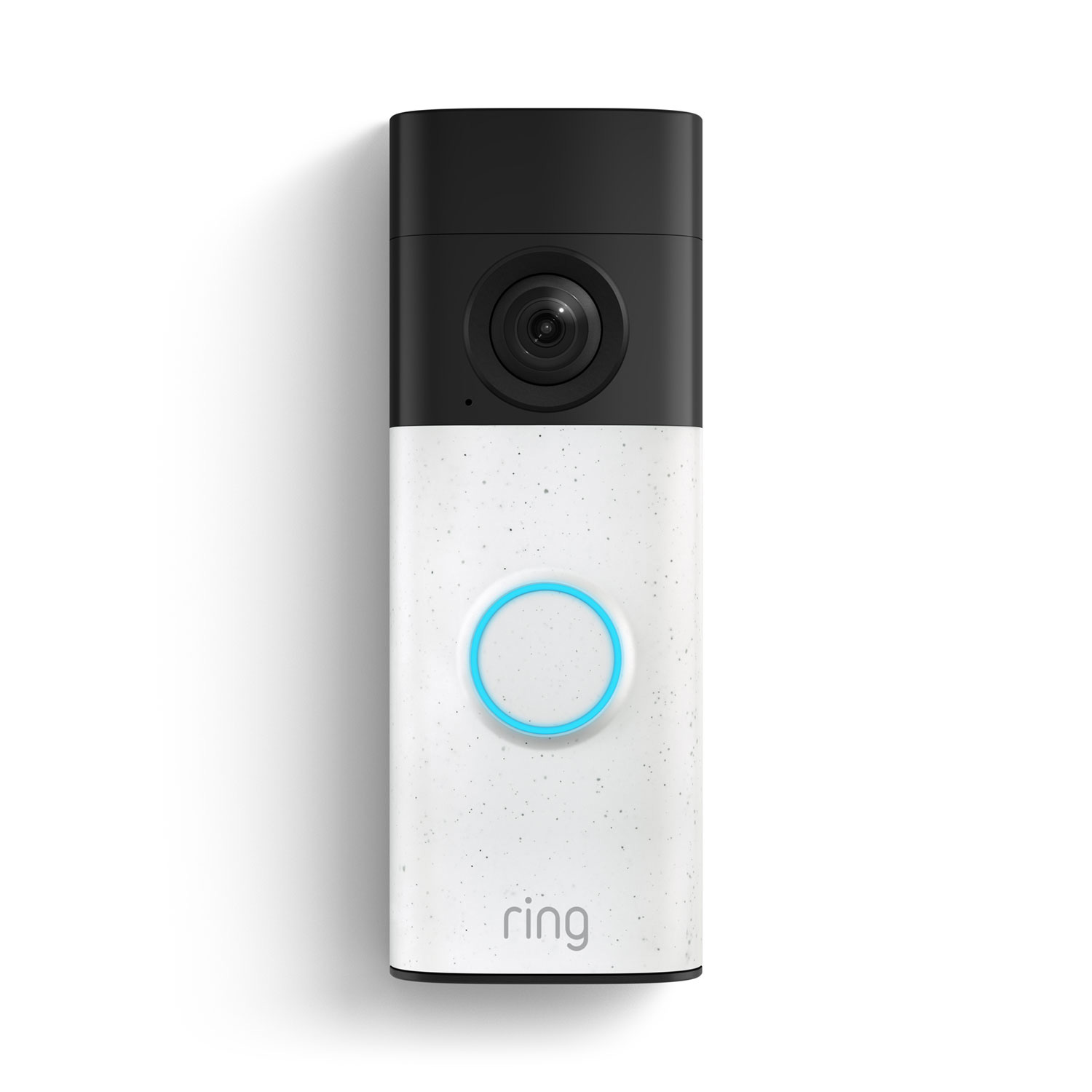
Ring Battery Doorbell (2K) — Ring’s entry-level battery model runs about $100 and delivers 2K video with head-to-toe framing, a 150-degree-plus field of view, two-way talk, and motion zones. The standard box includes a mounting plate installed with screws and wall anchors; if you want to avoid drilling, you’ll need Ring’s No-Drill Mount, which uses strong adhesive and is sold separately (or as part of a bundle). Live view and motion alerts work without a subscription, but saved video history, person alerts, and ‘Familiar Faces’ recognition require an optional Ring Protect plan.
Google Nest Doorbell (Battery) — Priced around $180, this model’s advantage is on-device AI: a chip inside the doorbell itself tells people, packages, animals, and vehicles apart and sends specific alerts without needing a subscription or sending video to the cloud first. It also keeps roughly three hours of event video history for free — enough to check what happened after a missed knock. The tradeoff for renters: both the included base plate and the optional 20° wedge attach with wall screws and anchors, not adhesive, so you’ll want a third-party no-drill mount (or landlord sign-off) if you can’t drill. An optional Google Home Premium subscription (the plan formerly sold as Nest Aware) extends video history and adds features if you want it.
Wyze Battery Video Doorbell — At around $65, this is the budget pick and the most straightforwardly renter-friendly of the three: the box includes both 3M adhesive tape and screws, so you can stick it up in about 30 seconds with no tools if your lease doesn’t allow drilling. It records locally to a user-supplied microSD card so you’re not required to pay anything monthly to keep footage. Wyze’s optional Cam Plus subscription (a few dollars a month) adds smarter person/package/vehicle detection, but the core doorbell and app work fine without it.
Whichever you choose, confirm it runs on 2.4GHz Wi-Fi (older routers and thick apartment walls can struggle with 5GHz-only devices) and check your building’s Wi-Fi signal strength at the front door before buying.

Tips / Common Mistakes
Don’t assume ‘wireless’ means ‘no-drill.’ A battery-powered doorbell can still ship with a screws-only mount by default — check the box contents and installation guide for your specific model before assuming adhesive is included.
Photograph your door frame before installing, and if you do use an adhesive mount, put painter’s tape underneath the 3M strip if your lease is strict about residue — it makes removal cleaner at move-out.
Budget for a subscription only if you actually want long-term cloud video storage or advanced recognition features; all three doorbells above give you live view and basic alerts for free.
If your porch gets heavy foot traffic, expect battery life on the shorter end (closer to one month than three) since every motion event and live view drains the battery faster.
Test the app’s notification reliability during your return window — a doorbell that misses knocks or lags on live view is a bigger problem than any single spec on the box.
Explore more: more smart home and tech guides.
Battery-powered smart doorbells for renters FAQs
Can I install a smart doorbell in my apartment without violating my lease?
It depends on the model and mount. Doorbells like the Wyze Battery Video Doorbell include adhesive mounting tape by default, so no drilling is required. Others, like the Ring Battery Doorbell, need a separate no-drill mount accessory to avoid screws, and the Google Nest Doorbell (Battery) ships only with a screw-and-wall-anchor base plate (plus an optional screw-mounted wedge), so it typically requires drilling unless you add a third-party no-drill mount. Always check your specific lease terms, since some buildings restrict any exterior device regardless of mounting method.
Do battery doorbells work without a monthly subscription?
Yes. Ring, Nest, and Wyze battery doorbells all provide live view and motion alerts for free. Subscriptions add extras like extended video history, smarter recognition, or continuous recording, but the core doorbell functions without paying anything monthly.
How long does the battery last on a wire-free doorbell?
Most battery doorbells last one to three months per charge depending on how much foot traffic and motion the camera detects; busier entryways drain the battery faster and require more frequent recharging.
Can I take my smart doorbell with me when I move?
Yes — that’s the main advantage of battery models over hardwired ones. Since they’re not wired into the building’s electrical system, you can unmount the unit, patch any screw holes or adhesive residue, and reinstall it at your next place.
Make Your Digital Life Better
More practical tech how-tos, tool picks, and guides to upgrade your everyday digital life. More on GTWebs.
Want web tips in your inbox? Subscribe to the free newsletter.
Images: Ring.