

A phone that gets uncomfortably warm on the charger isn’t just annoying — sustained heat is one of the fastest ways to wear down a lithium-ion battery, and in rare cases it can trigger a safety shutdown. The good news is that charging heat almost always comes down to a handful of fixable causes: using the phone while it charges, a case that traps heat, a worn or uncertified cable, or a charging spot that doesn’t let heat escape.
Table of Contents
This guide walks through why Android phones heat up on the charger and gives you a practical checklist to bring the temperature down, whether the problem shows up occasionally or every single time you plug in.
Quick Answer
Stop using the phone while it charges, take off thick cases, charge on a hard flat surface instead of a bed or couch, and switch to a certified cable and charger. If the phone still runs hot, turn off fast charging in Battery settings and avoid wireless charging pads, which generally run warmer than a wired connection.
Why Android Phones Heat Up on the Charger
Charging itself always generates some heat — pushing current into the battery isn’t a lossless process, and fast charging pushes more current in less time, which means more heat, especially in the first 20-30 minutes of a charge. That’s normal and not something to worry about on its own.
The problem is heat that stacks on top of that baseline. Using the phone for gaming, video calls, navigation, or streaming while it’s plugged in makes the processor work hard at the same time the battery is absorbing power, and the combined load is what pushes a phone from ‘warm’ to genuinely hot. A case — especially a thick rugged, wallet, or leather case — acts as insulation and stops that heat from escaping. Charging on a soft surface like a bed, couch, or pillow blocks airflow around the phone the same way. A damaged, uncertified, or off-brand cable and charger can also deliver power inconsistently and generate excess heat, and direct sunlight or a hot car adds heat from the outside while the phone is trying to shed heat from the inside.
Step-by-Step Fixes
Start with the free fixes: unplug the phone, let it cool down, and don’t touch it while it’s charging. Put down the phone during a charge rather than gaming, streaming, or making video calls on it — this single change solves the overheating complaint for most people, since running the screen and processor hard while current is flowing in is what generates the most heat.
Take the case off, or at least crack it open at the back, while the phone charges. Thick, rugged, or wallet-style cases trap the most heat because they cover the largest surface area the phone would normally use to cool down.
Move to a hard, flat, open surface — a desk or nightstand, not a bed, couch, or pillow. Soft surfaces block airflow around the back of the phone, which is where most of the heat needs to escape.
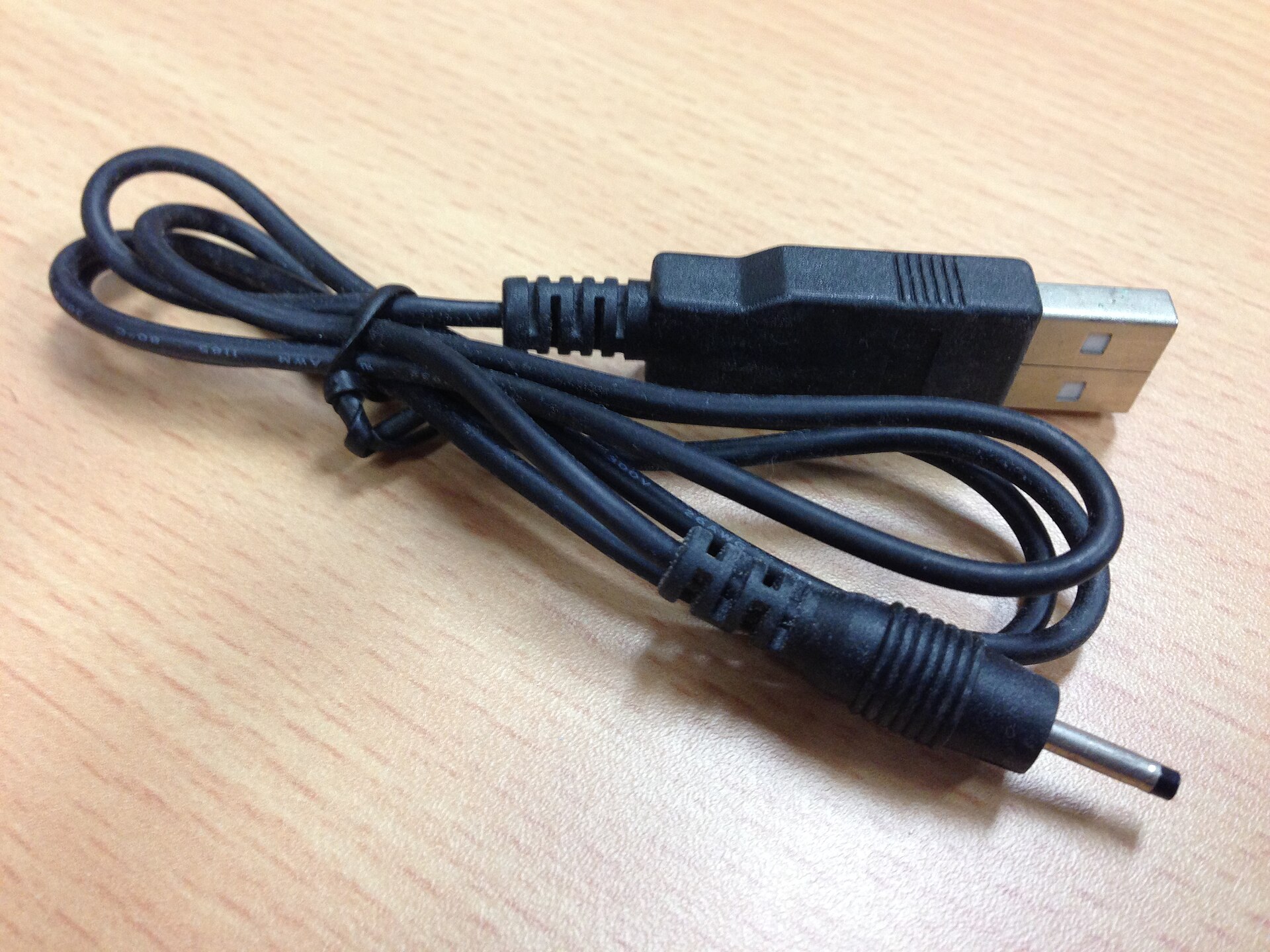
Check the cable and charger. A damaged cable, a loose connection, or an uncertified third-party charger can all cause uneven power delivery and extra heat; swapping in the cable and adapter that came with the phone (or a certified replacement) is a fast way to rule this out.
If the phone still runs hot every time, dial back fast charging. On current Samsung Galaxy phones (One UI 6.1 and later), unplug the phone first, then go to Settings > Battery > Charging settings and turn off Fast charging and Fast wireless charging — these toggles can’t be changed while the cable is connected. On older One UI versions the same toggle lives under Settings > Battery and device care > Battery > More battery settings. On Pixel and most other Android phones, a slower charger (lower wattage) will charge at a gentler rate and produce less heat.
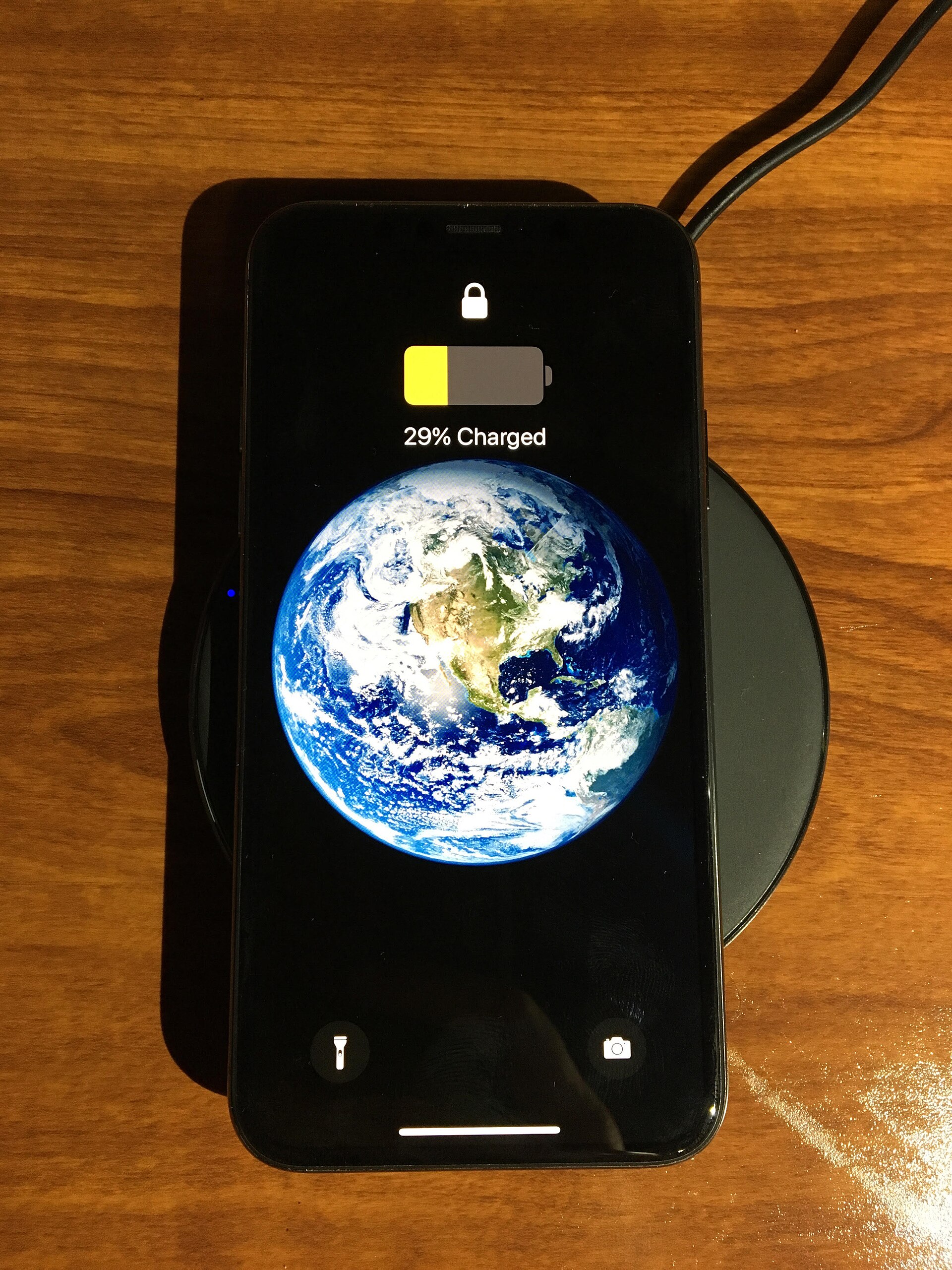
Skip the wireless charging pad if heat is the main issue. Wireless charging transfers power through an electromagnetic field instead of a direct wired connection, and that conversion loses more energy as heat than a cable does — a wired charge will generally run cooler.
Keep the phone out of direct sunlight, hot cars, and enclosed spaces (like under a pillow or inside a closed bag) while it charges, and avoid large downloads, backups, or software updates running in the background at the same time.
Tips and Common Mistakes
Don’t wait until the phone is fully charged before disconnecting it — once it hits 100%, unplug it rather than leaving it on the charger overnight, since trickle-topping a full battery adds unnecessary heat and battery wear over time.
Update Android and your apps regularly. A rogue app stuck in a background loop can spike the processor and add heat on top of normal charging heat, so if the phone runs hot even when idle, check Settings > Battery for an app using unusually high battery in the background and update or uninstall it.
Don’t assume a hot phone is a broken phone. Phones are designed to throttle performance or, in extreme cases, shut down before heat causes real damage — treat a very hot phone as a signal to unplug and cool down, not something to push through.
Avoid stacking multiple heat sources: gaming while fast-charging wirelessly in direct sunlight is the worst-case combination. Removing even one of those factors usually brings the temperature back into a normal range.
Explore more: More Technology guides.
Android phone overheating while charging FAQs
Is it normal for an Android phone to get warm while charging?
Yes, mild warmth is normal, especially during fast charging or the first part of a charge cycle. It becomes a problem when the phone feels hot to the touch, the screen dims a warning, or performance noticeably slows down.
Does fast charging damage the battery?
Fast charging generates more heat than standard charging, and heat is the main factor that accelerates battery wear over time. Using fast charging occasionally is fine; if the phone runs hot every time, switching to standard charging or a lower-wattage charger reduces the heat and the long-term wear.
Should I remove my phone case every time I charge it?
Not necessarily — thin cases usually aren’t a problem. But if the phone regularly overheats while charging, removing a thick, rugged, or wallet-style case is one of the easiest ways to let heat escape faster.
Is wireless charging worse for overheating than a cable?
Generally yes. Wireless charging loses more energy as heat during the power transfer than a direct wired connection does, so if heat is a recurring issue, switching to a cable is a simple fix.
Make Your Digital Life Better
More practical tech how-tos, tool picks, and guides to upgrade your everyday digital life. More on GTWebs.
Want web tips in your inbox? Subscribe to the free newsletter.
Photo: Jacklee. / CC BY-SA 3.0, via Wikimedia Commons.