

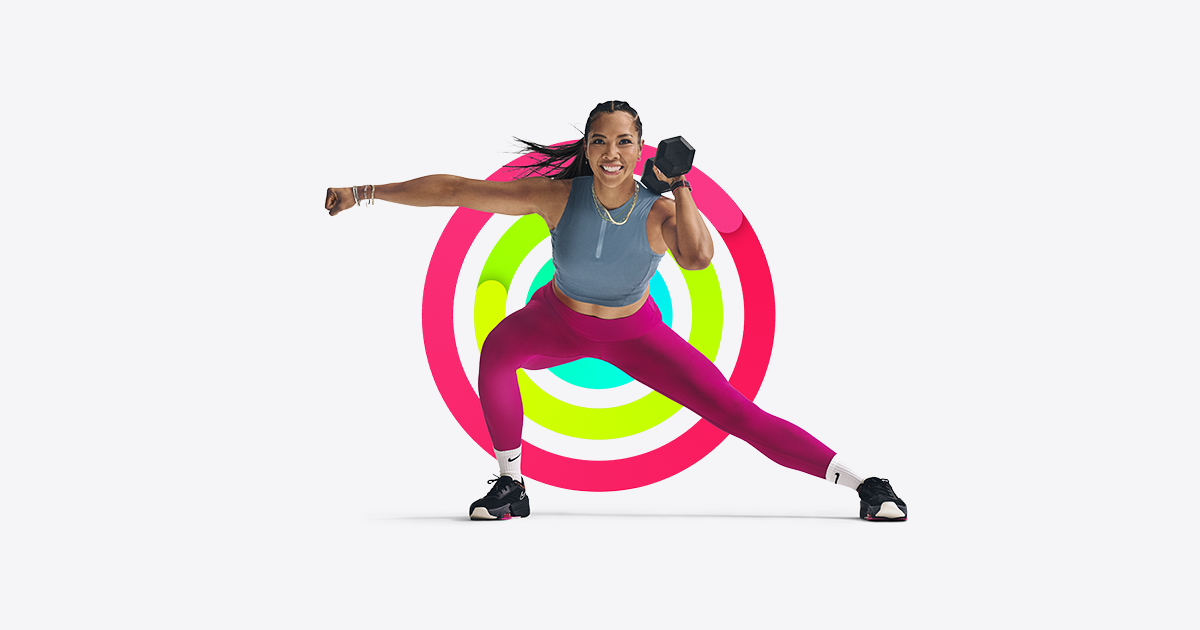
Between school drop-off, work, and the never-ending to-do list, finding an hour to drive to a gym just isn’t happening most weeks. The good news is you don’t need one. A handful of fitness apps now build entire workout libraries around 10 to 30 minute sessions you can do in a living room, hotel room, or backyard with little to no equipment.
Table of Contents
This guide breaks down what actually matters when choosing a fitness app as a busy mom, compares the top options worth paying for, and shares how to build a routine that survives a chaotic week instead of getting abandoned by February.

Quick Answer
For most busy moms, Apple Fitness+ ($9.99/month or $79.99/year) is the easiest starting point: short 5-45 minute classes, no equipment required, and it works on just an iPhone. If you want more structured programs and longer variety, the Peloton App (App One tier, $15.99/month) is the stronger long-term pick since it covers strength, yoga, HIIT, and running without needing any Peloton equipment.
What to Look for in a Fitness App When You Have No Free Time
Not every fitness app is built for a schedule that changes hourly. Before picking one, check for a few specific things: a large library of short classes (ideally under 20 minutes, not just 45-60 minute sessions), workouts that need zero or minimal equipment, and the ability to filter by time available and body focus so you’re not scrolling for ten minutes just to pick a workout.
Also look for on-demand access rather than only live classes – live scheduling rarely survives a sick kid or a last-minute meeting – and an app that lets you reschedule or skip without guilt-tripping streak notifications. A companion Apple Watch or phone tracker is a nice bonus but shouldn’t be a requirement.
Top Fitness Apps Worth Trying
Apple Fitness+ ($9.99/month, or bundled into Apple One) offers workouts across strength, HIIT, yoga, core, Pilates, dance, kickboxing, cycling, treadmill, rowing, and mindful cooldown, with class lengths ranging from 5 to 45 minutes, so it’s easy to find something that fits a short window between calls. It runs on iPhone alone, though it pairs with an Apple Watch if you have one.
The Peloton App (App One tier, $15.99/month as of its most recent pricing update) includes strength, yoga, HIIT, walking, and running classes led by well-known instructors, with no bike or treadmill required. The higher App+ tier ($28.99/month) adds cycling and rowing content if you already own that equipment.
Obé Fitness (plans around $25-27/month, or a discounted annual option) is built specifically around short, equipment-light classes and includes postpartum and prenatal-specific programming, which makes it a strong option if you’re easing back into exercise after having a baby.
If budget is tight, both Apple Fitness+ and the Peloton App offer free trial periods, and many Apple device purchases include a few months of Fitness+ at no cost – worth checking before you commit to a paid plan.

Tips for Actually Sticking With It
Schedule workouts like you’d schedule a meeting – pick a specific 15-20 minute block (often first thing in the morning or during a nap/screen-time window) rather than a vague ‘whenever I have time’ plan, which tends to never arrive.
Filter by duration first, not by muscle group. On a day with 12 minutes to spare, browsing a 45-minute class library kills motivation fast – most of the apps above let you sort by time so you can commit before you even see the workout.
A common mistake is choosing an app based on brand hype rather than the equipment you actually own. If you don’t have dumbbells or a mat, filter for bodyweight-only classes rather than skipping the workout because you’re missing gear.
Don’t chase a perfect streak. Look for apps that let you pause, skip, or reschedule a program without resetting your progress – real life with kids rarely goes according to plan.
Explore more: More fitness guides and tips.
Fitness apps for busy moms FAQs
Do I need any equipment for these fitness apps?
No. Apple Fitness+, the Peloton App’s App One tier, and Obé Fitness all include bodyweight-only classes that need no equipment, though light dumbbells or a resistance band can add variety if you have them.
How long should a workout be for a busy mom’s schedule?
10 to 20 minutes is a realistic, sustainable target. Apple Fitness+ classes range from 5 to 45 minutes, and doing a short workout consistently beats an occasional long one you can never fit in.
Are any of these apps good for postpartum recovery?
Obé Fitness specifically includes prenatal and postpartum class collections. If you’re returning to exercise after birth, check with your doctor first and look for an app’s low-impact or postpartum-labeled programs before starting.
Is there a free option if I don’t want to pay for an app yet?
Apple Fitness+ and the Peloton App both offer free trial periods, and Apple often bundles a few free months of Fitness+ with new device purchases, so it’s worth checking eligibility before subscribing.
Make Your Digital Life Better
More practical tech how-tos, tool picks, and guides to upgrade your everyday digital life. More on GTWebs.
Images: Apple.