

Traveling alone as a woman is one of the most rewarding ways to see the world, but a little tech backup goes a long way when you’re navigating an unfamiliar city or walking home late at night. The right combination of apps can put a panic button, a trusted circle of contacts, and real neighborhood safety data all in your pocket.
Table of Contents
This guide covers the safety apps solo female travelers actually rely on in 2026 — what each one does, what it costs, and how to combine a few of them into a simple safety system instead of downloading everything and using none of it well.

Quick Answer
There’s no single “best” app because each one solves a different problem: Noonlight and bSafe handle panic-button emergency alerts, Life360 handles real-time location sharing with people you trust, GeoSure gives you neighborhood-level safety scores before you go, and TripWhistle Global SOS plus the State Department’s Smart Traveler app cover emergency numbers and official alerts abroad. Most experienced solo travelers combine two or three of these rather than relying on just one.
Panic-Button and Emergency Response Apps
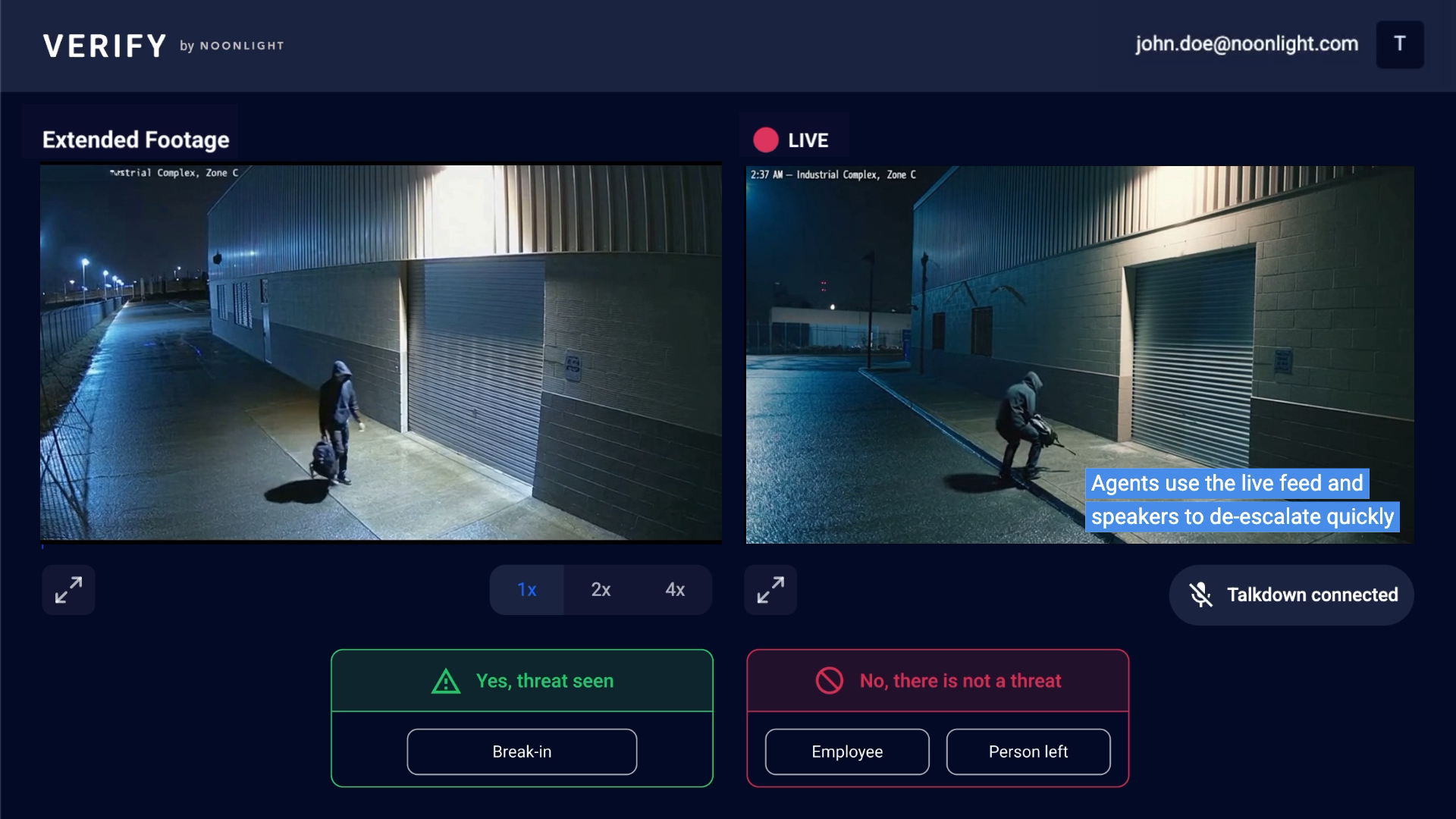
Noonlight works like a silent 911 button: you hold down the Safety Button in the app, and if you release it without entering your PIN, the company’s dispatch team contacts emergency services with your location automatically. The core Safety Button and emergency dispatch feature is free for both iPhone and Android users. Noonlight’s Safety Network — where friends can request check-ins and track your location if you don’t respond — is currently only available to iOS users, who can create a network and invite others to join; Android users can be invited into someone else’s Safety Network but can’t create their own or be tracked in one. Other extras like an Apple Watch app, lock-screen widget, rideshare integration, and automatic crash detection are part of paid iOS plans, currently priced around $4.99/month (Instant Access) and $10/month (Total Protection), both with a 30-day free trial.
bSafe takes a slightly different approach: press or voice-activate the SOS button and it sends your GPS location to chosen ‘guardians’ while automatically recording audio and video as evidence. It also has a ‘Follow Me’ mode so a friend can track you live as you walk somewhere, and a fake-call feature to help you exit an uncomfortable situation. bSafe offers a free tier plus paid plans (roughly $0.49/week up to about $49.99/year for the full feature set), and works on both iOS and Android.
Both apps depend on a live data connection and a charged phone, so treat them as a backup layer, not a replacement for situational awareness — tell someone your plans the old-fashioned way too.
Location Sharing and Local Safety Data
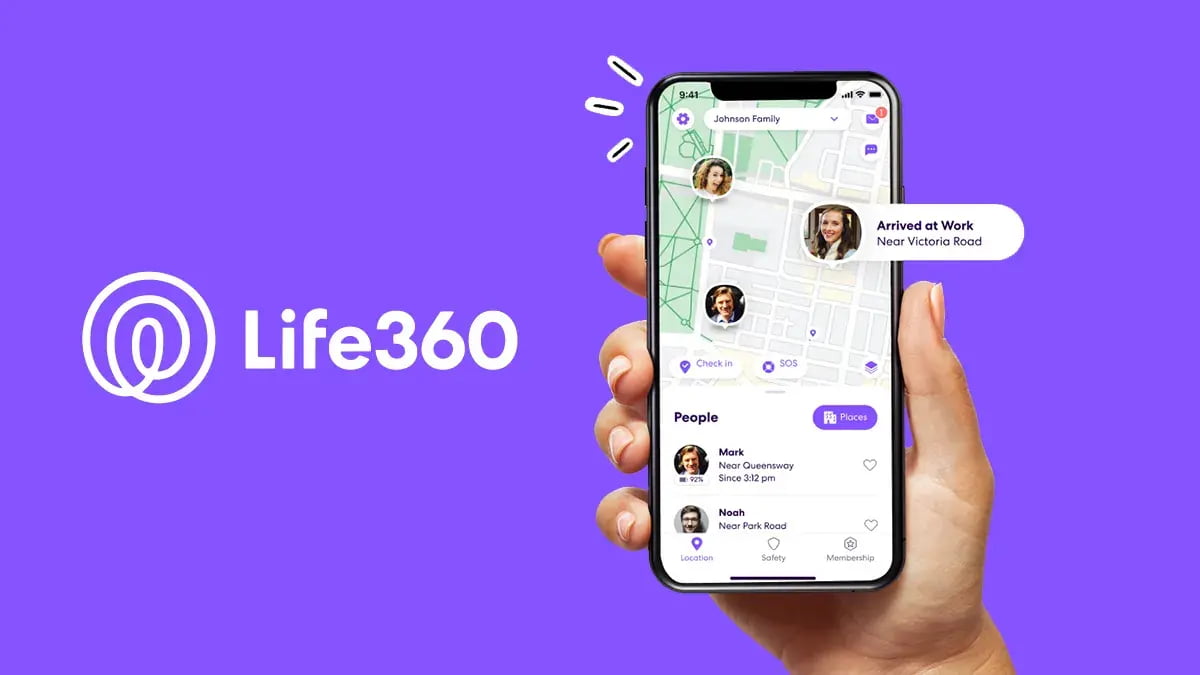
Life360 started as a family locator app but works just as well for solo travelers who want a trusted person watching their movements. Create a private ‘Circle’ with a friend or family member back home, and they can see your live location, get alerts when you arrive at a hotel or airport, and receive an SOS alert if you trigger one. The free plan covers live location sharing, two saved places with geofence alerts, and basic SOS/crash detection; paid tiers (Silver, Gold, Platinum, roughly $8–$25/month per Circle, not per person) add more location history and extra places.
GeoSure fills a different gap: instead of tracking you, it scores how safe a specific neighborhood or area is before you arrive, on a 0–100 scale across categories like women’s safety, LGBTQ+ safety, health, and physical harm, pulled from crime data, health databases, and travel advisories. It’s genuinely useful for deciding which neighborhood to book a hotel in or whether it’s fine to walk somewhere after dark, and it includes safety scoring specifically calibrated for women and other at-risk groups.
Using both together — GeoSure to research an area beforehand, Life360 to keep someone informed while you’re moving through it — covers the two halves of the safety picture: informed decisions and a safety net if something goes wrong.
Emergency Numbers and Official Government Tools
TripWhistle Global SOS is a simple but essential free app: it detects your location and shows the correct local emergency number (police, fire, ambulance, and often tourist police) for whatever country you’re in, since ‘911’ doesn’t work everywhere. It covers emergency numbers across roughly 196 countries, including English-speaking tourist police lines in places like Thailand and Egypt where they’re available.
U.S. citizens should also enroll in the State Department’s Smart Traveler Enrollment Program (STEP), either through the official STEP website or the Smart Traveler app. Enrolling (it takes about 20 minutes) means the nearest U.S. embassy or consulate can reach you or your emergency contact if there’s a natural disaster, civil unrest, or another crisis at your destination, and you’ll receive travel advisories by email for the country you’re visiting.
Tips / Common Mistakes
Set up every app before you leave, not after you land — creating your Life360 Circle, adding bSafe or Noonlight contacts, and enrolling in STEP all require a few minutes of setup that’s much easier to do at home with reliable wifi than jet-lagged on arrival.
Don’t rely on a single point of failure: a phone with a dead battery or no signal makes every app useless, so carry a portable charger and download offline maps as a backup, and tell a trusted contact your itinerary through a normal text or call as well.
Check platform availability before you travel: Noonlight’s free Safety Button works on both iOS and Android, but its Safety Network feature currently only lets iOS users create and be tracked in a network, so Android travelers should plan on bSafe or Life360 for the location-sharing piece instead.
Test the apps at home first. Practice triggering bSafe’s SOS or Noonlight’s Safety Button once so you know exactly how it feels under normal conditions, rather than fumbling with an unfamiliar interface during an actual emergency.
Explore more: More solo travel guides.
Safety apps for solo female travelers FAQs
What is the best all-around safety app for solo female travelers?
There isn’t one app that does everything well. A practical setup is one panic-button app (Noonlight or bSafe), one location-sharing app for a trusted contact (Life360), and TripWhistle Global SOS for local emergency numbers wherever you land.
Are these safety apps free?
Most have a free tier that covers the core safety feature — Noonlight’s Safety Button, bSafe’s basic SOS, Life360’s live location sharing, TripWhistle, and STEP enrollment are all free. Paid upgrades typically add extras like crash detection, longer location history, or smartwatch integration.
Does Noonlight work the same on iPhone and Android?
The core Safety Button and emergency dispatch feature is free on both platforms, but Noonlight’s Safety Network — which lets friends monitor and track you — is currently iOS-only. Android users can be invited into someone else’s network but can’t create their own or be tracked in one.
Do these apps work without a phone signal or wifi?
No — Noonlight, bSafe, Life360, and GeoSure all require an active data or cellular connection to send alerts or update your location. Download offline maps as a backup and let someone know your plans through a regular call or text before you head somewhere with weak signal.
Make Your Digital Life Better
More practical tech how-tos, tool picks, and guides to upgrade your everyday digital life. More on GTWebs.
Images: Noonlight.