

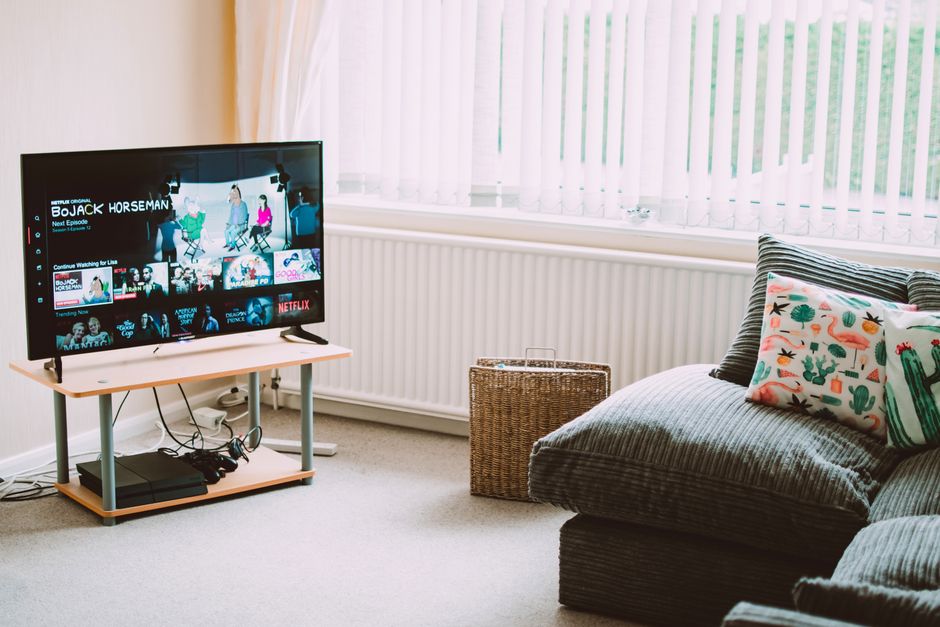
You don’t need to pay for streaming anymore — at least not for everything. A wave of free, ad-supported services has matured to the point where cord-cutters can fill their evenings without handing over a credit card number. From massive on-demand libraries to hundreds of live channels, the options in 2026 are better than ever.
Table of Contents
This guide covers the best completely free streaming services available right now in the US — what each one offers, what devices it runs on, and which is best for your situation. All of the services listed here are legal, supported by ads (instead of subscriptions), and require no paid tier to get real value.

Quick Answer
The best free streaming services with no subscription in 2026 are Tubi (largest on-demand library), Pluto TV (best for live channel surfing), Plex (best all-in-one with live TV and on-demand), The Roku Channel (best if you own a Roku device), Samsung TV Plus (best built into Samsung TVs), Sling Freestream (most live channels of any free service), and Kanopy (best for indie films and documentaries if you have a library card). All are free and ad-supported — no credit card required.
The Best Free Streaming Services in 2026
Tubi is the heavyweight of free on-demand streaming. Owned by Fox, it offers a library of more than 275,000 movies and TV episodes, plus over 300 Tubi Originals and around 300 live channels. You don’t even need an account to start watching — just open the app and press play. It runs on virtually every device: Roku, Fire TV, Apple TV, smart TVs, phones, tablets, and the web. The trade-off is a light ad load (roughly 4–5 minutes of ads per hour), which is far less than traditional cable.
Pluto TV, owned by Paramount, is the closest thing to free cable on the internet. It offers more than 250 live linear channels — organized like a real cable guide — covering news (CNN, NBC News, Bloomberg), movies, true crime, comedy, sports, kids, and lifestyle content. There’s also a solid on-demand library. One limitation: you can’t pause or rewind live channels, just like old-school TV. No account is needed to watch.
Plex is arguably the most flexible free streamer. It offers 50,000-plus free on-demand movies and TV shows alongside more than 600 free live TV channels — all without a subscription. Plex works on every major platform including Roku, Fire TV, Apple TV, Android TV, smart TVs, iOS, Android, and the web. Creating a free account (optional) lets you sync your watchlist and pick up where you left off across devices. Content partners include A24, Lionsgate, AMC, and Crackle.
Sling Freestream, from Dish Network, runs inside the Sling TV app but requires no paid plan. It delivers 650-plus free live channels and over 40,000 hours of on-demand content — the largest free live channel count of any streaming app currently available. You don’t need a credit card or an account to get started. Categories span news, sports, movies, kids, and lifestyle, all supported by ads. Available on Roku, Fire TV, Android TV, iOS, Android, and the web.
The Roku Channel is available not just on Roku devices but also via the web and select smart TVs. It mixes curated free movies, TV shows, and live FAST channels, and often carries licensed content exclusive to the platform. If you own a Roku device it’s pre-installed and seamlessly integrated into the home screen.
Samsung TV Plus comes pre-installed on Samsung Smart TVs from 2016 onward and on Galaxy mobile devices. It offers nearly 700 channels in the US with no account required unless you want cross-device syncing. Categories cover news, sports, movies, kids, and lifestyle — all completely free with ad breaks. No setup or sign-in is needed to start watching on a Samsung TV.
Kanopy is a unique option powered by your public library card. If your local library partners with Kanopy (more than 4,000 libraries in the US do), you get ad-free access to a curated catalog of independent films, documentaries, classic cinema, and Great Courses video content. You create a free Kanopy account, link your library card, and stream on the web, iOS, Android, Roku, Apple TV, or Chromecast. Monthly viewing credits vary by library, so check your local branch’s terms.
How Free Ad-Supported Streaming Works
These services belong to a category called FAST — Free Ad-Supported Streaming TV. Instead of charging subscribers, they sell advertising against the content and pass the viewing to you at no cost. The ad experience is typically lighter than broadcast television: short breaks every 20–30 minutes rather than continuous commercial interruptions. You generally won’t see the same ads repeated as aggressively as on cable either, since FAST platforms use targeted digital advertising.
The content libraries on FAST services skew toward older seasons of popular shows, classic films, indie titles, and content that has cycled off paid platforms. That’s changing fast — Tubi has invested heavily in originals, and Pluto TV’s news lineup is genuinely competitive with cable. Think of these services not as a replacement for every streaming subscription, but as a strong foundation that can reduce how many paid services you actually need.

Tips for Getting the Most Out of Free Streaming
Stack them strategically. Tubi and Pluto TV complement each other well — use Tubi for on-demand movies and binge-watching, and Pluto TV when you want to casually channel-surf. Add Plex for its live TV depth and Sling Freestream for its massive channel count and you’ve covered most bases without spending a dollar.
Check Kanopy before renting. If you have a library card, many films you’d pay to rent are available there ad-free at no cost. Use the Kanopy app to search a title before hitting ‘rent’ on another platform. Similarly, The Roku Channel occasionally has exclusive titles worth checking even if you’re not a Roku device owner, since it streams on the web.
Watch for content rotation. FAST libraries change monthly as licensing deals shift. A film available on Tubi today might be gone in 30 days. If you see something you want to watch, queue it soon rather than waiting. Most of these apps let you add titles to a watchlist even without a paid account.
Explore more: Culture hub.
free streaming services no subscription FAQs
Do free streaming services like Tubi and Pluto TV require a credit card?
No. Tubi, Pluto TV, Samsung TV Plus, Sling Freestream, and The Roku Channel require no credit card and no account to start watching. Plex and Kanopy ask you to create a free account, but there’s no payment information required.
How many ads do free streaming services show?
Ad loads are generally lighter than traditional TV — Tubi runs roughly 4–5 minutes of ads per hour, and most other FAST services are in a similar range. Kanopy is completely ad-free if you access it through a participating library.
Can I watch free streaming services on my smart TV without a streaming device?
Yes. Tubi, Pluto TV, Plex, and Sling Freestream have apps for most major smart TV brands. Samsung TV Plus is built into Samsung TVs. The Roku Channel is available on select non-Roku smart TVs and via a web browser. If your TV’s built-in apps are limited, a Roku stick or Fire TV Stick unlocks all of these services.
Make Your Digital Life Better
More practical tech how-tos, tool picks, and guides to upgrade your everyday digital life. More on GTWebs.
Photo by Lisa from Pexels on Pexels.