

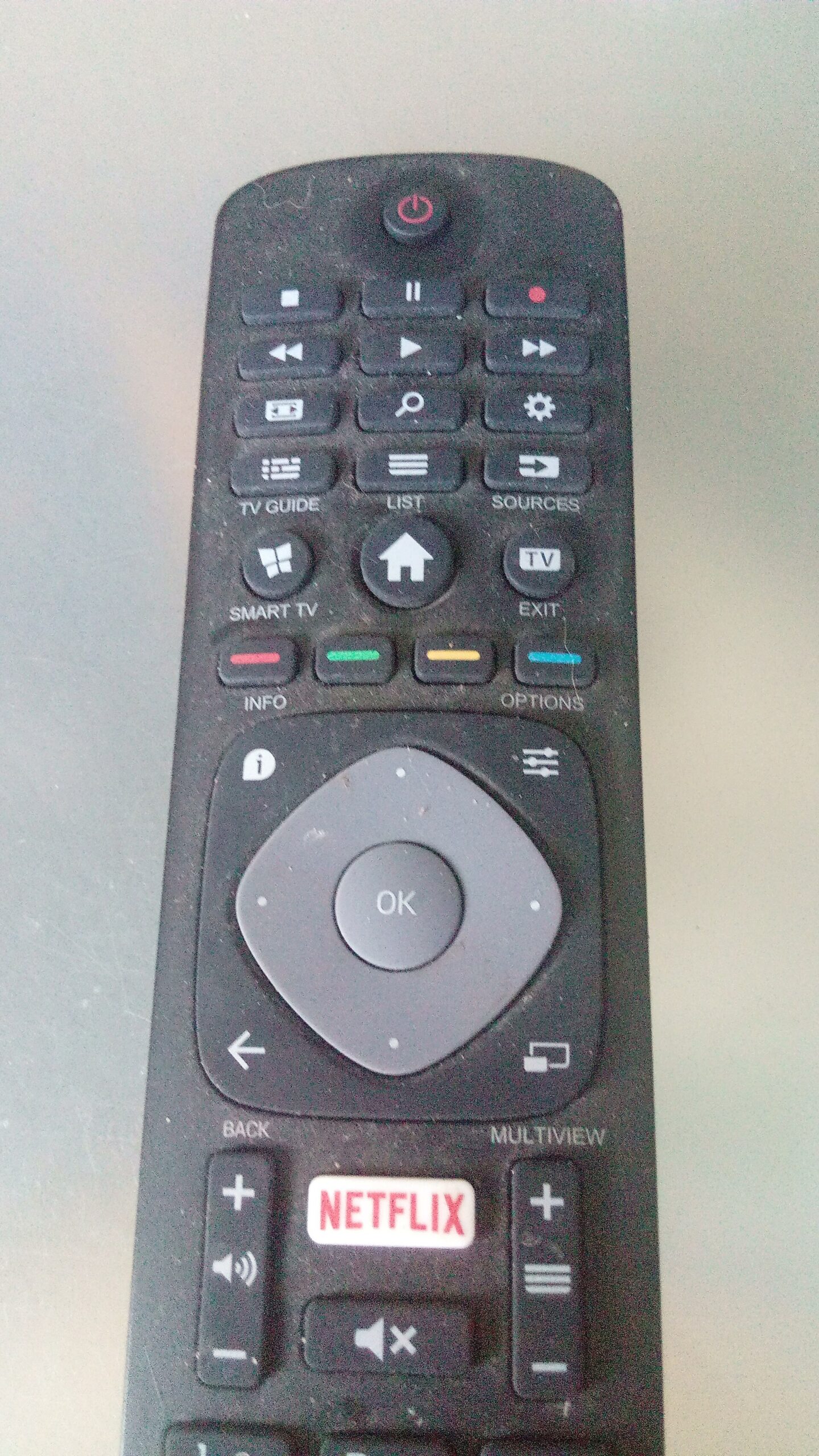
The average American now spends roughly $69 a month on video streaming — and nearly half of subscribers say they pay too much, according to Deloitte’s 2025 Digital Media Trends report. With Netflix Standard now at $19.99/month, Apple TV+ at $12.99/month, and services like Max and Paramount+ adding price hikes through late 2025, a small stack of forgotten subscriptions adds up to hundreds of dollars a year leaving your account quietly.
Table of Contents
This guide walks you through exactly how to surface every subscription you’re paying for, how to cancel the ones you don’t use, and how to re-subscribe strategically — including the retention discount trick that can cut your bill by 50 to 73 percent on services like Peacock, Hulu, and Max.
Quick Answer
To find forgotten subscriptions: scan your bank and credit card statements for recurring charges, search your email for ‘subscription confirmed’ or ‘receipt from,’ and check your Apple or Google account subscription lists. To cancel: go directly to each service’s account settings, or use the iOS/Android platform subscription manager. To restart smart: use the ‘cancel and wait’ method to trigger retention discount offers (often 50–73% off), then rotate through one service at a time rather than paying for several simultaneously.
Step 1: Find Every Subscription You’re Paying For
Start with your bank and credit card statements. Download the last three to six months of transactions and scan for recurring charges — most streaming services fall in the $7.99 to $26.99 range and hit on the same date each month. Common culprits are charges labeled NETFLIX, PEACOCK, PARAMOUNTPLUS, APPLE.COM/BILL, AMAZON PRIME, or DISNEYPLUS.
Search your email inbox for phrases like ‘subscription confirmed,’ ‘your receipt from,’ or ‘payment successful.’ Nearly every service sends a confirmation when you first sign up and a receipt each billing cycle — this often surfaces services you signed up for during a free trial and never canceled.
Check your device platform subscriptions. On iPhone or iPad: go to Settings, tap your name, then Subscriptions. On Android: open the Google Play Store, tap your profile icon, go to Payments and subscriptions, then Subscriptions. Both lists show active and recently expired subscriptions, including streaming ‘channels’ you may have added through a bundle. If you have an Amazon account, also check amazon.com under Account → Memberships and Subscriptions.
For a more automated approach, Rocket Money (formerly Truebill) links to your bank accounts, scans transactions automatically, and surfaces every recurring charge. Its free tier identifies subscriptions; the premium tier ($7–$12/month) can cancel them on your behalf and negotiate bills. It’s owned by Rocket Companies and holds an A+ BBB rating.
Step 2: Cancel — and Collect the Discount First
Before you cancel outright, start the cancellation flow. Streaming services now routinely offer pause options or steep discounts at the moment you try to leave — because they’d rather keep you at a reduced rate than lose you entirely. In 2026, verified retention offers have included Hulu at $2.99/month for three months, Peacock at 73% off (roughly $2.99/month for six months), Max at 50% off for three to six months, and Apple TV+ extending your subscription free for three months. You only see these offers if you click through to cancel. If you genuinely want to keep the service, accepting the discount is an easy win.
If you do want to cancel fully, go to the service’s website on a desktop browser — cancellation through apps can be more buried. For Apple- or Google-billed subscriptions, cancel through Settings or the Play Store rather than the app itself, since the platform controls that billing relationship. Once canceled, you keep access through the end of the current billing period. Contact support shortly after a charge posts if you want a refund — Apple, Google, Amazon, and several streaming services will refund a recent charge if you explain you didn’t intend to renew, though this is easier the closer you are to the billing date.
Step 3: Restart Smart with Subscription Rotation
Rather than paying for four or five services at once — which is how that $69/month average creeps in — consider rotating through them one at a time. Keep a running watchlist organized by platform: shows and movies you want to see on Netflix, a separate list for Max, another for Paramount+. Subscribe to one, work through your list, then cancel and move to the next. Since most services let you restart within the same billing cycle, and your watchlist and preferences are saved to your account, you pick up right where you left off.
This is increasingly common — 59% of Gen Z viewers regularly subscribe and unsubscribe to streaming services to watch specific content, according to IGN Entertainment research. The strategy works at any age. A simple note in your phone calendar set for three weeks after each signup is all you need to make sure you cancel before the next billing cycle hits.
Current 2026 pricing to help you prioritize: Netflix runs $8.99/month with ads, $19.99 standard, or $26.99 for premium. Disney+ and Hulu together start at $12.99/month with ads. Peacock Select is $7.99/month. Paramount+ Essential (with ads) is $8.99/month, Premium (ad-free with Showtime) is $13.99/month. Apple TV+ is $12.99/month. Amazon Prime Video standalone with ads is $8.99/month, or included in Prime at $14.99/month. Max pricing held steady into 2026 following a late-2025 increase — check their site for the current tier breakdown.
Tips and Common Mistakes
Don’t cancel through the app if you subscribed through a platform. If you signed up for a service via the App Store or Google Play, you must cancel through Apple or Google — canceling inside the app itself won’t stop the billing. A lot of people miss this and keep getting charged after they thought they canceled. Always verify cancellation by checking your platform subscription list, not just the streaming app’s settings.
Watch out for annual billing. Services increasingly push annual plans, which means a $120+ charge you may not notice until it’s already hit. Set a calendar reminder 30 days before your annual renewal date so you have time to decide — and enough notice to get a refund if you miss it. Roku and Amazon Fire TV users should also check their device’s subscription settings, since channels added through those devices have their own billing separate from the main streaming service.
Pause before you cancel outright. Several services including Netflix and Hulu now offer pause options (typically one to three months) if you just need a break. This keeps your watchlist and account history intact without the cycle of re-subscribing. It’s worth checking the pause option before fully canceling, especially for services you know you’ll want again soon.
Explore more: Culture.
streaming subscription management FAQs
How do I find streaming subscriptions I forgot about?
Check your bank and credit card statements for recurring charges, search your email for ‘subscription confirmed’ or ‘receipt,’ and review your Apple (Settings → Your Name → Subscriptions) or Google Play (Profile → Payments & Subscriptions) account lists. Rocket Money can also scan your accounts automatically and surface every recurring charge.
Will streaming services give me a discount if I try to cancel?
Often yes. In 2026, services including Hulu, Peacock, Max, and Apple TV+ have offered discounts of 50–73% or free extension periods to subscribers who begin the cancellation flow. You only see these offers by clicking through to cancel — so it’s always worth starting the process even if you’re undecided.
Is it worth canceling and resubscribing to streaming services repeatedly?
Yes, for most people. Rotating through one service at a time rather than holding four simultaneously can save $40–$60 a month. Your watchlist, preferences, and account history are preserved when you resubscribe, so you don’t lose anything. Setting a calendar reminder to cancel before the next billing cycle is all it takes to make this work reliably.
Make Your Digital Life Better
More practical tech how-tos, tool picks, and guides to upgrade your everyday digital life. More on GTWebs.
Photo: Donald Trung Quoc Don (Chữ Hán: 徵國單) – Wikimedia Commons – © CC BY-SA 4.0 International.(Want to use this image?)Original publication 📤: –Donald Trung 『徵國單』 (No Fake News 💬) (WikiProject Numismatics 💴) (Articles 📚) 09:23, 30 October 2019 (UTC) / CC BY-SA 4.0, via Wikimedia Commons.