

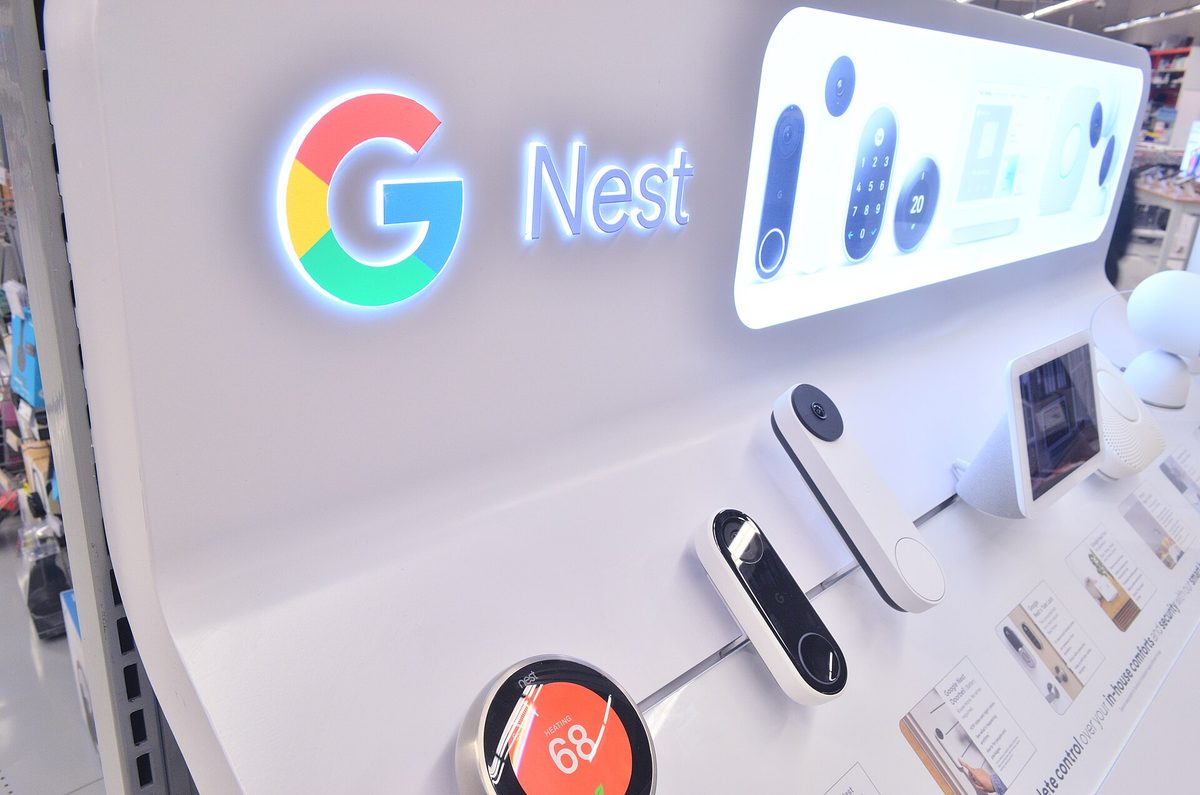
If someone rings your doorbell and your Google Home speakers stay silent instead of calling out “Someone’s at the front door,” the problem almost always traces back to one specific setting or a handful of predictable culprits — not a broken device.
Table of Contents
This guide walks through exactly where visitor announcements live in the Google Home app, the prerequisites Google requires for them to work, and the fixes that resolve the issue for most people in a few minutes.
Quick Answer
Visitor announcements are controlled by a per-doorbell toggle in the Google Home app (Cameras > your doorbell > Settings > Visitor announcements), and they require your doorbell and speaker to be in the same home with personal results turned on. If that’s already set up correctly, the fastest fix is turning Do Not Disturb on and then back off on the affected speaker or display.
Check These Settings First
Open the Google Home app, tap Home, then Cameras, then your doorbell. Tap the video player, then the Settings icon, then Doorbell, and make sure Visitor announcements is switched on. This setting exists per-doorbell, so if you have multiple doorbells, check each one.
Next, confirm the basics Google requires for announcements to fire at all: the doorbell and the speaker or display must be added to the same home in the Google Home app, and personal results must be turned on for that speaker or display. If you’re using a Nest Hub or other display, also make sure “Always show proactively” is selected so it can surface the camera feed along with the audio announcement.
If everything above looks correct but announcements still aren’t happening, turn Do Not Disturb on and then off again for the speaker — either by voice command (“turn on Do Not Disturb,” then “turn off Do Not Disturb”) or in the device’s settings. This is Google’s own listed fix for announcements that silently stop working, and it resolves the issue more often than you’d expect.
Other Common Causes
Indoor chime status matters: if your doorbell’s indoor chime is switched off or sitting in Quiet Time, your voice assistant won’t announce visitors either — Quiet Time mutes both the indoor chime and visitor announcements together, though you’ll still get a phone notification. Worth noting: a Wi-Fi drop can automatically flip the indoor chime back to “on,” so if announcements started working again on their own after an outage, that’s likely why.
If your doorbell is a third-party model rather than a Nest-branded one, visitor announcements aren’t guaranteed to work — Google states this feature “may not be available on all third-party doorbells that work with Google,” so check with the doorbell manufacturer if you’re unsure.
Also double-check that the speaker itself isn’t muted or turned down, and that you’re not confusing phone push notifications with spoken announcements — they’re separate systems. You can have doorbell alerts arriving on your phone with the speaker setting still off, which looks like a bug but isn’t one.
If none of this helps, try removing and re-adding the doorbell in the Google Home app, make sure both the Google Home app and your speaker’s firmware are up to date, and restart the speaker by unplugging it for about 10 seconds.
Tips / Common Mistakes
The most common mistake is checking the general app settings instead of the per-doorbell settings — visitor announcements live under the specific camera/doorbell tile, not a global notifications menu. Another is assuming one toggle controls everything, when phone notifications, indoor chime, and speaker announcements are each configured separately. And if you have more than one Google Home structure (for example, a ‘Home’ and a ‘Vacation House’), make sure the doorbell and the speaker you expect to hear from are actually assigned to the same one.
Explore more: More smart home tutorials.
Google Nest doorbell announcements FAQs
Why isn’t my Google Home speaker announcing my doorbell?
Usually it’s one of: the Visitor announcements toggle is off under the doorbell’s settings, the doorbell and speaker aren’t in the same Google Home, personal results are turned off, or the indoor chime is off or in Quiet Time. Turning Do Not Disturb on and then back off on the speaker also fixes it in many cases.
Does visitor announcements work with third-party doorbells?
It depends on the manufacturer. Google notes the feature may not be available on every third-party doorbell that otherwise works with Google Home, so check with the maker of your specific doorbell if announcements never worked from the start.
Do I need a paid subscription for doorbell announcements?
No, basic visitor announcements don’t require a subscription. A Google Home Premium subscription adds extras like announcing a recognized visitor’s name if you’ve saved them in familiar faces, but the core “someone’s at the door” announcement works without one.
Make Your Digital Life Better
More practical tech how-tos, tool picks, and guides to upgrade your everyday digital life. More on GTWebs.
Want web tips in your inbox? Subscribe to the free newsletter.
Photo: Raysonho @ Open Grid Scheduler / Scalable Grid Engine / CC0, via Wikimedia Commons.