

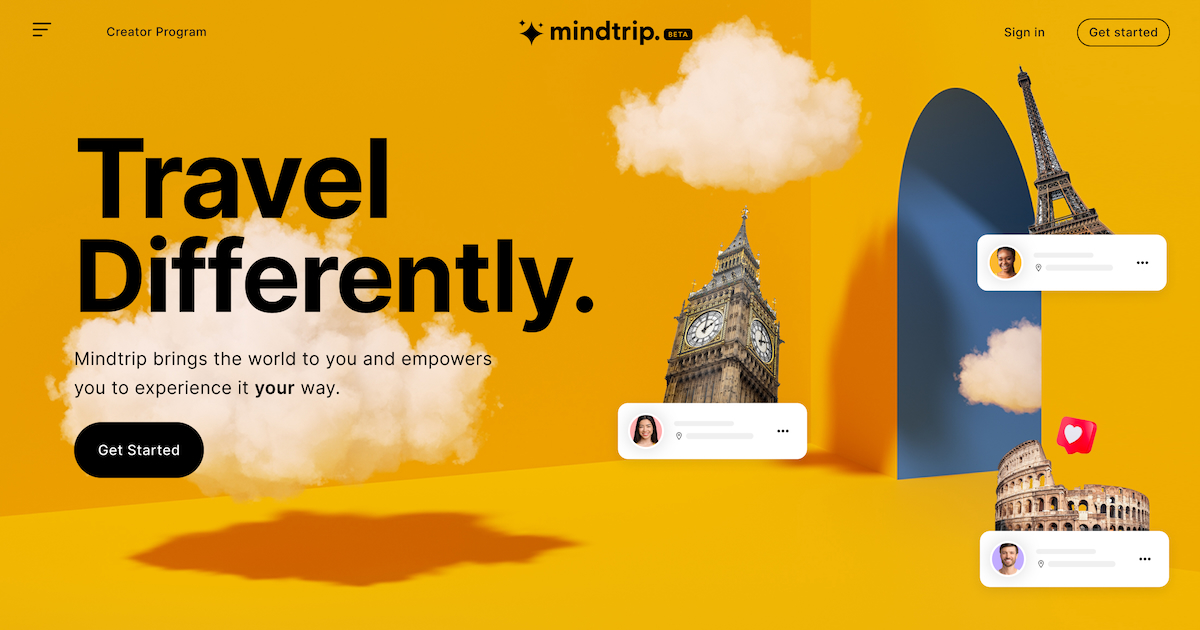
Once a trip involves three, four, or more cities, a plain notes app or spreadsheet stops being enough — you need something that can juggle routes, bookings, and a group chat’s worth of opinions without falling apart. Mindtrip and Wanderlog are two of the most-used free AI trip planners built for exactly this kind of complexity, but they solve the problem in different ways.
Table of Contents
This guide breaks down how each tool actually handles a multi-city itinerary — route logic, collaboration, booking, and pricing — so you can pick the one that fits how you plan, not just the one with the flashier demo.
Quick Answer
For multi-city trips, Wanderlog is the stronger pick when your priority is a map-first itinerary you can drag, reorder, and route efficiently between stops — it’s built around the map, not the chat window. Mindtrip is the stronger pick if you want a conversational AI to help you decide what to do in each city and turn inspiration (a screenshot, PDF, or blog post) directly into a plan, with in-chat booking along the way. Many travelers end up using Mindtrip to research and shape the trip, then Wanderlog to lock in the day-by-day route.
How Each Tool Handles Multiple Cities
Wanderlog treats your whole trip as a single map with pins for every city, hotel, and activity. Its route optimization feature reorders your stops into the most efficient path automatically, which matters a lot once you’re stringing together several cities or a road trip with detours — you can see the whole route at a glance and drag stops between days without losing the map view. The free plan already covers unlimited places, itinerary building, and live collaboration; Wanderlog Pro (around $40/year) layers on offline maps, its AI assistant, and more advanced route tools, which is worth it if you’ll be planning or navigating without reliable signal.
Mindtrip works more like a planning conversation. You describe the trip — or start from a photo, screenshot, PDF, or link via its ‘Start Anywhere’ feature — and it builds out a visual itinerary with map pins, recommendations, and nearby discovery for each city, adapting as you chat with it further. It handles multi-city trips by keeping each city’s plan coherent and swappable rather than optimizing the route between them the way Wanderlog does. Mindtrip also lets you book flights, hotels, and activities directly in the chat through its booking partners, and you can upload confirmations and receipts so everything for a multi-leg trip stays in one place.
Collaboration, Booking, and Pricing
Both tools support real-time collaboration, which matters when a multi-city trip involves splitting decisions across a group — Mindtrip adds a shared group chat alongside the shared itinerary, which some travelers find easier for hashing out where to go next than passing edits back and forth on a map.
On booking, Mindtrip is more integrated: it can book flights, hotels, and activities without leaving the chat, and it earns its revenue from booking commissions rather than subscriptions, which is why the core planning experience has no premium tier or feature paywall. Wanderlog also imports flight and hotel confirmations (by forwarding booking emails) and adds expense tracking with cost-splitting between travelers, which Mindtrip doesn’t offer — useful if your multi-city trip has a shared group budget to reconcile afterward.
On price, Mindtrip is free with no locked core features. Wanderlog’s free tier is generous too, but its offline access, AI assistant, and some route-optimization depth sit behind the Pro subscription — worth checking against how much offline map access and AI help you actually expect to need.
Tips / Common Mistakes
Don’t build your whole itinerary in the AI chat and skip the map view — both tools’ map layouts are where you’ll actually catch inefficient routing between cities, like a leg that backtracks across a region you already passed through.
If your trip depends on offline access (rural regions, limited data plans, long train rides), confirm which parts of Wanderlog’s offline mode you need before the trip, since some of that depth is Pro-only.
When comparing group trips, decide upfront whether you need built-in expense splitting (Wanderlog) or a shared group chat baked into the itinerary (Mindtrip) — trying to bolt either feature onto the other tool afterward is more friction than switching plans early.
Cross-check any in-chat AI booking suggestion against the airline’s or hotel’s own site before paying — both tools are convenient for discovery, but it’s worth verifying price and cancellation terms directly with the provider.
Explore more: more travel planning guides.
Mindtrip vs Wanderlog FAQs
Which is better for a multi-city trip, Mindtrip or Wanderlog?
Wanderlog is generally better if you want precise, map-based route logic across many stops. Mindtrip is generally better if you want an AI to help shape the itinerary conversationally and book things without leaving the chat.
Is Wanderlog or Mindtrip free?
Both have solid free plans. Wanderlog’s free tier covers itinerary building and collaboration, with a Pro subscription (around $40/year) for offline maps and its AI assistant. Mindtrip is free with no premium tier, monetizing through booking commissions instead.
Can I use both Mindtrip and Wanderlog for the same trip?
Yes — a common workflow is using Mindtrip to research each city and generate ideas, then rebuilding the finalized route in Wanderlog for day-by-day route optimization and expense tracking.
Does either tool book flights and hotels automatically?
Mindtrip supports in-chat booking for flights, hotels, and activities through its booking partners. Wanderlog focuses more on organizing bookings you’ve already made, importing confirmations via email forwarding.
Make Your Digital Life Better
More practical tech how-tos, tool picks, and guides to upgrade your everyday digital life. More on GTWebs.
Want web tips in your inbox? Subscribe to the free newsletter.
Images: Mindtrip.