

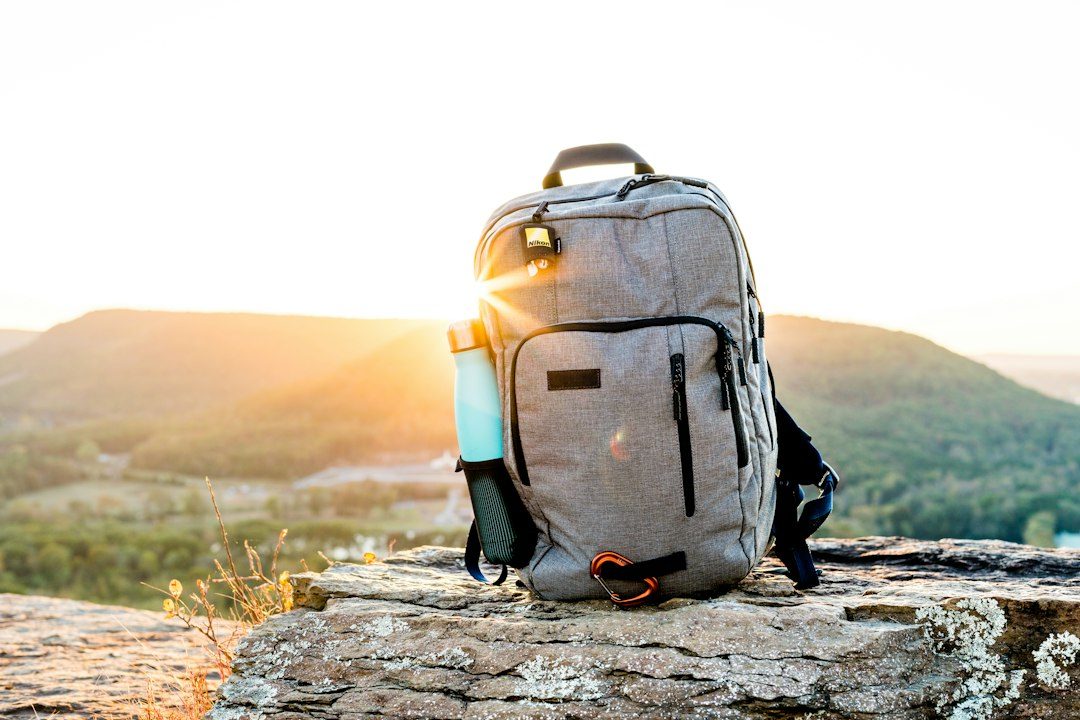
Most “best luggage tracker” guides are written for checked suitcases that sit still in a baggage hold. A backpack is a different problem: it rides on your back through airports, gets tossed under bus seats, and is the bag most likely to get snatched off a cafe chair while you’re not looking. The right tracker, and where you put it, changes accordingly.
Table of Contents
This guide covers the Bluetooth trackers that actually work for backpacks, how to pick one that matches your phone, and where to hide it so it doesn’t get stolen along with the bag.
Quick Answer
For iPhone users, the Apple AirTag is the easiest choice because it works directly with Find My and Apple’s huge device network. For Android users, the Chipolo POP is the strongest general pick because it can switch between Google’s Find Hub network (the service formerly called Find My Device) and Apple’s Find My network, so it still helps if your travel group mixes iPhone and Android. The Samsung SmartTag2 is only worth buying if everyone who needs to track the bag uses a Samsung Galaxy phone, since it pairs exclusively with Galaxy devices and never connects to Find Hub. Tile Pro is another solid cross-platform option, since its own app works the same way on iPhone and Android.
The Best Trackers for Backpacks, Compared
Apple AirTag (2nd generation, around $29 single / around $99 four-pack): works only through Apple’s Find My app, but that app taps into the location network of every iPhone that passes near your bag, which is the largest crowd-sourced network of any tracker. It has an IP67 water rating, a replaceable CR2032 battery rated for over a year, and Precision Finding that walks you to the exact pocket your tracker is in if you’re nearby with a compatible iPhone. The catch: Android users can’t easily track it, and there’s no way to receive alerts on an Android phone.
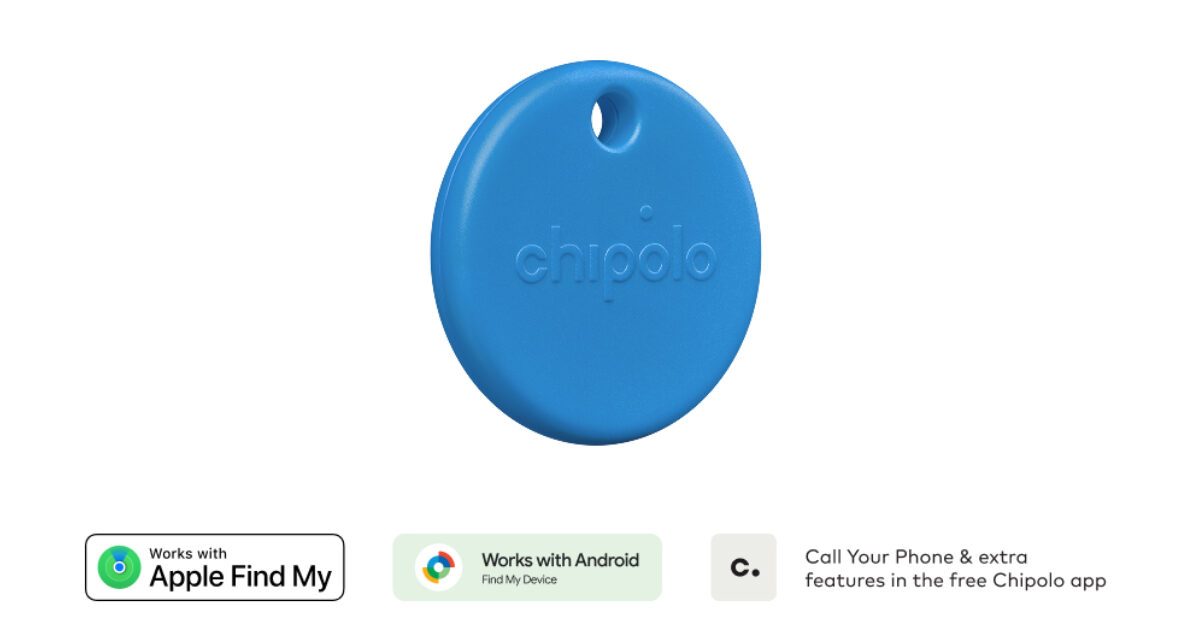
Chipolo POP (around $29): Chipolo’s current Android-friendly tracker (it replaced the older Chipolo ONE Point, which has been discontinued). It can connect to either Apple’s Find My network or Google’s Find Hub network depending on how you set it up, a splash-resistant IP55 housing, a loud 120dB ring, and a replaceable CR2032 battery good for about a year. It has a built-in keyring hole, which makes it easy to clip to a zipper pull or interior loop without a separate case.
Samsung SmartTag2 (around $30): only pairs with, and can only be located by, a Samsung Galaxy phone or tablet — trying to set it up through the SmartThings app on a Pixel, other Android phone, or iPhone doesn’t work. It runs on Samsung’s own Galaxy-only finding network and never connects to Google’s Find Hub network. If everyone who needs to track the bag is on Galaxy hardware, it’s a strong option: Bluetooth plus ultra-wideband (UWB) on the subset of Galaxy phones and tablets that support UWB gives a compass-style, arrow-pointing find (other Galaxy models fall back to Bluetooth-only), it carries an IP67 rating, and Samsung rates the battery at up to 500 days in normal mode and longer in power-saving mode. Outside an all-Galaxy household, skip it in favor of Chipolo or Tile.
Tile Pro (list price around $35, frequently discounted): the cross-platform pick, since the Tile app works the same way on iPhone and Android. It has one of the loudest rings of the group, an advertised Bluetooth range longer than the others (real-world range is shorter), and a dust/water-resistant rating. The trade-off is Tile’s own finder network is far smaller than Apple’s or Google’s, so if your bag is lost outside Bluetooth range, you’re relying on fewer nearby phones to spot it.
Where to Put the Tracker in a Backpack
A suitcase has an obvious spot: a side pocket or the structured frame. A backpack doesn’t, and the outside of the bag is the worst place to put a tracker if theft is your concern — a thief who knows what an AirTag or Tile looks like will just remove it before walking off. Tuck the tracker into an interior pocket, a laptop sleeve’s hidden slip pocket, or sew it into the lining if the bag has one. Soft bag materials like nylon and canvas only slightly reduce Bluetooth range, so a tracker buried inside the bag still connects to nearby phones just fine.
If theft is a real worry (a daypack you’ll carry through crowded transit or markets), consider placing two trackers: one somewhere a thief would find quickly if they search the bag, and a second hidden deeper so you can still trace the bag after the first one is removed.
Tips and Common Mistakes
Match the tracker to the phone (and network) that will actually be tracking it, not the phone you wish you had. An AirTag is nearly useless to someone running only Android. A Samsung SmartTag2 is even more locked down: it won’t pair with, or be findable from, any phone other than a Samsung Galaxy device, and it never joins Google’s Find Hub network, so it’s the wrong pick unless everyone tracking the bag owns a Galaxy phone — Chipolo POP or Tile Pro are the safer bets for mixed or non-Samsung Android households. Check the battery before a long trip; most of these trackers use a replaceable CR2032 that lasts around a year, but a battery that’s already several months old may not make it through a two-week trip. Don’t rely on any of these for backcountry or off-grid hiking — AirTag, Tile, Chipolo, and SmartTag2 all depend on Bluetooth and nearby phones, so in true no-cell, no-crowd areas you’d need a satellite communicator (like a Garmin inReach) instead, which is a different category of device entirely. Finally, register the tracker in its app before you travel, not at the airport — activation usually requires a stable internet connection and a few minutes you won’t want to spend while boarding.
Explore more: more travel gear guides.
Luggage trackers for backpacks FAQs
Can I put an AirTag in a backpack instead of a suitcase?
Yes. AirTags work the same way regardless of bag type. For a backpack, place it in an interior pocket rather than clipped outside, since backpacks are more likely to be carried through crowds where an exposed tracker could be spotted and removed.
What’s the best luggage tracker if I don’t have an iPhone?
The Chipolo POP is a strong Android pick, since it can connect to Google’s Find Hub network (formerly called Find My Device) or Apple’s Find My network. The Samsung SmartTag2 is a good alternative only if you (and whoever else tracks the bag) use a Samsung Galaxy phone — it cannot pair with, or be located from, any non-Galaxy phone, iPhone included, and it does not use Find Hub.
Does the Samsung SmartTag2 work with any Android phone?
No. The SmartTag2 only pairs with Samsung Galaxy phones and tablets, and can only be located using the SmartThings app on a Galaxy device. It runs on Samsung’s own Galaxy-exclusive network, not Google’s Find Hub network, so a Pixel or other non-Samsung Android phone can’t set it up or track it.
Do Bluetooth trackers work if my backpack is stolen and taken far away?
They can, but only if another user’s phone on the same network (Apple’s Find My, Google’s Find Hub, Samsung’s Galaxy-only network, or Tile’s network) passes near the bag and reports its location. Coverage is excellent in cities and airports but thin in remote areas.
Will a tracker work through a backpack’s fabric and padding?
Yes, in almost all cases. Common bag materials like nylon, canvas, and polyester only slightly reduce Bluetooth range, so a tracker hidden inside a backpack still connects to nearby phones normally.
Make Your Digital Life Better
More practical tech how-tos, tool picks, and guides to upgrade your everyday digital life. More on GTWebs.
Want web tips in your inbox? Subscribe to the free newsletter.
Photo by Josiah Weiss on Unsplash.