

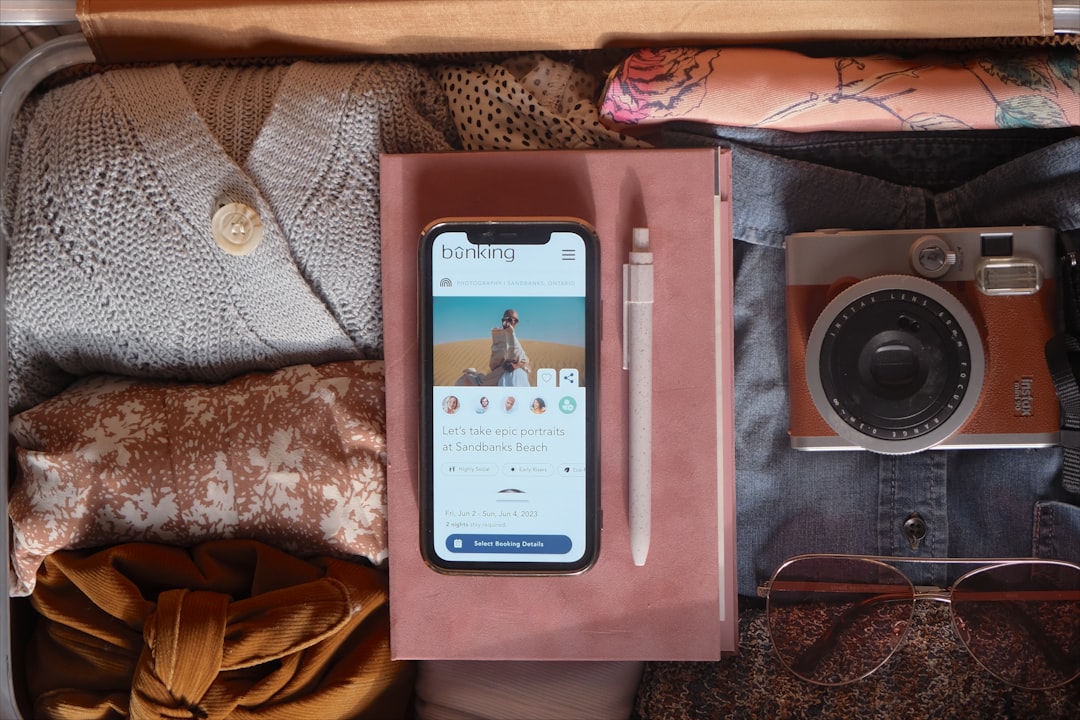
If you’ve got two weeks until your flight, downloading Duolingo and grinding a streak is the wrong move — that app is built for a years-long habit, not a cram session. What actually helps on a short trip is a small, deliberate stack: one app for real-time translation when you’re stuck, one for fast survival vocabulary, and (if you have 20 minutes a day) one for pronunciation so you don’t just point at your phone the whole time.
Table of Contents
This guide covers the apps worth putting on your home screen for a two-week trip, what each one is actually good for, and the mistakes people make when they try to ‘learn a language’ instead of just preparing to get around.
Quick Answer
For a two-week trip, use Google Translate as your safety net (offline text and camera translation once you download the language pack, plus live Conversation Mode when you have data), Drops or uTalk for fast survival vocabulary in short daily bursts, and Pimsleur if you want a short audio course that trains your ear and mouth on real pronunciation before you land. Skip long-form apps like Duolingo or Babbel unless you’re already planning to keep learning after the trip.
The Core Stack: What Each App Is Actually For
Google Translate is not optional — install it now and download your destination’s offline language pack before you leave (in the app, tap your profile icon and go to Offline translation), since hotel wifi and airport SIMs are unreliable. Once a language is downloaded, it works with no connection at all for both typed/handwritten text translation and camera translation — point your phone at a menu or sign and it translates on the spot, no signal required. Live Conversation Mode, which listens to both sides of a spoken exchange and translates back and forth in near real time, still needs data or wifi, so it’s worth grabbing a local eSIM or a few gigs of roaming data for that feature specifically — it’s genuinely useful for a taxi driver or a pharmacist who doesn’t speak English.
Drops and uTalk both take a different approach: fast, visual vocabulary drills instead of grammar lessons. Drops uses short swipe-based games (built around roughly five-minute sessions) organized by travel-relevant topics like food, transport, and emergencies, so two weeks of daily use realistically gets you a working set of nouns and short phrases, not sentence construction. uTalk covers similar ground with phrases recorded by native speakers, organized into practical everyday topics, and its content downloads fully for offline use — handy for on-the-ground drilling without eating your data plan.
Pimsleur is worth adding if you want to actually speak, not just recognize words. It’s audio-first: you listen and repeat, which trains pronunciation and listening comprehension in a way flashcard apps don’t. Because each lesson runs about 30 minutes and builds on the last, two weeks of daily lessons is enough to get comfortable with core greetings, numbers, and simple exchanges — it won’t make you conversational, but it will make you sound less like you’re reading off a card.
If you want live speaking practice rather than pre-recorded phrases, AI conversation apps like Speak simulate role-play scenarios (ordering at a restaurant, checking into a hotel) and give feedback on your pronunciation. It currently covers a shorter list of major languages, so check it supports yours before relying on it — for less common travel destinations, Pimsleur or uTalk will have broader language coverage.
How to Build a Two-Week Prep Plan
Week one: install Google Translate and download the offline pack for your destination language immediately — this is the single highest-value five minutes of prep you can do, since it unlocks both text and camera translation with zero signal. Then pick one vocabulary app (Drops or uTalk) and do a short daily session on transport, food, numbers, and emergency phrases specifically, skipping topics that aren’t trip-relevant.
Week two: if you have the appetite for it, add 20–30 minutes a day of Pimsleur (or a similar audio course) focused on pronunciation and a handful of stock phrases — greetings, ‘do you speak English,’ ‘how much,’ and ‘where is.’ In the final two or three days before you fly, stop adding new material and just review what you’ve already covered; cramming new vocabulary the night before a flight rarely sticks.
On the ground, treat the apps as a toolkit rather than a single solution: use your memorized phrases first, fall back to the vocabulary app when you blank, and use Google Translate’s camera or conversation mode as the last resort for anything more complex than a greeting or a simple request.

Tips and Common Mistakes
Don’t assume Google Translate needs a connection for everything. Download the offline language pack before you leave home, not at the airport gate on spotty wifi — once it’s downloaded, both typed/handwritten text translation and camera translation work with no internet at all. The one feature that still needs data or wifi is live Conversation Mode, so save that for when you’re connected.
Don’t try to ‘finish’ a language app before your trip. None of these are designed to make you fluent in two weeks, and treating a streak or lesson count as a finish line wastes time you could spend on the phrases you’ll actually use daily: greetings, numbers, directions, and food.
Don’t skip pronunciation practice entirely in favor of translation apps. Being able to say ‘thank you’ and ‘excuse me’ without pulling out your phone goes a long way with locals, even if the rest of the conversation happens through an app.
Do check language coverage before committing to an app — some AI conversation tools and structured courses only support a handful of major languages, which matters if you’re headed somewhere less commonly taught.
Do carry a portable charger, since a dead phone defeats every offline pack and app on this list even if you did all the downloading right.
Explore more: more travel planning guides.
Language learning apps for a two-week trip FAQs
Do I need Duolingo for a two-week trip?
Not really. Duolingo is built around long-term daily streaks and broad language coverage rather than fast, trip-focused vocabulary, so a dedicated travel-phrase app (like Drops or uTalk) or an audio course (like Pimsleur) will get you more usable skill in two weeks.
Does Google Translate work without internet?
Yes, if you download the offline language pack in advance (tap your profile icon in the app and go to Offline translation) — once downloaded, that language works fully offline for typed and handwritten text translation as well as camera translation, so you can point your phone at a sign or menu with zero signal. Live Conversation Mode, which translates spoken back-and-forth exchanges, still requires an internet connection, so it’s worth having some mobile data or wifi access for that specific feature.
Which app is best for pronunciation before a trip?
Pimsleur is built specifically around listening and repeating audio, which makes it one of the stronger options for pronunciation in a short window. AI conversation apps like Speak also give direct pronunciation feedback, but currently support fewer languages.
Make Your Digital Life Better
More practical tech how-tos, tool picks, and guides to upgrade your everyday digital life. More on GTWebs.
Want web tips in your inbox? Subscribe to the free newsletter.
Photo by Paige Cody on Unsplash.