

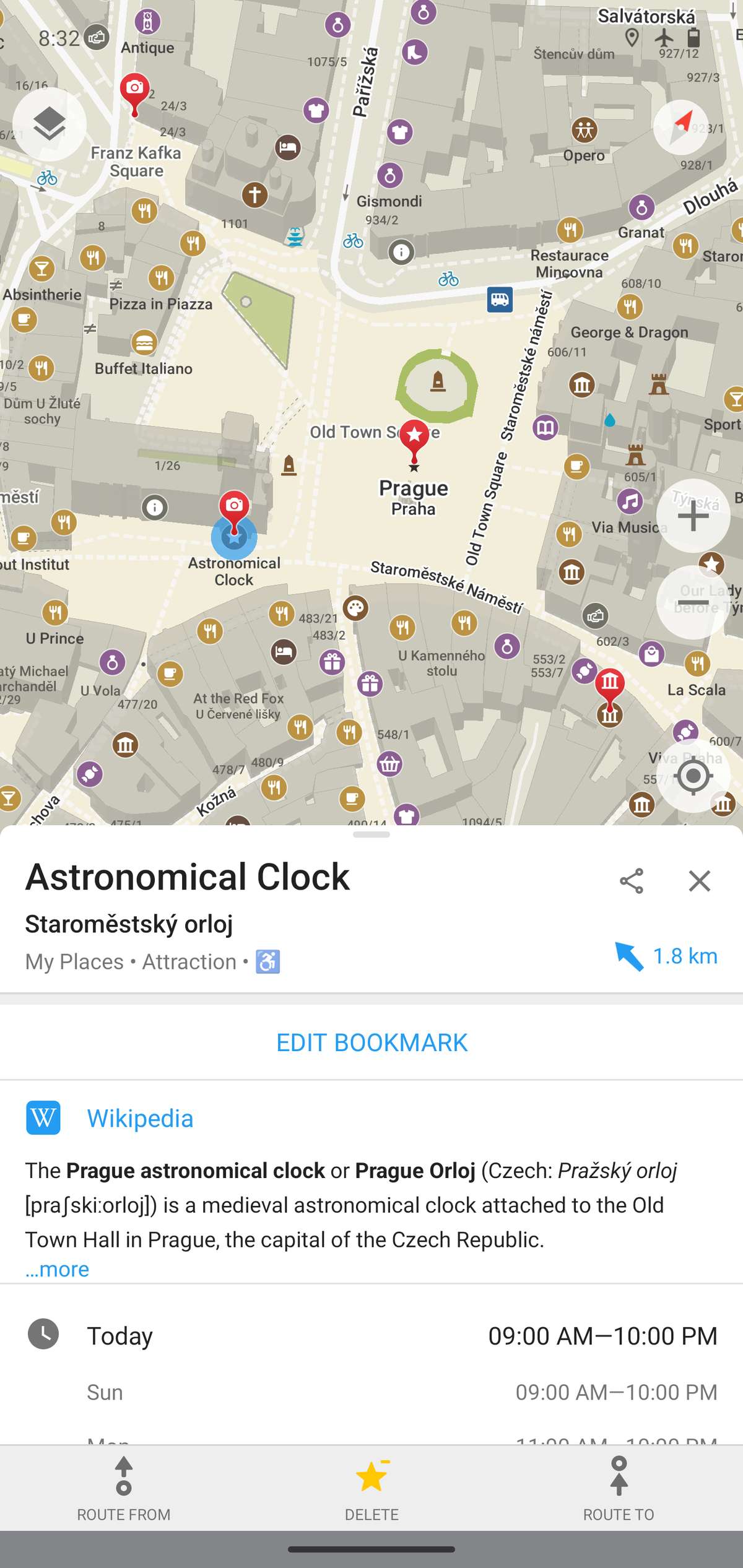
When you’re traveling somewhere with spotty cell service or you just don’t want to burn roaming data, an offline map app is one of the most useful things on your phone. Three names come up again and again: Maps.me, Organic Maps, and OsmAnd. All three are built on OpenStreetMap data, all three let you download maps for offline use, and all three are free to start — but they’ve gone in very different directions.
Table of Contents
This guide breaks down what each app actually does well, where they fall short, and which one makes sense depending on how you travel.
Quick Answer
For most travelers, Organic Maps is the best free offline map app — it’s genuinely free with no ads or paywalled map downloads, and it’s fast and simple to use. Choose OsmAnd instead if you want advanced features like contour lines, 3D terrain, or detailed hiking and cycling tools and don’t mind a steeper learning curve. Maps.me is the one to skip for new users, since it has shifted to a paid subscription for anything beyond a handful of downloaded regions.
How the Three Apps Are Related
These apps share a family tree. Maps.me started life as MapsWithMe, an offline OpenStreetMap-based app built by developers Alexander Borsuk and Viktor Govako. After the app changed ownership a couple of times and eventually dropped its open-source code in favor of a closed, ads-and-subscription model, the original founders forked the last open-source version and released it as Organic Maps — free, open-source, and ad-free by design.
OsmAnd developed independently and has always focused on being the most feature-complete OpenStreetMap navigation app, at the cost of a denser, more technical interface.
Because of that shared ancestry, Maps.me and Organic Maps still look and feel similar in basic use (search, download a region, tap to navigate), while OsmAnd has a noticeably different, menu-heavy design.
Features, Pricing, and Who Each App Is For
Maps.me: Free to use for basic navigation, but the free tier now limits how many map regions you can keep downloaded at once (around 10), and unlocking unlimited downloads and extra features requires a Maps.me PRO subscription. It’s still a usable, simple app for occasional trips, but the subscription push is the main reason people look for alternatives.
Organic Maps: Completely free with no subscription, no ads, and no data tracking. You can download as many regions as you want. The app covers the essentials well — turn-by-turn walking, cycling, and driving navigation with voice guidance, hiking trails, bookmarks, offline search, and a clean, fast interface. Map data is refreshed on a roughly monthly basis, and updating is a manual tap once a new version is available. It intentionally skips some of the deeper customization that power users want, which keeps it simple.
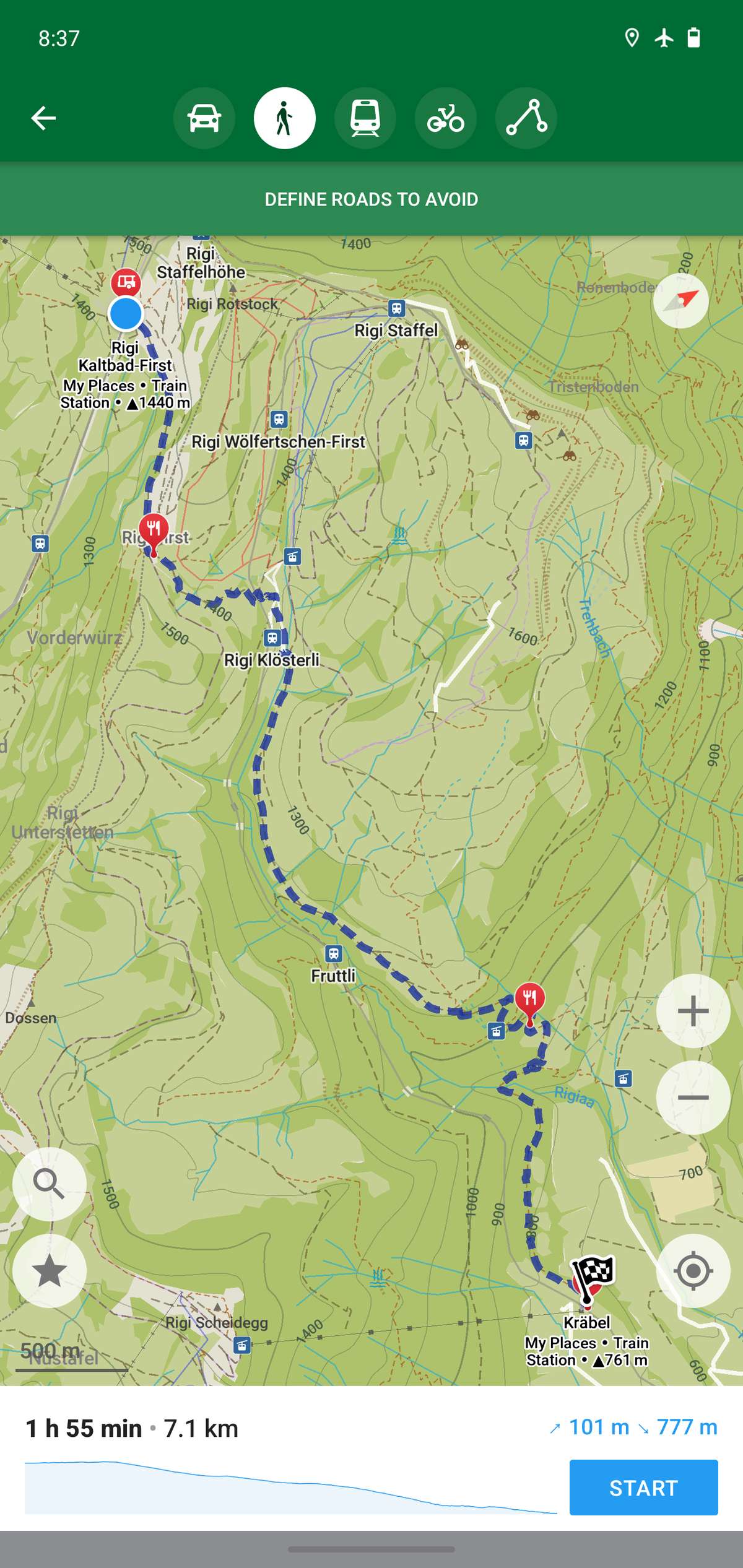
OsmAnd: The free version is capped at a small number of total map downloads, after which you’ll need OsmAnd+ (a one-time purchase) or an OsmAnd Pro subscription to download unlimited maps and get more frequent data updates through OsmAnd Live. In exchange, OsmAnd offers the deepest feature set of the three: contour lines and 3D terrain, GPS track recording and analysis, public transit routing, detailed POI filtering, and extensive customization of what shows on the map. It’s the pick for hikers, cyclists, and off-road travelers who want granular control.

Tips / Common Mistakes
Download your maps before you leave home or hotel Wi-Fi — don’t assume you’ll have a signal to grab a region once you’ve landed. Also download neighboring regions if you’re planning a road trip that crosses borders or state lines, since each app treats regions as separate downloads.
Don’t confuse ‘offline maps’ with ‘offline everything’ — all three apps can browse and navigate offline, but live traffic, transit delays, and place reviews still need an internet connection.
If you’re on OsmAnd and feeling overwhelmed, start with the default view and only turn on extra map layers (contour lines, POI categories) as you need them — the full feature set is powerful but cluttered if you enable everything at once.
Before paying for any subscription, check whether the free tier actually covers your trip. A single-region international trip often fits inside Maps.me’s or OsmAnd’s free download limits without needing to pay anything.
Explore more: more travel app guides.
Maps.me vs Organic Maps vs OsmAnd FAQs
Which is better, Organic Maps or OsmAnd?
Organic Maps is simpler, faster, and completely free with no download limits, making it better for most everyday travel. OsmAnd has more advanced features like contour lines and detailed track tools, which makes it better suited for serious hikers and cyclists who don’t mind paying for the full version.
Is Maps.me still free?
Maps.me still has a free tier, but it now limits how many map regions you can download at once and pushes a PRO subscription for unlimited downloads and extra features, which is why many users have switched to Organic Maps instead.
Do these apps work with no internet connection at all?
Yes — once you’ve downloaded a region’s map while connected to Wi-Fi or data, all three apps can search, display the map, and give turn-by-turn navigation completely offline.
Which app is best for hiking and cycling trails?
OsmAnd generally offers the most detailed tools for this, including contour lines, elevation profiles, and GPS track analysis. Organic Maps also shows hiking and cycling routes and is a good lighter-weight option.
Make Your Digital Life Better
More practical tech how-tos, tool picks, and guides to upgrade your everyday digital life. More on GTWebs.
Want web tips in your inbox? Subscribe to the free newsletter.
Images: Organicmaps.