

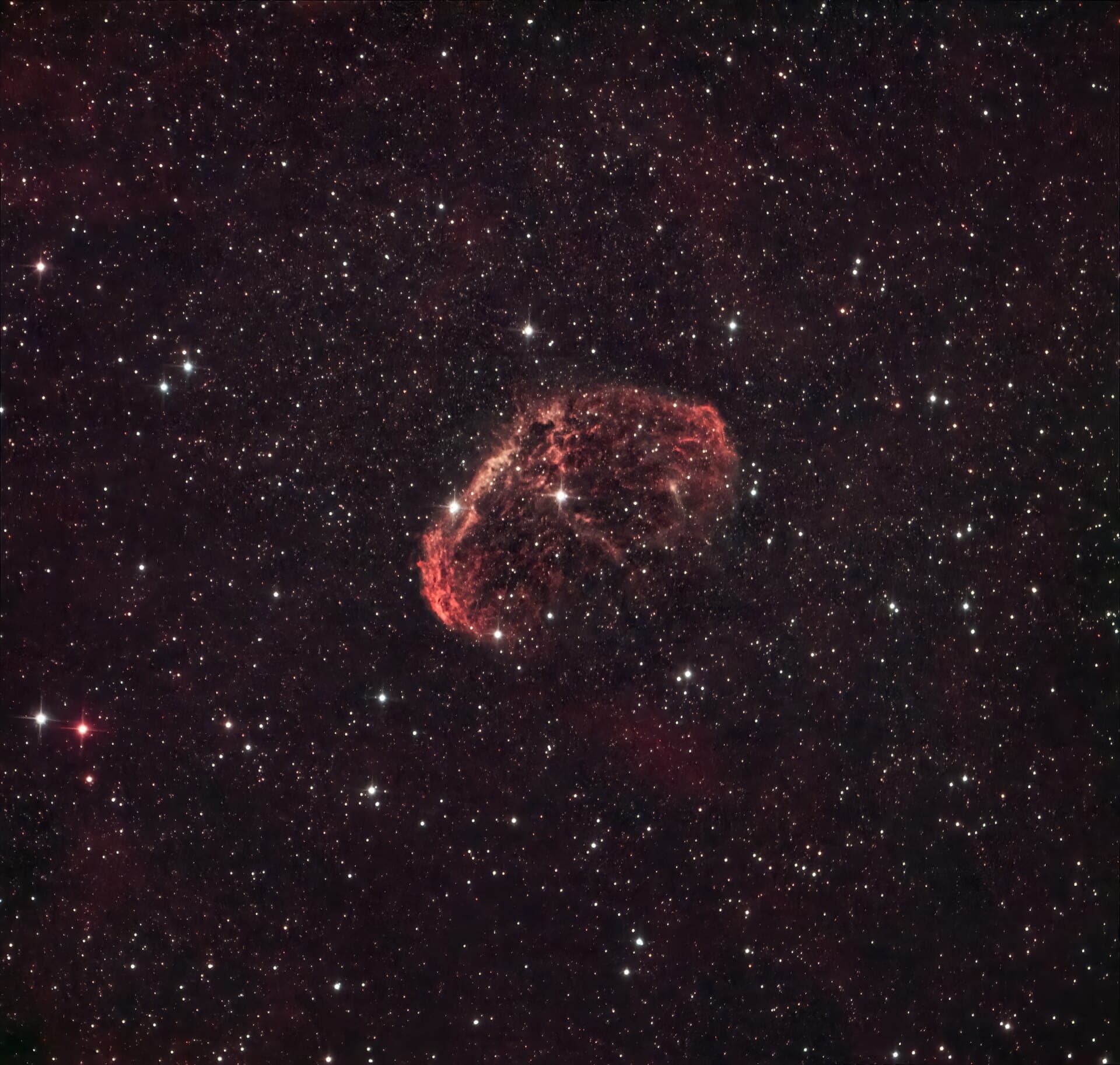
If you’ve moved past your first few nights of deep-sky imaging, you’ve hit the same wall every astrophotographer hits: your stacked image looks flat, noisy, and nothing like the photos you see online. The gap isn’t your telescope or camera — it’s processing. And the two names that come up constantly are PixInsight and Photoshop.
Table of Contents
They’re not really competitors. They solve different problems. This guide breaks down what each one is actually built for, how their pricing models differ, and how to decide whether you need one, the other, or both.
Quick Answer
PixInsight is purpose-built astrophotography software that handles calibration, stacking, gradient removal, star reduction, and noise/sharpening tools designed specifically for faint, noisy astronomical data — learn it first if your priority is getting a technically clean image out of raw subs. Photoshop is a general image editor best used afterward, for layer-based creative finishing, masking, color grading, and final touch-ups. Most serious deep-sky imagers eventually use both.
What Each Tool Is Actually For
PixInsight was built from the ground up for astronomical images, not photographs. It handles the technical pipeline that photo editors don’t: calibrating raw subs against dark, flat, and bias frames, registering and integrating hundreds of exposures into a single stacked master, correcting gradients from light pollution or moon glow, and doing linear-stage color calibration before you ever start making the image ‘look good.’ Its processes — tools like Deconvolution and MultiscaleLinearTransform, plus the popular RC Astro tool suite (BlurXTerminator for sharpening, NoiseXTerminator for denoising, and StarXTerminator for separating stars from background) — are built around the statistical properties of astronomical data, which behaves very differently from a normal daylight photo.
Photoshop, by contrast, has no built-in stacking or calibration tools designed for astrophotography. It’s a general-purpose raster editor. Once you have a stacked, calibrated image (usually exported from PixInsight, DeepSkyStacker, or Siril), Photoshop excels at the finishing stage: layer masks for selective contrast boosts, curves and levels for fine color work, blend modes for combining narrowband and broadband data, and cleanup work like removing satellite trails or fixing halos around bright stars. Two of the three RC Astro tools — NoiseXTerminator and StarXTerminator — also ship as Photoshop plugins, so some of that AI-assisted noise reduction and star removal can happen directly inside Photoshop rather than only in PixInsight.
In short: PixInsight turns raw subframes into a clean, calibrated image. Photoshop turns a clean image into a finished, presentable one.
Cost, Learning Curve, and Workflow Fit
PixInsight is sold as a one-time commercial license rather than a subscription, and its developer, Pleiades Astrophoto, offers a free trial so you can test it before buying. Photoshop, on the other hand, is subscription-based through Adobe Creative Cloud, and it’s also bundled into Adobe’s Photography plan (Photoshop plus Lightroom) — often the better deal if you don’t need the full Creative Cloud suite. Prices and plan details change fairly often, so check both vendors’ sites for current figures before you decide.
The learning curves are both steep, but in different ways. PixInsight’s interface is dense and process-heavy — it’s a scriptable platform (via PixInsight JavaScript Runtime) more than a typical editor, and its tools use terminology from signal processing and astronomy. Expect to spend real time watching tutorials before your images stop looking worse after you touch them. Photoshop is more familiar if you’ve done any general photo editing, but astrophotography-specific techniques (star reduction, narrowband combination, stretching a linear image) aren’t things Photoshop teaches you out of the box — you’ll be applying photography skills to a very different kind of data.
A common workflow: shoot subs, calibrate/stack/stretch and do initial noise reduction and sharpening in PixInsight, then export a 16-bit TIFF into Photoshop for final color balance, selective contrast, and any compositing or print-prep work.
Tips and Common Mistakes
Don’t try to skip PixInsight (or a comparable dedicated tool like Siril, which is free and open source) by stacking and stretching entirely in Photoshop — you’ll fight the software the whole way and get noisier, less accurate results, especially on faint targets. Photoshop simply wasn’t built for linear astronomical data.
Do your stretching (converting the image from linear to non-linear) in PixInsight before moving to Photoshop — trying to stretch a linear-looking, mostly-black image in Photoshop’s curves tool is one of the most common beginner mistakes and leads to blown-out stars and crushed detail.
Don’t assume the RC Astro tools lock you into PixInsight: NoiseXTerminator and StarXTerminator have Photoshop plugin versions (which also work in Affinity Photo), plus a stand-alone command-line version that runs outside any host program. BlurXTerminator is the exception — RC Astro has said it won’t bring that one to general photo editors like Photoshop because deconvolution requires linear image data, so sharpening with it means using PixInsight or the stand-alone version.
If cost is the deciding factor, know that free alternatives exist at both ends: Siril is a capable free replacement for PixInsight’s calibration/stacking role, and GIMP is a free replacement for Photoshop’s finishing role. Neither has quite the same plugin ecosystem or polish, but they’re legitimate ways to learn the workflow before paying for either license.
Buy PixInsight only after you’ve stacked a few targets with a free trial or free tool — it’s a big enough investment and learning curve that you want to be sure the deep-sky processing workflow is one you’ll stick with.
Explore more: More space and astrophotography guides.
PixInsight vs Photoshop FAQs
Do I need both PixInsight and Photoshop?
Not strictly. Many astrophotographers do all their processing in PixInsight alone, since it has retouching and masking tools too. But most who want maximum creative control over color and final presentation add Photoshop as a finishing step.
Is PixInsight worth it for a beginner?
If you’re only shooting occasionally or still learning to stack images, start with a free tool like Siril. Once you’re consistently imaging and want finer control over calibration and noise reduction, PixInsight’s one-time license can pay off compared to an ongoing Photoshop subscription.
Can Photoshop stack astrophotography images?
Photoshop has a basic ‘Statistics’ script that can align and average a small number of images, but it lacks proper astronomical calibration (darks, flats, bias) and the registration accuracy of dedicated stacking tools, so it’s not a substitute for PixInsight, DeepSkyStacker, or Siril for serious deep-sky work.
What are BlurXTerminator, NoiseXTerminator, and StarXTerminator?
They’re AI-powered tools from RC Astro for deconvolution/sharpening, noise reduction, and star removal/reduction respectively. NoiseXTerminator and StarXTerminator are available for PixInsight and as Photoshop plugins (which also work in Affinity Photo), plus a stand-alone version. BlurXTerminator is available for PixInsight and as a stand-alone tool, but not for Photoshop, since deconvolution needs linear data that general photo editors don’t work with.
Make Your Digital Life Better
More practical tech how-tos, tool picks, and guides to upgrade your everyday digital life. More on GTWebs.
Want web tips in your inbox? Subscribe to the free newsletter.
Photo: Andy Weeks / CC0, via Wikimedia Commons.