

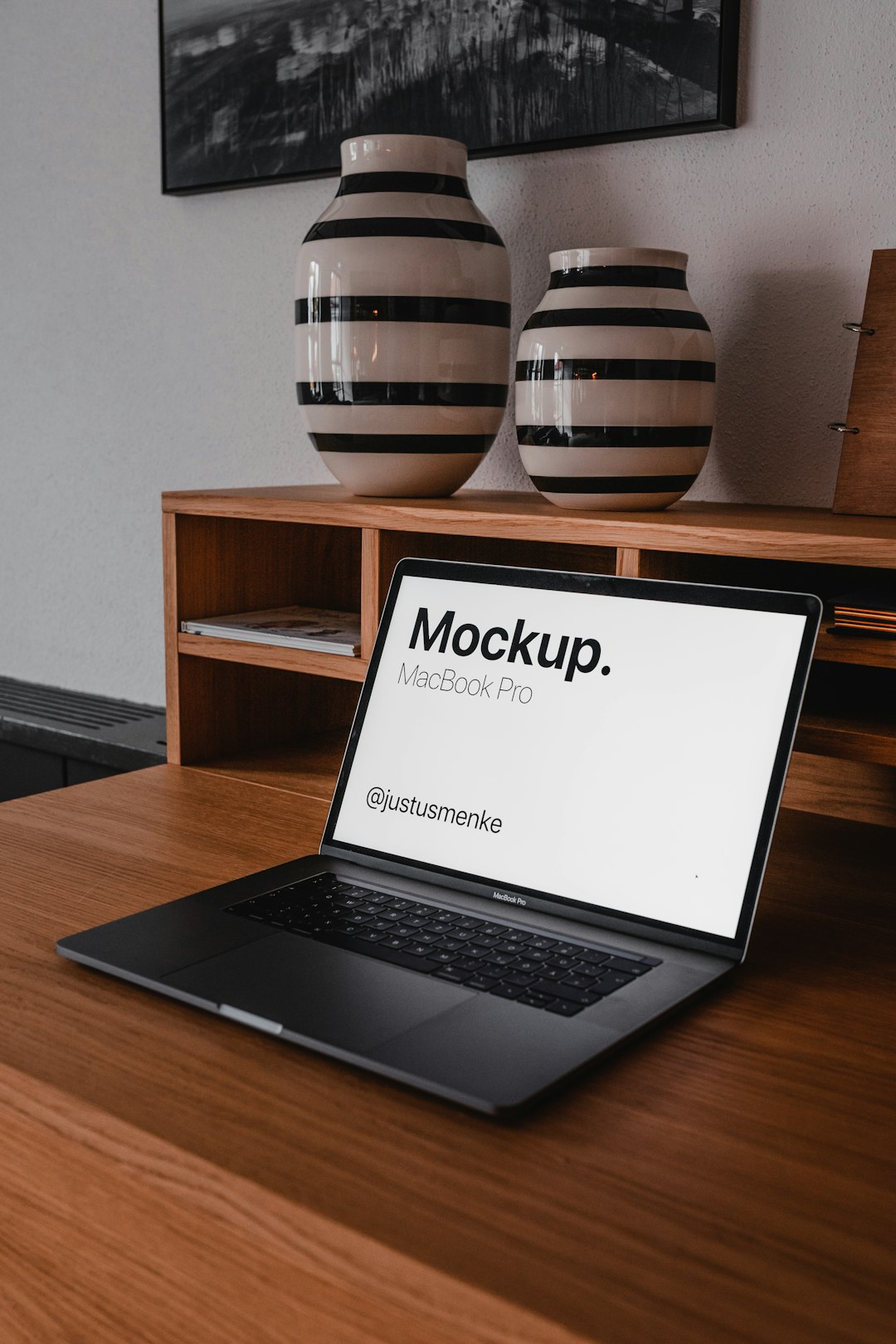
If you sell printables, apparel, mugs, or wall art on Etsy, your listing photos are doing most of the selling — and you don’t need a photo studio or Photoshop to make them look professional. Canva now has a built-in mockup tool that lets you drop your design onto a T-shirt, mug, tote bag, phone case, or dozens of other product photos in a few clicks.
Table of Contents
This guide walks through creating a mockup in Canva using both pre-made templates and your own product photos, then exporting it in the right format and size for Etsy so it actually looks sharp once it’s live.
Quick Answer
In Canva, go to Elements and search for a mockup template (like “mug mockup” or “t-shirt mockup”), then drag your design onto the placeholder area — Canva fits it automatically. For a custom look, use the Mockups app to turn any of your own product photos into a mockup, place your design on the detected surface, and download it as a JPG or PNG at least 2000px on the shortest side for Etsy.
Method 1: Use a Pre-Made Mockup Template
This is the fastest way to get a clean mockup with no photography required. Open Canva and start a new design, then click Elements in the left sidebar and type your product plus “mockup” into the search bar — for example “mug mockup,” “hoodie mockup,” or “phone mockup.” Canva’s library covers apparel, packaging, tech, print, and home goods, and results are labeled Free or Pro depending on your plan, so filter to Free if you don’t have a paid subscription.
Click a mockup to add it to your canvas, then find the placeholder image inside it — usually the plain product surface where your design belongs. Select your own design file (or drag it in from Uploads) and drop it onto that placeholder; Canva automatically warps and blends it to match the product’s angle, lighting, and shadows. Resize or reposition your design within the frame until it looks proportional, then move on to exporting.
Method 2: Turn Your Own Product Photo Into a Mockup
If you want a mockup that matches your brand’s exact style — your own coffee mug, your own styled flat lay — use Canva’s Mockups app instead of the template library. Upload your photo to Canva, then open the Apps panel on the left sidebar, search for Mockups, and select Create a mockup template.
Canva analyzes the photo and automatically detects flat surfaces suitable for placing a design — a shirt front, a mug body, a picture frame. Review the surface it highlights and select Confirm. Once the mockup template is ready, drag your artwork onto the detected area; you can adjust how it sits using the Fill, Fit, or Smart Crop options so it wraps naturally around curves or fills the space without distortion. When it looks right, apply the changes to finish.
For best results, start with a clear, well-lit photo of a simple, flat surface — busy patterns, heavy shadows, or wrinkled fabric make it harder for Canva to detect a clean placement area.
Tips / Common Mistakes
Export mockups as JPG or PNG depending on the use: JPG keeps file size small for photo-realistic listing images, while PNG preserves more detail if you need a sharper zoom. Either way, avoid uploading a mockup with a transparent background directly to Etsy — Etsy doesn’t support transparency in listing photos, and any transparent area will render as solid black once live, so flatten your design onto the mockup background before exporting.
Size for Etsy correctly: aim for at least 2000 pixels on the shortest side (2000×2000 or larger works well for square crops), since Etsy recommends this range for sharp thumbnails and zoomed-in views. In Canva, check your design’s size before downloading and use the resize or Magic Resize option if it’s too small.
Use several mockups per listing, not just one. Etsy now allows up to 20 photos per listing, so show your design from a few angles or on a couple of product colors — a lifestyle-style mockup alongside a plain product-only shot usually converts better than a single image.
Keep your original design as a separate, clean file (ideally high resolution, 300 DPI for print items) so you can re-use it across new mockups later without quality loss.
Explore more: more design guides for small business owners.
Canva product mockups for Etsy FAQs
Is Canva’s mockup tool free to use?
Many mockup templates and the Mockups app are available on Canva’s free plan, though some templates are marked Pro-only. Filter search results by Free if you don’t have a paid subscription.
What image size should I use for Etsy listing photos made in Canva?
Export at least 2000 pixels on the shortest side — Etsy recommends this for photos to display clearly in search results and support zooming on the listing page.
Can I upload a transparent PNG mockup directly to Etsy?
No. Etsy doesn’t support transparency in listing images, so any transparent area will show as black. Flatten your design onto a solid mockup background before exporting from Canva.
Can I use my own product photos instead of Canva’s templates?
Yes. Use the Mockups app under Apps, select Create a mockup template, and Canva will detect a flat surface in your uploaded photo where you can place your design.
Make Your Digital Life Better
More practical tech how-tos, tool picks, and guides to upgrade your everyday digital life. More on GTWebs.
Want web tips in your inbox? Subscribe to the free newsletter.
Photo by Justus Menke on Unsplash.