

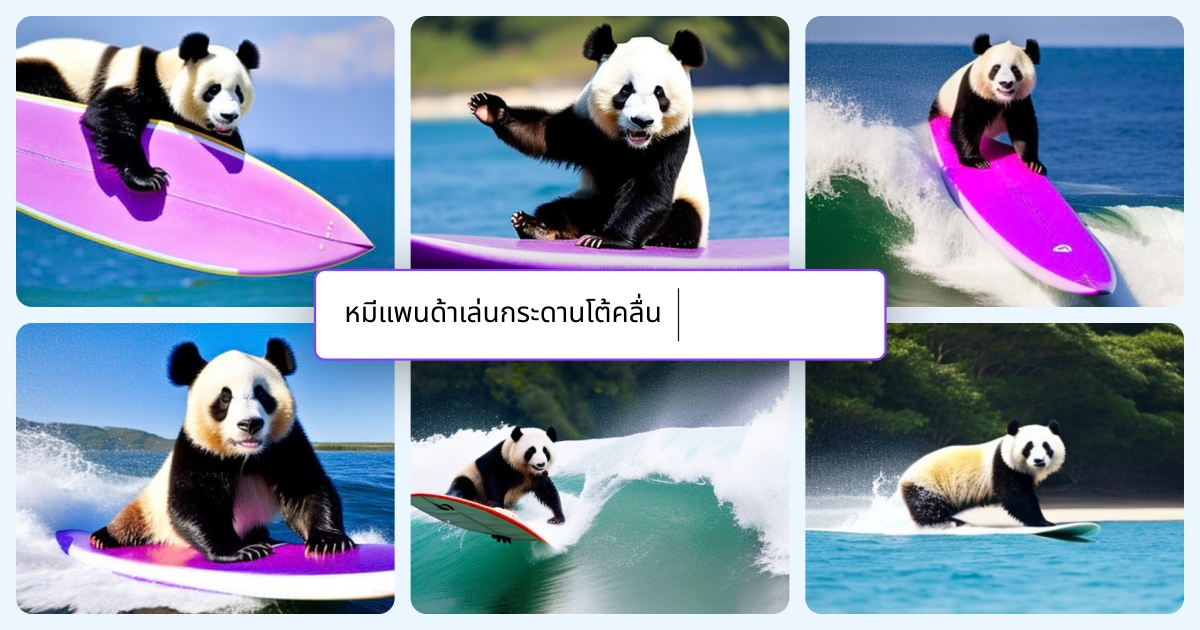
If you need AI-generated images for social posts, ads, or a full brand campaign, you’ve probably landed on two very different tools: Canva’s built-in AI image generator (Magic Media) and Midjourney, the standalone AI art generator known for its striking, painterly output.
Table of Contents
They solve overlapping problems in very different ways. This guide breaks down how each one actually works, what they cost, where the image quality differs, and which one fits your workflow — whether you’re a marketer who needs on-brand graphics fast or a creator chasing a specific artistic look.
Quick Answer
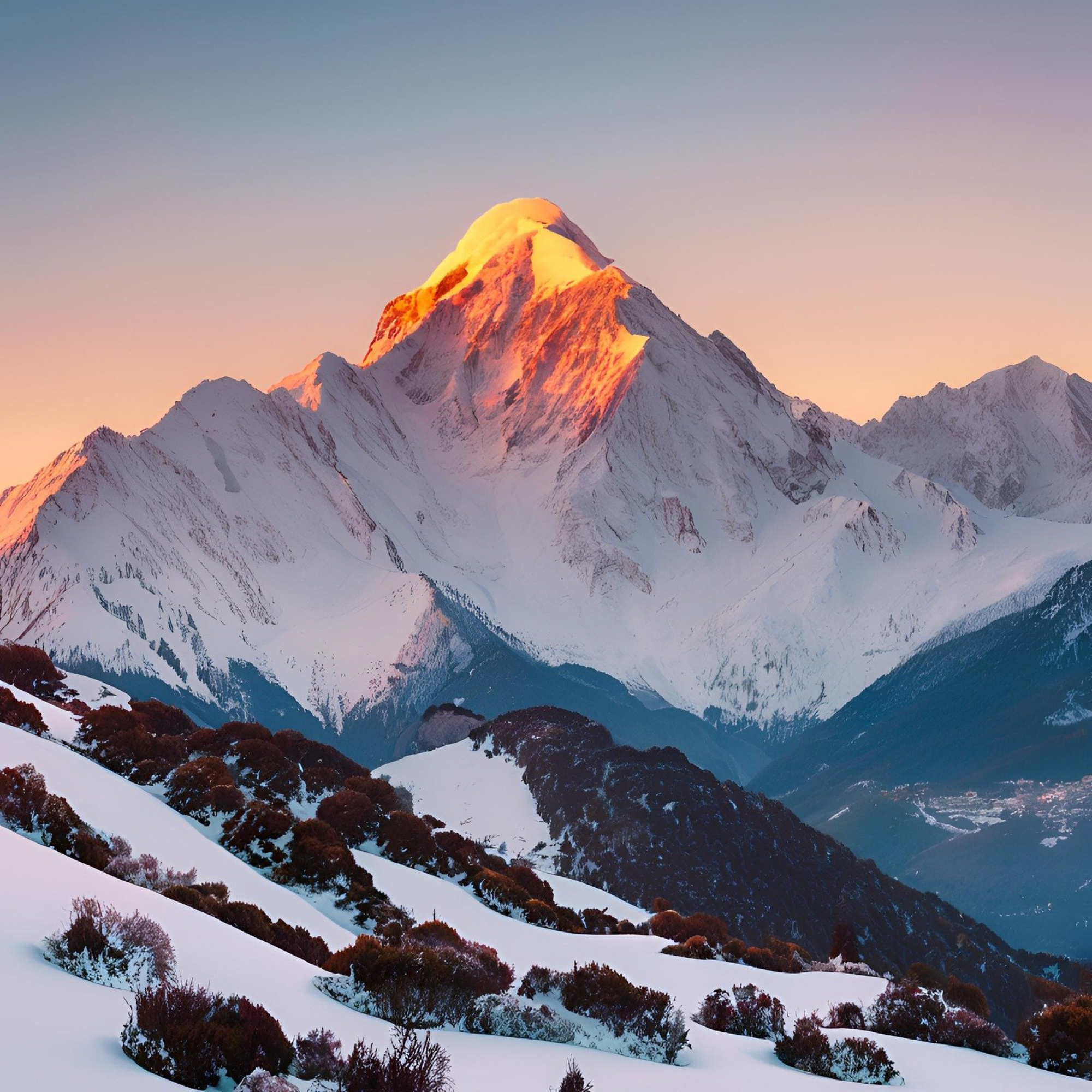
Choose Canva’s AI Image Generator (Magic Media) if you want AI images generated inside a full design editor you can immediately turn into a finished social post, ad, or presentation. Choose Midjourney if image quality and artistic control are the priority and you’re willing to design elsewhere afterward — Midjourney consistently produces more detailed, more painterly, and more photorealistic results, especially for complex scenes and stylized art.
How Each Tool Works
Canva’s Magic Media lives inside the regular Canva editor: open a design, go to Elements (or search ‘Canva AI’ from the homepage), choose ‘Create an image,’ type a prompt, and pick a style like Watercolor, Filmic, or Retrowave. The generated image drops straight onto your canvas, so you can resize it, add text, swap colors, and export a finished asset in the same session. Canva also offers Magic Edit for editing part of an existing image with a text prompt, and its Dream Lab model for higher-fidelity, commercially licensed generations aimed at marketing use.
Midjourney works differently. You generate images either through its web app (no Discord account needed anymore) or the original Discord bot, by typing a text prompt plus optional parameters (aspect ratio, stylization level, version). It returns a grid of four options, which you can upscale, vary, or remix, then download. There’s no built-in layout editor — Midjourney is purely an image generator, so you’ll typically export the result into Canva, Photoshop, or another design tool to add text or assemble a full graphic.
Pricing and Image Quality
Canva’s free plan includes a limited number of AI image generations per month, with Canva Pro (roughly the same price range as a single Midjourney Basic plan) unlocking hundreds of Magic Media and Dream Lab generations plus the rest of Canva’s design toolkit — templates, brand kits, and premium stock assets. Because AI generation is bundled with everything else, you’re paying for a design platform first and an image generator second.
Midjourney is priced purely around compute time. Its Basic plan starts at $10/month and includes a set number of ‘Fast’ GPU hours (enough for a couple hundred standard images); Standard, Pro, and Mega plans step up in price and add unlimited slower ‘Relax mode’ generation, private/stealth generations, and more Fast hours. Annual billing cuts the effective monthly cost by about 20%. In exchange for that dedicated pricing, Midjourney’s image quality — especially lighting, texture, and composition — is widely regarded as more polished and artistically consistent than Canva’s built-in generator, particularly on its current model version.
Tips and Common Mistakes
Don’t buy Midjourney just for one-off images if you already have Canva Pro — Magic Media is ‘good enough’ for most social graphics, and you’ll save a subscription. Conversely, don’t expect Canva’s generator to match Midjourney on complex, highly detailed, or stylized art; if the image itself needs to look impressive on its own (a poster, book cover, portfolio piece), Midjourney is worth the separate cost.
A common workflow mistake is trying to do everything in one tool. Many designers generate the base image in Midjourney for quality, then import it into Canva to add text, brand colors, and layout — getting the best of both. Also check licensing before using AI images commercially: both tools grant usage rights on paid plans, but Midjourney requires its Pro or Mega plan for companies above a certain revenue threshold, and Canva’s Dream Lab is specifically positioned as commercially licensed for business use.
Finally, write specific prompts either way — vague prompts produce generic results in both tools. Include subject, style, lighting, and composition details, and iterate: in Midjourney, use the Vary and Remix buttons on a strong result; in Canva, regenerate with an adjusted prompt or try a different style preset.
Explore more: More design guides and tool comparisons.
Canva AI Image Generator vs Midjourney FAQs
Can I use Canva’s AI images for commercial projects?
Yes. Images generated with Canva’s Magic Media or Dream Lab come with usage rights suitable for commercial projects on paid plans, though you should review Canva’s content license terms for your specific use case (e.g., resale of the raw image itself is typically restricted).
Is Midjourney better quality than Canva’s AI image generator?
For detailed, artistic, or photorealistic images, Midjourney generally produces higher-quality results than Canva’s built-in generator. Canva’s strength is convenience and integration with a full design editor, not raw image fidelity.
Do I need Discord to use Midjourney in 2026?
No. Midjourney now offers a standalone web app where you can sign in, type prompts, and generate images without a Discord account, though the Discord bot is still available if you prefer it.
Can I use both tools together?
Yes, and many designers do — generate the image in Midjourney for higher visual quality, then bring it into Canva to add text, branding, and layout for a finished social post or ad.
Make Your Digital Life Better
More practical tech how-tos, tool picks, and guides to upgrade your everyday digital life. More on GTWebs.
Want web tips in your inbox? Subscribe to the free newsletter.
Images: Canva.