

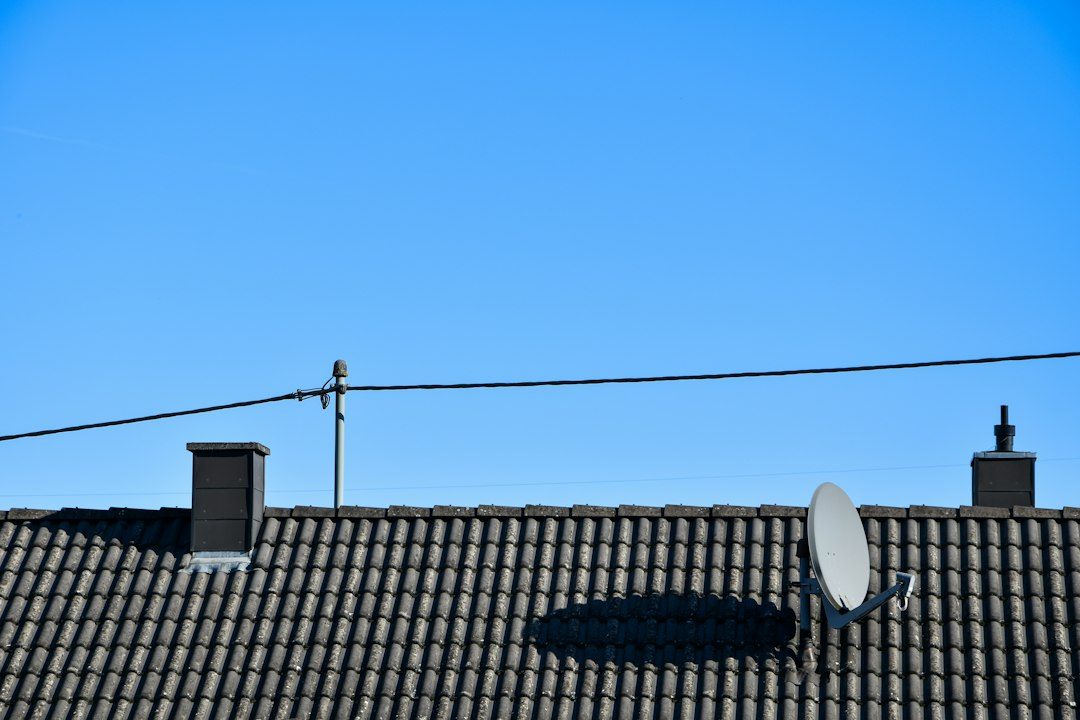
If your streaming stack has quietly grown into a second cable bill, a modern TV antenna is the fastest way to claw some of that back. Local network affiliates — ABC, NBC, CBS, FOX, PBS, The CW, and Univision in many markets — broadcast for free over the air in full HD, which means your nightly news, primetime shows, and local sports are often sitting there unclaimed while you pay a live-TV app to deliver the exact same signal.
Table of Contents
This guide walks through picking the right antenna for your location, wiring it into every TV and phone in the house without extra fees, and figuring out which paid subscriptions you can actually drop once over-the-air is covering the basics.
Quick Answer
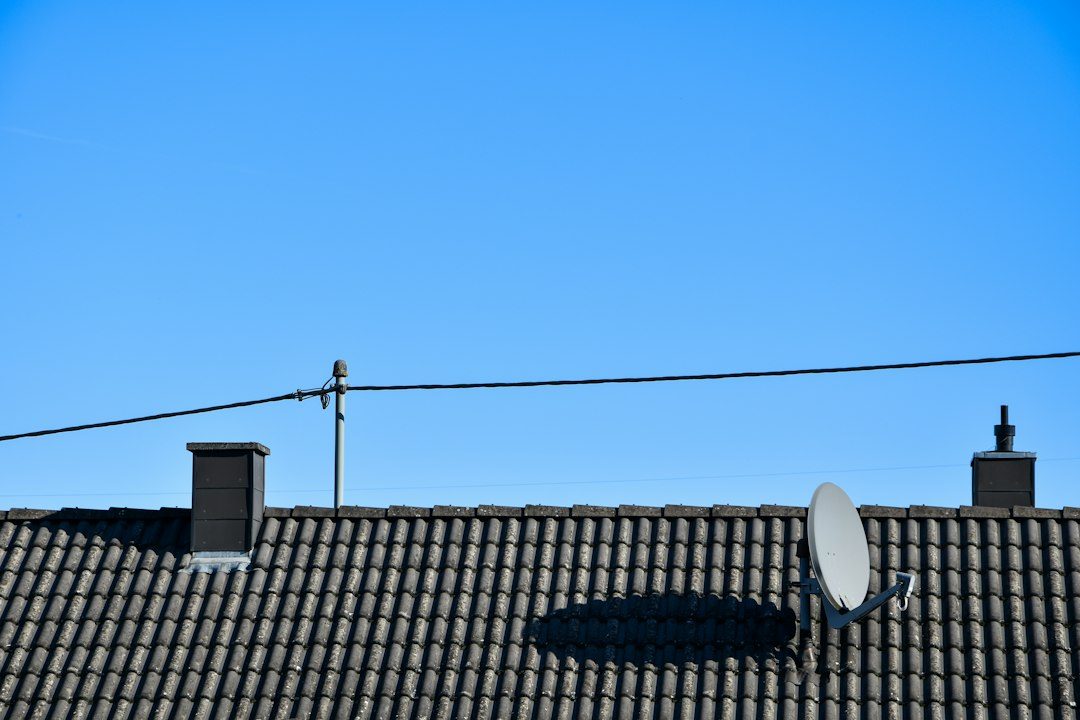
Check your address on the FCC’s reception map — it rates each local station’s signal at your address as strong, moderate, weak, or no signal, but it doesn’t tell you which antenna to buy. Use that rating yourself: a basic indoor antenna is usually fine if your main stations come back strong with a clear line of sight to the towers; step up to an outdoor or attic-mounted model if readings are weaker or terrain and buildings are in the way; and only add an amplifier if you’re genuinely far from the towers or splitting one line to several TVs. Add a networked tuner/DVR like Tablo or HDHomeRun so every TV, phone, and tablet in the house can watch and record those free channels, then cancel whichever paid live-TV bundle was mainly earning its keep by delivering local channels.
Step by Step: Build the Setup
Start at the FCC’s DTV reception map (fcc.gov/media/engineering/dtvmaps). Enter your address and it rates the signal from each nearby station as strong, moderate, weak, or no signal. The map doesn’t recommend a specific antenna model or type — it just reports signal strength and transmitter direction — but it’s the fastest way to set expectations before you spend money. Stations rated ‘no signal’ generally aren’t realistically receivable from your address no matter what antenna you buy.
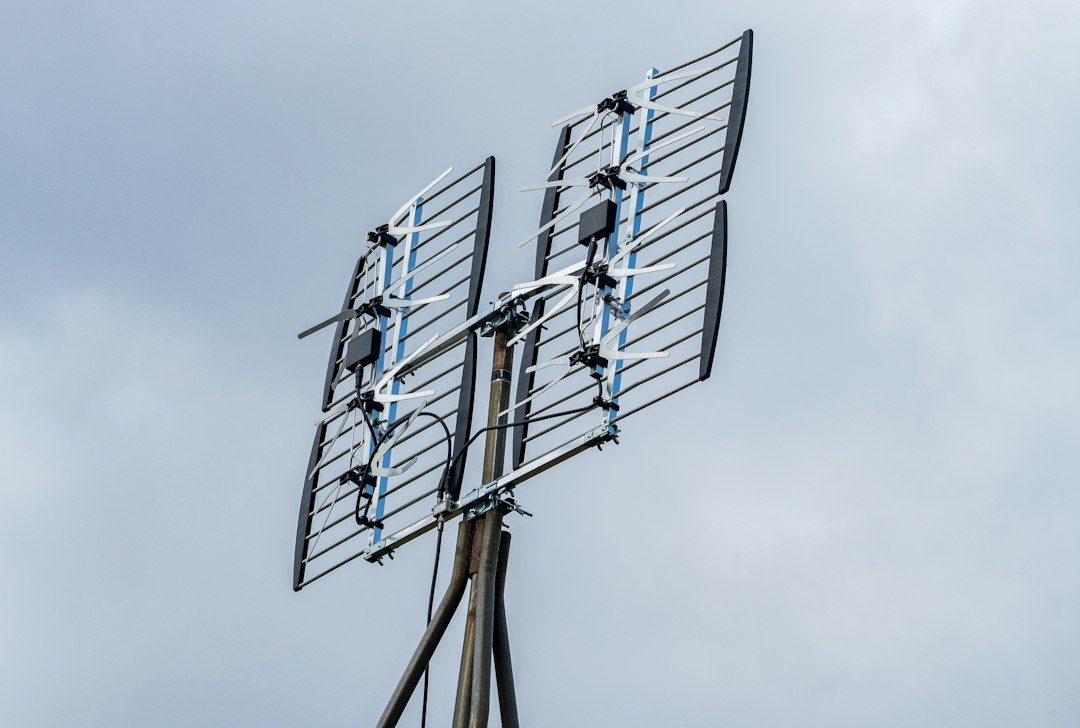
Use that reading to shape your own purchase decision. If your main stations come back strong or moderate and you have a clear line of sight toward the towers, a flat indoor model like the Mohu Leaf Supreme Pro is often enough. If your stations rate weaker, or walls, hills, or distance are working against you, step up to a multidirectional outdoor or attic antenna such as the Antennas Direct ClearStream 2V or MAX-V, which handle both VHF and UHF stations without needing to be aimed at a single tower.
Only add an amplifier if you actually need one — if towers sit in different directions from each other, your signal came back weak, or you’re splitting one antenna line to several TVs. Amplifying a signal that’s already strong can overload the tuner and cause more dropouts, not fewer.
Mount it as high as practical and away from metal siding, ductwork, or large appliances, then run a channel scan on each TV. If reception is spotty, small moves (a few feet, a different window, a higher shelf) often matter more than a pricier antenna.
To get the antenna feed onto every screen in the house instead of just the TV it’s plugged into, add a networked OTA tuner/DVR such as Tablo or HDHomeRun. These connect the antenna to your home network and let their apps on phones, tablets, Roku, Fire TV, and smart TVs watch and record live broadcast channels — no cable box, no monthly fee for the broadcast portion.
What Antenna TV Covers — and What It Doesn’t
Over-the-air gets you the big broadcast networks, local news, syndicated shows, PBS, and whatever sports air on those network affiliates (NFL and college games on FOX/CBS/NBC/ABC, for example). Broadcasters have also been rolling out ATSC 3.0 (branded NextGen TV) in a growing number of markets, which adds sharper picture quality and better reception in some areas — but you’d need a newer NextGen-compatible TV or tuner to use it; your existing antenna itself still works fine either way.
What it won’t cover: cable-only channels (ESPN, HGTV, CNN, etc.), premium content, and most streaming-exclusive shows. That’s why ‘cut your bill in half’ is usually about subtraction rather than full replacement — drop the all-in-one live-TV bundle that was mainly justified by local-channel access, keep one or two on-demand or free ad-supported (FAST) services for everything else, and let the antenna handle live local TV for free.
Tips / Common Mistakes
Skipping the reception-map step and buying based on a ‘miles of range’ number on the box — that figure is best-case, line-of-sight, and often optimistic for your actual terrain and walls. Check your address first.
Over-amplifying: more gain isn’t automatically better reception, and in a strong-signal area it can actually make picture quality worse.
Mounting low or fully indoors behind brick, concrete, or foil-backed insulation, all of which block signal far more than most people expect.
Forgetting to rescan channels after moving the antenna, after a storm, or after a station changes its broadcast frequency — a rescan takes a couple of minutes and fixes most ‘channel disappeared’ problems.
Assuming one antenna automatically feeds every TV: without a distribution setup (splitter plus amplifier, or a networked tuner/DVR), you’re limited to the TV it’s physically connected to.
Explore more: more cord-cutting and tech culture guides.
TV antenna setup FAQs
Will an antenna work well in an apartment?
Often yes, especially if you’re within a reasonable distance of broadcast towers — an indoor antenna placed near a window, ideally facing the towers’ general direction, can pull in a solid channel lineup. Run your address through the FCC reception map first to see how strong your local stations rate before buying.
Do I need a new TV for ATSC 3.0/NextGen TV?
No — your current antenna and TV will keep working on the existing ATSC 1.0 broadcasts. You’d only need a NextGen-compatible TV or external tuner if you specifically want the newer ATSC 3.0 broadcasts now available in a growing number of markets.
How much can I actually save by adding an antenna?
It depends on what you cancel. Most savings come from dropping a live-TV streaming bundle you were mainly keeping for local channels and sports, since the antenna replaces that function for free after a one-time hardware cost. On-demand and niche streaming services aren’t replaced by an antenna, so most cord-cutters keep one or two of those and drop the rest.
Make Your Digital Life Better
More practical tech how-tos, tool picks, and guides to upgrade your everyday digital life. More on GTWebs.
Want web tips in your inbox? Subscribe to the free newsletter.
Photo by Tobias Arweiler on Unsplash.