

I was looking for a screen saver that was unique and what I finally found was a screen saver that looked like the cascading code from the Matrix movies. What’s better, this particular screen saver grabs the latest commits from GitHub and uses them in the green cascade.
Table of Contents
To grab it for yourself, go here: https://github.com/winterbe/github-matrix-screensaver
What I’d really like to do is feed in data from a custom database, such as of new user signups. I’ll be researching this and posting a tutorial soon!
Check it out:
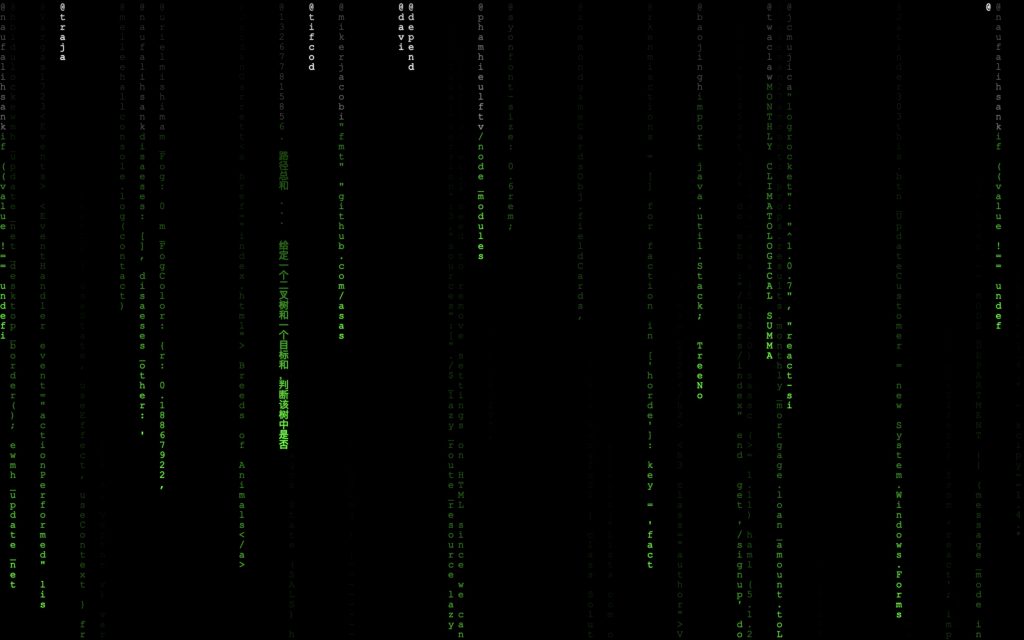
The Appeal of the Matrix Screen Saver
The falling green code from The Matrix is one of the most iconic visual effects in cinema history. It represents the “digital rain” — cascading streams of Japanese katakana characters, Latin letters, and numerals that symbolize the raw data flowing through the Matrix. Having this as your screen saver is practically a rite of passage for developers and tech enthusiasts.
Best Matrix Screen Savers for macOS
1. MatrixScreenSaver (Free, Open Source)
The most popular option is the open-source MatrixScreenSaver on GitHub. It’s free, lightweight, and closely replicates the movie’s digital rain effect. To install:
- Download the latest
.saverfile from the GitHub releases page - Double-click the file to install it in System Settings
- Go to System Settings → Screen Saver and select “Matrix”
- Click Options to customize speed, color, and character density
2. SaveHollywood (Free)
If you want to go beyond a screen saver and play actual Matrix movie clips, SaveHollywood lets you use any video file as a screen saver. Download the Matrix digital rain video from YouTube (for personal use), set it as your SaveHollywood source, and you’ll have movie-accurate digital rain.
3. Drift Screen Saver (Built-in Alternative)
If you’re on macOS Sonoma or later, the built-in Drift screen saver with a green color tint gives a subtle Matrix-inspired look without installing third-party software. It’s not digital rain, but it’s clean and doesn’t require any downloads.
Installing Screen Savers on Modern macOS
Apple has tightened security in recent macOS versions. If you get a warning that the screen saver “can’t be opened because it is from an unidentified developer”:
- Go to System Settings → Privacy & Security
- Scroll down to the Security section
- You’ll see a message about the blocked screen saver — click Open Anyway
- You may need to enter your password or use Touch ID
Building Your Own Matrix Rain
For the technically inclined, you can create your own Matrix rain using HTML5 Canvas and JavaScript. It’s a fun weekend project that teaches you about animation frames, character rendering, and the Canvas API. The basic approach involves:
- Creating a full-screen canvas element
- Generating columns of random characters
- Using
requestAnimationFrameto animate falling characters - Applying a semi-transparent black overlay each frame to create the trailing fade effect
The MDN Canvas API documentation is an excellent starting point for this project.
You could even use this as a custom web-based screen saver or as a fun background for your personal developer portfolio site.
For more Mac customization tips and developer projects, visit GTWebs.