

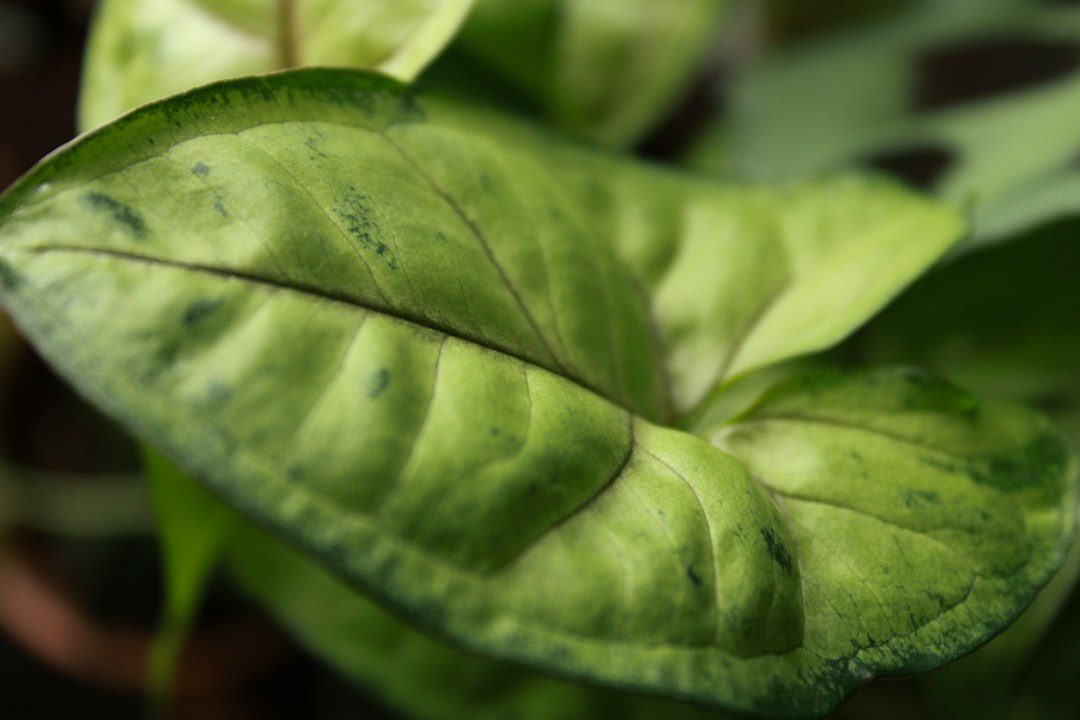
A sick-looking houseplant usually isn’t a mystery you need a specialist for — it’s almost always one of a handful of causes: water, light, pests, or soil. ChatGPT can’t touch the leaves or test the soil for you, but it’s surprisingly good at narrowing down the likely cause when you describe or photograph the symptoms clearly, and it can turn vague worry (“my plant looks bad”) into a specific next step (“check the underside of the leaves for webbing”).
Table of Contents
This guide gives you the exact prompts to use for diagnosing a struggling plant, plus prompts for ongoing care — watering schedules, light requirements, and repotting timing — so you’re not just reacting to problems but preventing them.
Quick Answer
Open ChatGPT, click the paperclip/attachment icon, and upload a clear photo of the plant (whole plant plus a close-up of the affected leaves). Then ask it to identify the plant and diagnose the symptoms, describing what you’ve noticed (spots, wilting, yellowing, watering habits, light conditions). Follow up with questions about treatment and prevention — ChatGPT works best as a back-and-forth diagnostic conversation, not a single one-shot question.
How to Diagnose a Sick Plant with ChatGPT
Start with a photo, not just a text description. In the ChatGPT app or website, tap the attachment/paperclip icon and upload one or two images: a wide shot of the whole plant and a close-up of the damaged leaves or stem. Image uploads work on both the free and paid tiers of ChatGPT.
Use a diagnostic prompt that gives context, since ChatGPT’s accuracy improves a lot when you supply details instead of just the photo. Try: “This is my [plant name, or ‘unknown plant — please identify it’]. I water it about once a week and it sits in [describe light — e.g., ‘a north-facing window’]. The leaves have started doing [describe: yellowing, brown spots, curling, dropping]. What’s the most likely cause, and what should I check first?”
If you don’t know the plant’s name, ask ChatGPT to identify the species first — “What plant is this, and what are its typical care needs?” — since correct care advice depends on getting the species right (succulents, ferns, and tropical foliage plants have very different water and light needs).
Ask it to rule things out in order of likelihood: “Walk me through how to tell whether this is overwatering, underwatering, a pest, or a light problem.” ChatGPT will typically suggest checking soil moisture at the roots (not just the surface), inspecting leaf undersides and stems for pests like spider mites or mealybugs, and checking for drainage issues in the pot.
For suspected pests, ask for specifics: “I see tiny webbing between the leaves” or “there are small white cottony spots on the stem” will get you a much more useful answer than “something’s wrong with my plant.” ChatGPT can describe common houseplant pests and suggest treatments like insecticidal soap or neem oil, but for a confirmed, severe infestation, a local nursery or extension office can verify the diagnosis in person.
Prompts for Ongoing Plant Care
Build a care routine: “Create a simple care schedule for my [plant name] — watering frequency, light needs, fertilizing, and signs it needs repotting — for someone who tends to forget to water.”
Troubleshoot your specific environment: “My apartment has mostly indirect light and dry winter heating. Which common houseplants would actually do well here, and which ones should I avoid?”
Get a second opinion before you act: “I’m about to repot this in a bigger pot with fresh soil — is now a good time of year, and is there anything I should do differently given the symptoms I described?” Repotting at the wrong time or in a pot that’s too large can stress an already-struggling plant, so it’s worth asking first.
Set up a check-in habit: “I’ll describe how my plant looks every couple of weeks — ask me questions to help me catch problems early.” This turns ChatGPT into a recurring diagnostic habit rather than a one-time lookup.
Tips and Common Mistakes
Don’t rely on a single photo if the plant isn’t improving. Take new photos every week or two and share them in the same conversation so ChatGPT can compare progress and adjust advice — this is more useful than asking once and assuming the first answer is final.
Give ChatGPT your actual watering and light habits, not what you think they should be. Vague prompts like “my plant is dying, help” produce vague, generic answers; specific details produce specific, checkable suggestions.
Treat pest and disease identification as a starting point, not a lab diagnosis. ChatGPT can misidentify similar-looking issues (e.g., nutrient deficiency vs. early pest damage) from a photo alone, so when a treatment involves pesticides, chemicals, or cutting back a lot of the plant, double-check with a local nursery or your state’s extension service before committing.
Avoid over-correcting based on one suggestion. If ChatGPT suggests overwatering as the cause, don’t swing to the opposite extreme — ask it for a specific watering amount and frequency for your pot size and plant type instead of guessing.
Explore more: More AI how-to guides.
ChatGPT for houseplant care FAQs
Can ChatGPT actually see and analyze a photo of my plant?
Yes. Upload an image using the attachment/paperclip icon in ChatGPT and it will analyze what’s visible — leaf color, spots, wilting, visible pests — and factor that into its answer alongside whatever details you describe in text.
Is ChatGPT accurate at identifying plant diseases and pests?
It’s a useful first pass for narrowing down common causes (watering issues, light stress, typical pests like spider mites or mealybugs), but it can get specific or rare conditions wrong. For anything serious or if a treatment involves chemicals, confirm with a local nursery or extension office.
Do I need ChatGPT Plus to upload plant photos?
No — image uploads are available on the free tier of ChatGPT as well as paid plans, though paid plans may offer more messages per day and access to more capable models.
What information should I include besides the photo?
Watering frequency, light conditions (direction of window, how much direct sun), how long the symptoms have been present, and any recent changes (repotting, new fertilizer, moved location). The more specific context you give, the more useful the diagnosis.
Make Your Digital Life Better
More practical tech how-tos, tool picks, and guides to upgrade your everyday digital life. More on GTWebs.
Want web tips in your inbox? Subscribe to the free newsletter.
Photo by Ray T on Unsplash.