

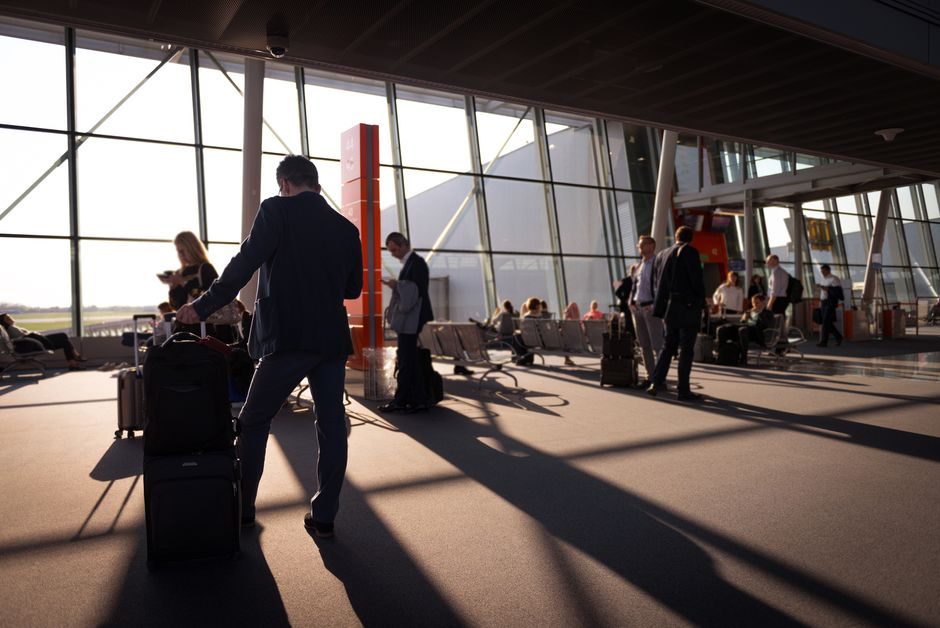
You land, wait at the carousel, and your suitcase never shows up. The two most popular ways travelers try to prevent that nightmare are dropping an Apple AirTag in a bag to ride on Apple’s Find My network, or clipping in a Tile tracker that reports back through Life360’s network. Both promise peace of mind, but abroad — where you can’t just drive back to the airport and where the device mix around you changes completely — they don’t perform the same.
Table of Contents
Here’s how each one actually locates a bag once it’s out of your hands overseas, where the real gap between them shows up, and which one to trust depending on your phone and your route.
Quick Answer
For most international trips, Apple’s Find My network locates a lost bag faster because it’s backed by a far larger pool of passive devices (iPhones have Find My network participation on by default almost everywhere) and because Apple built a direct link into airline baggage systems. A Tile tracker, now managed through the Life360 app, still works well abroad, but it depends on other Life360 users being nearby, and that user base is thinner outside the U.S. — so pings tend to be less frequent. Tile remains the better (and only) choice if you or your travel companions are on Android.
How Each Network Actually Finds Your Bag
Neither AirTag nor Tile has GPS. Both are small Bluetooth beacons that get located the same basic way: a nearby smartphone running the right background service quietly detects the beacon’s Bluetooth signal, encrypts its location, and relays that back to you through the cloud. The difference is the size and makeup of the crowd doing the detecting — and importantly, it’s other people’s devices doing this work, not your own phone. Detection is performed entirely by strangers’ phones running Find My or Life360 in the background, so your bag can be located by someone else’s device even while your own phone is off, in airplane mode, or has Bluetooth and background refresh turned off.
Apple’s version is the Find My network. Every iPhone (and many Macs and iPads) running recent iOS participates by default, which Apple describes as a network of over a billion Apple devices worldwide. That means in almost any airport, baggage hall, or customs line on earth, there’s a good chance an iPhone within Bluetooth range quietly reports your AirTag’s position without its owner doing anything.
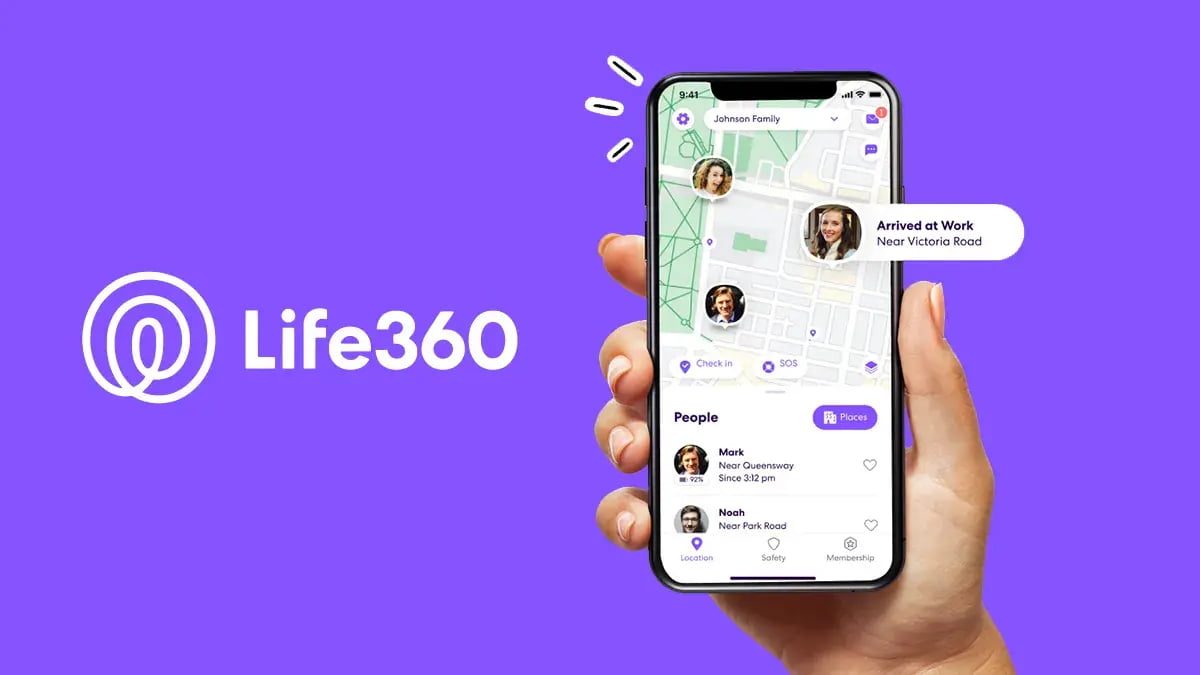
Tile’s version is the Life360 community network — Tile itself was folded into the Life360 app in 2025, so setup and tracking now happen there. It works the same way in principle, but it only counts people who have the Life360 app installed and location sharing active. In the U.S. and a handful of other markets that’s a meaningfully sized network; in many countries abroad, it’s sparser, so a lost Tile can sit quiet for longer between pings until it happens to pass someone running the app.
The Feature That Actually Matters for Checked Luggage
This is where the two diverge most for air travel specifically. Apple added a feature called Share Item Location (rolled out with iOS 18.2) that lets you generate a secure link showing your AirTag’s live location and hand it directly to an airline’s customer service team. Apple built this in partnership with a growing list of carriers — including names like Delta, United, Air Canada, British Airways, Lufthansa, Qantas, and Turkish Airlines — and it’s also wired into SITA’s WorldTracer baggage-tracing system, the backend used by hundreds of airlines and airports globally. In practice, that means a ground agent abroad can see roughly where your bag is without needing an Apple device of their own nearby — the airline’s own system does the work.
Tile has no equivalent airline-side integration. Its luggage-specific advantage is the small QR code / phone number tag on the tracker itself: anyone who physically finds your bag — airport staff, another passenger, baggage handlers — can scan or call without installing anything, which notifies you directly. It’s a solid fallback, but it depends on someone physically encountering the bag rather than the network passively locating it in transit.
Tips / Common Mistakes
Check your phone platform before you buy: AirTag’s owner experience is iPhone-only, so if you or a travel partner use Android, Tile (via Life360) is the only one that actually works for you. Don’t assume your own phone’s settings control how fast your bag gets found abroad — detection is done entirely by other travelers’ and strangers’ nearby devices scanning in the background. Turning off Bluetooth, background app refresh, or even powering down your own phone does not delay the first ping, because your phone isn’t the one doing the detecting; a lost AirTag or Tile gets picked up the moment it passes within range of any other participating device. What your own phone’s Bluetooth and internet connection do control is how quickly you personally see the update once it’s relayed to the network, so keep those on to check location promptly once you’re trying to track the bag down. If you’re flying a carrier that supports Share Item Location, ask the gate or baggage desk about it directly rather than assuming they’ll offer it — it’s still a newer feature and not every airline staffer is trained on it yet. And don’t rely on either tracker alone: pair one with your airline’s own baggage tag and claim number, since both AirTag and Tile are backups to, not replacements for, the airline’s tracing process.
Explore more: more travel tech guides.
Find My Network vs Tile Network FAQs
Does an AirTag need Wi-Fi or a SIM card to work abroad?
No. It only needs nearby Apple devices running Bluetooth and the Find My network to detect it; it has no cellular or GPS hardware of its own.
Can Android users track a bag with an AirTag?
Not really — AirTag has no owner app for Android, only an app that scans for unwanted trackers. Android travelers should use a Tile tracker through the Life360 app instead.
Does turning off Bluetooth on my own phone delay how fast my lost bag gets found?
No. Detection comes from other people’s nearby devices running Find My or Life360 in the background, not from your own phone, so your bag can still be pinged even if your phone is off, in airplane mode, or has Bluetooth and background refresh disabled. Your own phone’s settings only affect how quickly you see the update once it’s relayed to you.
Do I need a paid subscription for lost-luggage features abroad?
Basic location tracking is free on both. Apple’s Share Item Location for airlines is included with a standard Apple Account; Life360’s higher-tier Tile plans add perks like reimbursement coverage but aren’t required for basic community-network tracking.
Make Your Digital Life Better
More practical tech how-tos, tool picks, and guides to upgrade your everyday digital life. More on GTWebs.
Want web tips in your inbox? Subscribe to the free newsletter.
Photo by Magic K on Pexels.