

Basic economy tickets are usually the cheapest seat on the plane, but they come with a catch: airlines make them nonrefundable and nonchangeable, so if the fare drops the week after you book, most people just eat the loss. A handful of apps exist specifically to stop that from happening by watching your exact flight around the clock and telling you (or doing it for you) the moment a lower price shows up.
Table of Contents
This guide covers the tools that actually work for tracking fares after purchase, how each one gets you money back, and what basic economy’s rules mean for how much you can realistically recover.
Quick Answer
For hands-off tracking and automatic refund claims, Autopilot and pAiback monitor booked flights on major airlines and contact the carrier for you when a qualifying price drop appears, taking a cut of whatever they save you. For free, DIY tracking, Google Flights’ ‘Track prices’ tool and Hopper’s Price Watch will alert you to a drop so you can request the credit yourself. If you booked through CheapAir, its built-in Price Drop Payback covers you automatically up to a set cap.
How Fare-Drop Tracking Actually Works
None of these apps change airline pricing rules — they just make it possible to notice a drop and act on it before the window closes. Most work one of two ways: either they alert you and you request the adjustment yourself, or they monitor and file the request on your behalf, usually for a cut of the savings.
To set one up, you typically forward your booking confirmation email, connect your Gmail/Outlook inbox so the app can find confirmations automatically, or manually enter your flight and fare details. The app then checks that specific itinerary — same flight number, same fare class — multiple times a day until departure, rather than tracking a generic route the way a pre-booking search tool would.
When a drop is detected, what happens next depends on the airline’s rules and your fare type. On a refundable ticket, the difference can go back to your original payment method. On basic economy or other nonrefundable fares, the airline typically issues the difference as travel credit (Delta eCredit, United Travel Bank, American trip credit, etc.) rather than cash, and that credit usually has to be used within about a year and often only by the original passenger.
The Best Apps to Try
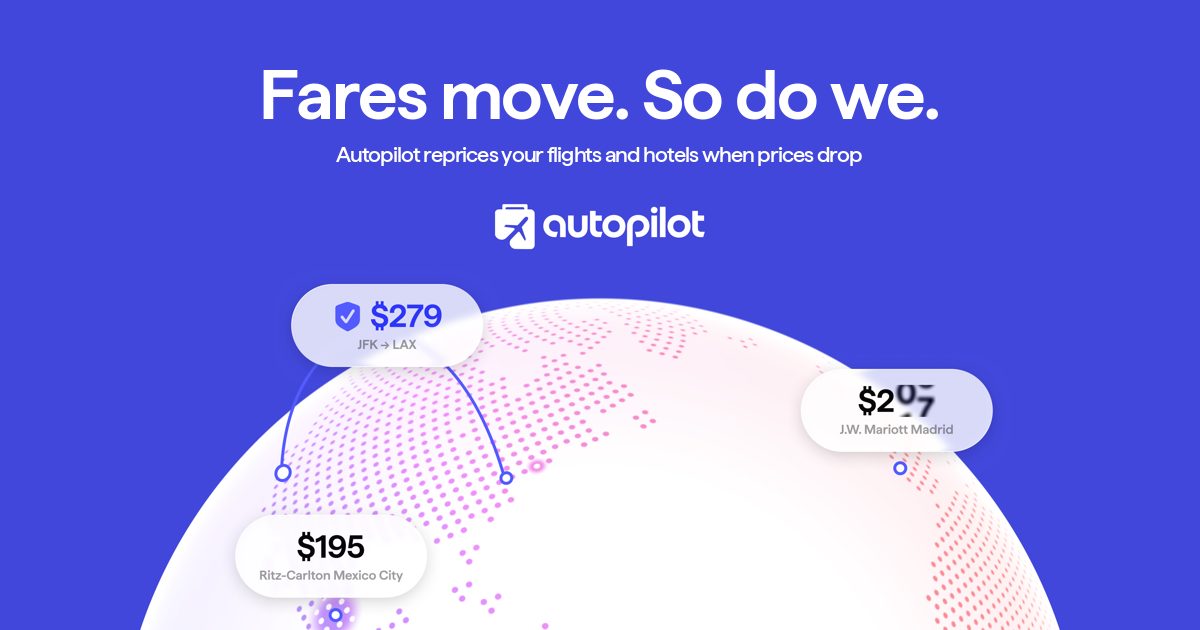
Autopilot (withautopilot.com) tracks flights booked directly with Alaska, American, Delta, JetBlue, or United, and automatically reprices a ticket when the fare drops by at least $20, contacting the airline on your behalf. It charges roughly 25% of whatever it recovers and nothing if it finds no savings.
pAiback (paiback.app) works similarly for Delta, American, Alaska, and United: forward your confirmation, and its system monitors the price and applies any drop to your airline account as credit automatically. Its fee is about 20% of the savings it secures.
Plot (plot.travel) is a broader trip-organizer app that also monitors flight and hotel prices across dozens of airlines and hotel brands. Its free tier includes basic flight alerts; the paid Plot Pro tier adds live price monitoring with step-by-step instructions for claiming the credit yourself.
Google Flights is the simplest free option: search your route, check ‘Track prices,’ and set an alert threshold. It won’t file anything for you, but it’s the fastest way to see if your exact flight has dropped so you can call the airline or request a credit online.
Hopper’s Price Watch does the same kind of free alerting inside the Hopper app for flights you’re watching, and its separate Price Freeze feature (a small upfront fee) can lock in a price before you book, refunding the fee if the fare falls further during the freeze window — useful before you commit to basic economy in the first place.
CheapAir’s Price Drop Payback only applies if you booked through CheapAir.com. It monitors your itinerary automatically and pays out the difference as travel credit, up to a capped amount per ticket, without you having to track anything yourself.
Tips and Common Mistakes
Check the 24-hour window first, but know its limits. Under U.S. Department of Transportation rules (14 CFR 259.5), airlines must offer at least one of two options on tickets booked directly with the airline at least seven days before departure: a full refund to your original payment method if you cancel within 24 hours, or a 24-hour hold on the price before you have to pay. Each airline decides which of the two it offers, and the rule only applies to bookings made directly with the airline — it does not cover tickets bought through an online travel agency or other third-party seller, which are instead governed by that seller’s own cancellation policy. If you spot a price drop within that first day on a direct airline booking, check whether canceling and rebooking (where the refund option applies) gets you the lower fare before turning to a tracking app.
Know your airline’s basic economy limits before you rely on a tracker. American, Delta, United, and Alaska generally block basic economy changes outright once the 24-hour window passes, though some allow a credit minus a cancellation fee (commonly in the $99–$199 range) if you’re a loyalty member — in some cases the fee can wipe out the savings entirely. Southwest is the notable exception: because it doesn’t charge change fees on any fare, price drops there can usually be repriced directly in your reservation for free, no tracking app required.
Read the fine print on repricing apps. Confirm which airlines and fare types are supported before connecting your inbox, understand the commission structure, and remember that most payouts on nonrefundable tickets arrive as airline credit, not cash back to your card.
Don’t stack expectations. A tracker can only recover a drop that actually happens on your exact flight and date — it can’t get you a refund if the price only dropped on a different day or a competing airline.
Explore more: more travel money-saving guides.
Frequently Asked Questions
Can you get money back if a basic economy fare drops after booking?
Sometimes, but usually as airline credit rather than a cash refund, and often only if you’re a loyalty member or catch it during the brief window a direct airline booking may offer (either a 24-hour cancel-for-refund or a 24-hour price hold, depending on the airline). Tools like Autopilot and pAiback automate the claim process on supported airlines; otherwise you’ll need to request the adjustment yourself.
Do these fare-tracking apps work for every airline?
No. Most repricing apps currently support a specific list of major U.S. carriers, commonly Delta, American, United, Alaska, and sometimes JetBlue. Always check an app’s supported-airline list before connecting your booking.
Is it worth paying a commission to an app like Autopilot or pAiback?
If you’d never have noticed or claimed the drop yourself, a 20-25% commission on savings you’d otherwise miss entirely is generally worth it. If you’re comfortable checking fares manually and calling the airline, free tools like Google Flights or Hopper’s Price Watch can get you the same result without a fee.
Make Your Digital Life Better
More practical tech how-tos, tool picks, and guides to upgrade your everyday digital life. More on GTWebs.
Want web tips in your inbox? Subscribe to the free newsletter.
Images: Autopilot.