

A good travel smartwatch does three things well: it tells you the right time the second you land, it tracks how badly jet lag wrecked your sleep, and it survives a full day of sightseeing without needing a charger. Not every fitness watch handles all three gracefully — some still require you to manually set the time zone, and others burn through battery so fast they’re dead by dinner.
Table of Contents
This guide breaks down what actually matters for travel (automatic time zone syncing, sleep scoring, and multi-day battery life) and names specific current models that get it right, so you can pick one without wading through spec sheets.
Quick Answer
For most travelers, the Apple Watch Series 11 (iPhone) or Garmin Venu 4 (Android or iPhone) are the best all-around picks — both auto-update their time zone, score your sleep nightly, and last a full day or more per charge. If you want longer battery life and don’t need cellular, the Garmin vivoactive 5 is a cheaper option with the same core sleep-coaching features.
What Actually Matters for a Travel Watch
Automatic time zone updates are the biggest travel-specific feature to check before buying. On an Apple Watch, this isn’t a watch setting at all — it depends on your iPhone having Settings > General > Date & Time set to ‘Set Automatically’ and Settings > Privacy & Security > Location Services > System Services > Setting Time Zone turned on. If either is off, or the watch loses Bluetooth/Wi-Fi contact with the phone, the time can lag behind after you land.
Garmin watches handle it differently: once the watch locks onto GPS satellites (or syncs with your phone), it reads your location and adjusts the time zone and daylight saving automatically, with System > Time set to ‘Auto’ or ‘GPS.’ This makes GPS watches a bit more forgiving if you’re switching to a local SIM or a loaner phone abroad, since the watch itself does the work rather than relying entirely on a paired phone’s settings.
Sleep tracking is the second pillar — a watch that scores sleep quality (not just hours) helps you actually see how many nights it takes to adjust to a new time zone, rather than just feeling generally awful. Battery life rounds it out: anything under 2-3 days of runtime means packing a charger and cable you’ll inevitably forget, so multi-day battery watches are the more travel-friendly category overall.
Top Picks for Travel
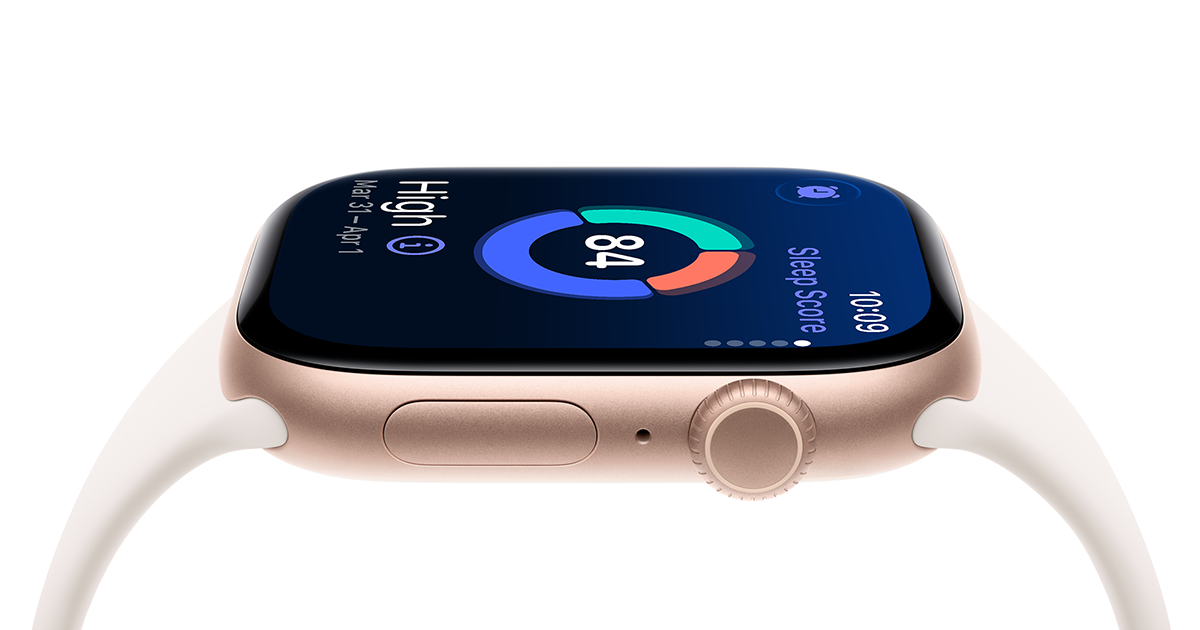
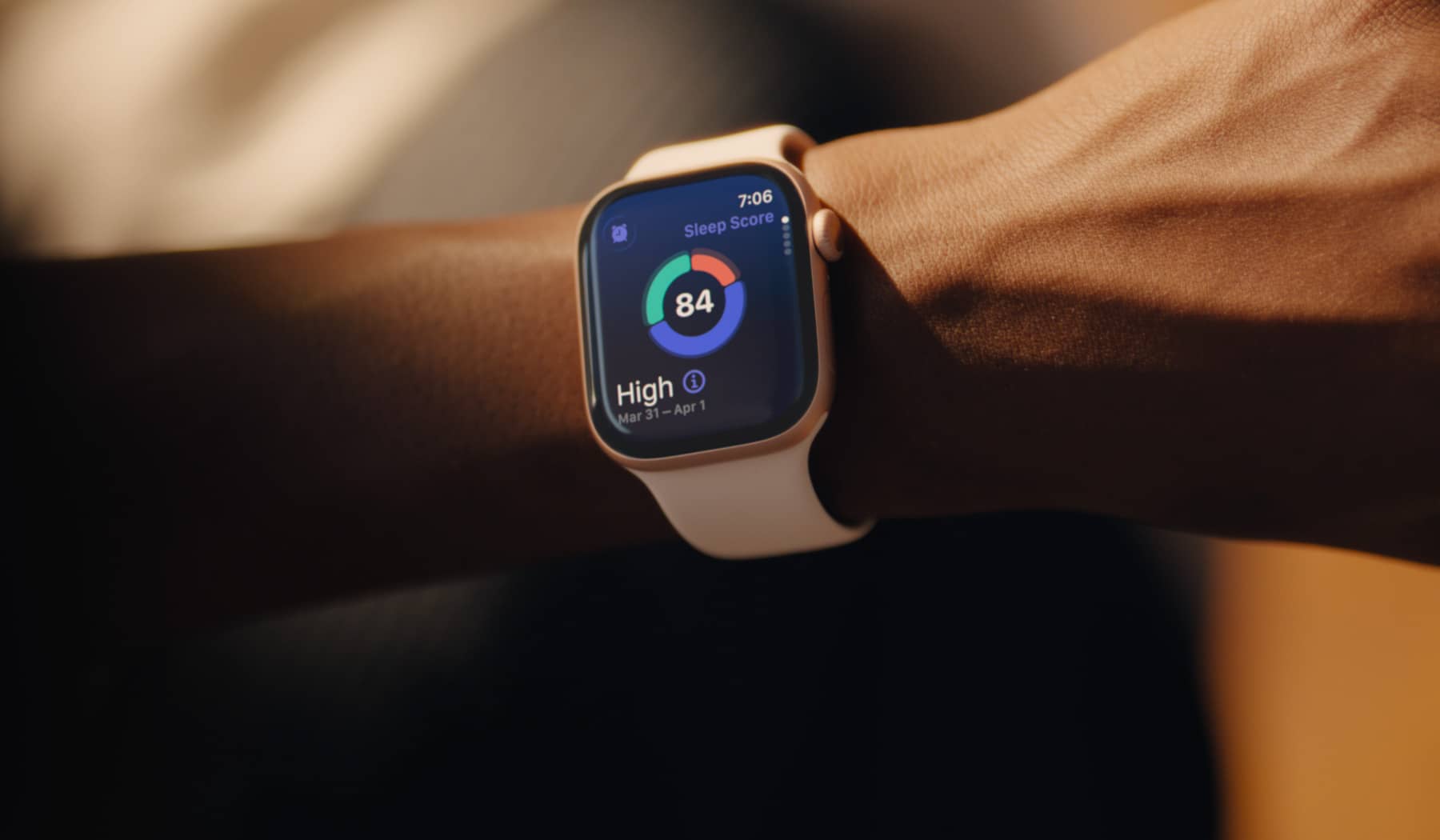
Apple Watch Series 11 ($399+, 42mm or 46mm, GPS or GPS+Cellular): The best choice if you’re already on iPhone. It added a daily Sleep Score out of 100 in 2025, along with FDA-authorized sleep apnea notifications for adults without a prior diagnosis, and Apple says this generation finally gets a full 24 hours of battery life. Time zone updates ride on your iPhone’s settings, so double-check those before you fly.
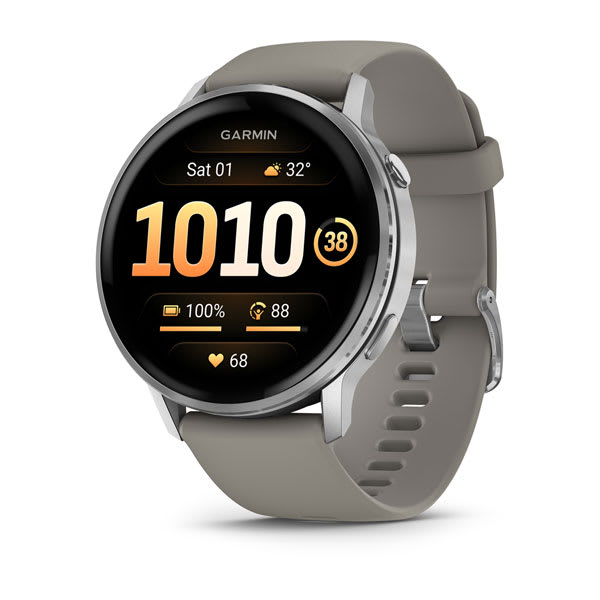
Garmin Venu 4 ($549.99, 41mm or 45mm): Garmin’s flagship for health and travel, with up to 10 days (41mm) or 12 days (45mm) of battery in smartwatch mode — enough for a full international trip without a charger. Its Sleep Coach adds Sleep Alignment tracking, which specifically measures how well your sleep schedule matches your body’s circadian rhythm, useful for gauging jet lag recovery. It pairs with both Android and iPhone.
Garmin vivoactive 5 ($299.99): A budget-friendlier Garmin with roughly 11 days of smartwatch battery life and the same core Sleep Coach and nap detection as pricier models, minus the metal build and flashlight. A solid pick if you want long battery life and cross-platform flexibility without paying flagship prices.
Samsung Galaxy Watch8 (roughly $299.99-$429.99 depending on 40mm/44mm size, Bluetooth vs LTE connectivity, and retailer): The strongest option for Android/Samsung users who want tight phone integration. It gives a Sleep Score out of 100 covering sleep time, deep sleep, REM, and restfulness, and after a few nights of data it can suggest a better bedtime window — handy for resetting your schedule after a long-haul flight. Battery life is shorter than the Garmin options (roughly a day or two depending on display settings), so pack the charging puck, and only the LTE models let you leave your phone behind.
Tips / Common Mistakes
Test time zone auto-switching before you leave, not after you land. Put your phone (or watch, for Garmin) into airplane mode, change the region manually in settings, and confirm the watch face updates the way you expect — this catches a misconfigured Location Services toggle while you still have Wi-Fi to fix it.
Don’t rely on the watch alone for critical connecting-flight times immediately after landing; give it a few minutes of GPS or Bluetooth contact to confirm the new time zone before trusting it for anything time-sensitive.
Charge to 100% before a long travel day, not the night before — standby drain plus flight-mode toggling can eat more battery than a normal day of use.
If jet lag tracking matters to you, check your sleep score/trend for the 3-4 nights after arrival rather than just the first night, since that’s typically when the adjustment period shows up most clearly in the data.
Explore more: more travel gear guides.
Best smartwatches for travel FAQs
Do smartwatches automatically change time zones when I travel?
Most modern smartwatches do, but the mechanism differs. Apple Watch relies on your paired iPhone’s automatic date/time and location settings. Garmin watches use GPS (or a phone sync) to detect your location and update the time zone directly on the watch.
Which smartwatch has the best battery life for long trips?
Among current models, the Garmin Venu 4 (up to 12 days on the 45mm) and Garmin vivoactive 5 (up to 11 days) last the longest in smartwatch mode, which matters most on multi-day trips where charging access is unpredictable.
Can a smartwatch actually help with jet lag?
It won’t cure jet lag, but sleep-scoring features (like Apple’s Sleep Score, Garmin’s Sleep Coach with Sleep Alignment, or Samsung’s Sleep Score) let you track how your sleep quality and consistency change after you arrive, which can help you gauge how many days you need before you’re back to normal.
Do I need a cellular smartwatch for international travel?
Not necessarily. Cellular models let you leave your phone behind for short outings, but they typically require an international plan or eSIM setup with your carrier to work abroad. A GPS-only model paired to your phone over Bluetooth or Wi-Fi is simpler and cheaper for most travelers.
Make Your Digital Life Better
More practical tech how-tos, tool picks, and guides to upgrade your everyday digital life. More on GTWebs.
Want web tips in your inbox? Subscribe to the free newsletter.
Images: Apple.