

When you’re running a one-person business, bookkeeping is usually the first thing that slides — until tax season turns it into a scramble through a year of bank statements. AI-powered bookkeeping tools have gotten genuinely useful at closing that gap: they auto-categorize transactions, flag deductible expenses, and increasingly explain their own suggestions instead of just guessing silently.
Table of Contents
This guide compares the tools solopreneurs actually use in 2026 — what each one costs, what its AI layer actually does, and who it fits — so you can pick one without demoing five apps.
Quick Answer
QuickBooks Solopreneur (around $20/month) is the safest default for most freelancers and gig workers thanks to its AI-assisted transaction categorization and TurboTax integration. FreshBooks is the stronger pick if you invoice clients directly, Wave’s free Starter plan works if you just need basic bookkeeping with no cost, and Keeper is worth a look if you want AI-flagged deductions with tax filing available as a paid annual tier.
5 AI Bookkeeping Tools Worth Comparing
QuickBooks Solopreneur runs about $20/month (or $120 billed annually) and is built specifically for freelancers, gig workers, and solo business owners. It connects your bank and card accounts, automatically splits transactions into business vs. personal, and tracks mileage for deductions. Intuit’s AI layer (branded Intuit Assist / Intuit AI) suggests categories in the bank feed and now shows the reasoning behind each suggestion, and it integrates with TurboTax for quarterly tax estimates.
FreshBooks starts at about $23/month for the Lite plan (roughly $20.70/month billed annually), covering up to five billable clients, with Plus and Premium tiers scaling up as your client list grows. It’s the strongest option if you bill by the hour or project — AI-assisted invoicing sits alongside expense tracking and time tracking in one dashboard, which matters more than raw AI horsepower for consultants and service freelancers.
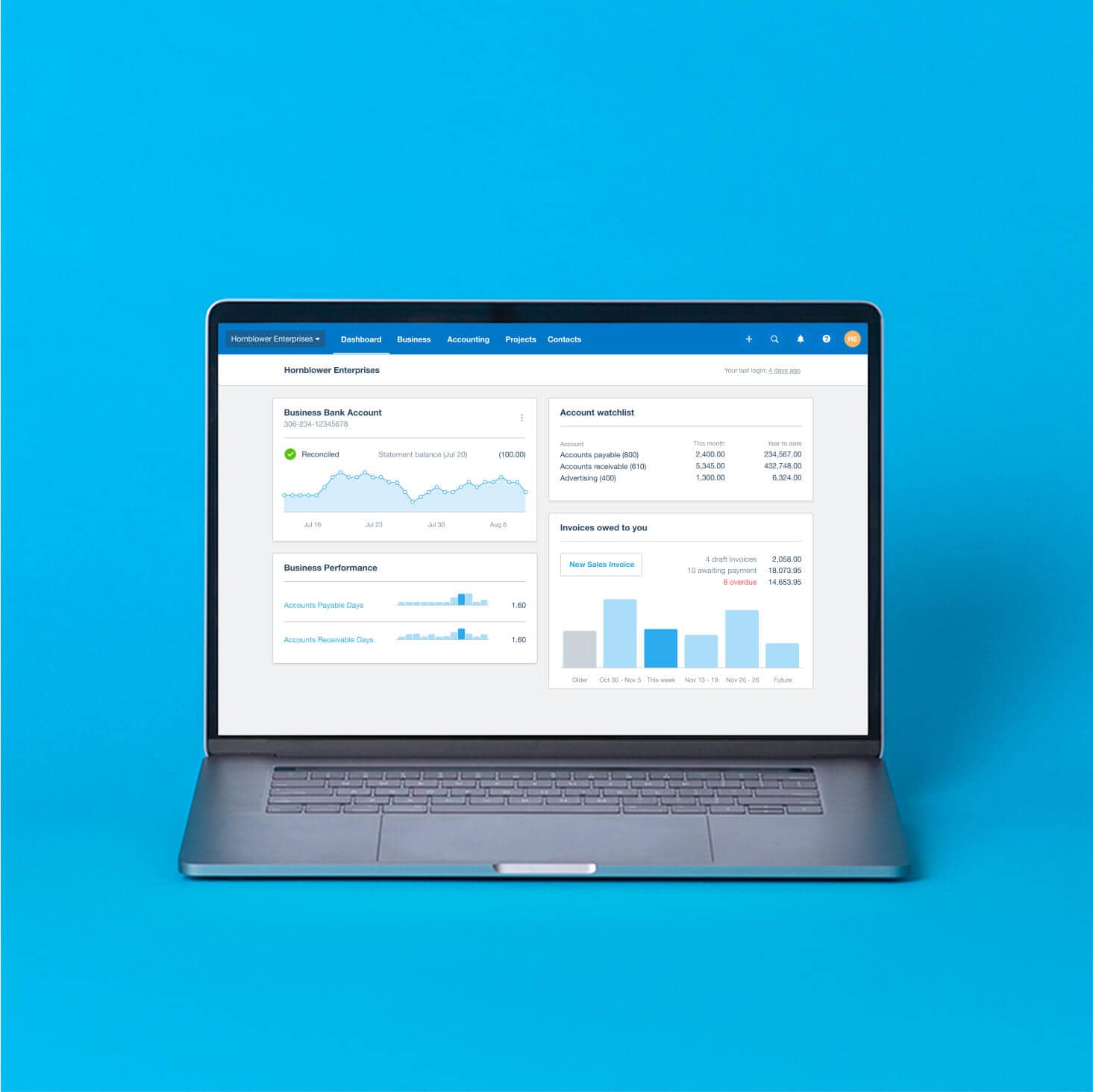
Xero’s US plans run from about $25/month (Early) up to $90/month (Established), with a mid-tier Growing plan in between, and it’s built more for businesses that expect to add employees or inventory — but it’s a reasonable choice for a solopreneur planning to grow. Xero’s AI agent, JAX, now handles bank reconciliation, inspects bills for unusual amounts or altered bank details before payment, and can read source documents to pull data directly into the platform.
Wave’s Starter plan is free and includes unlimited invoicing plus manual bookkeeping and receipt scanning — a genuinely useful zero-cost option for a very early solo business. The Pro plan (about $19/month, or $190/year) adds automatic bank imports and removes Wave branding. Wave is the least AI-forward tool on this list, but it’s hard to beat on price if your books are still simple.
Keeper is built around AI-flagged tax deductions. Its monthly plan (about $20/month) links your bank or card accounts and automatically flags spending that looks tax-deductible, but that tier covers expense tracking only — tax filing is not included at that price. Filing is offered separately through Keeper’s annual plans: a bare-bones federal-plus-two-state e-file option, a ‘Filing + Deductions’ plan that bundles year-round AI expense scanning with filing at around $199/year, and a higher Premium tier for more complex returns and added tax support. Always confirm current pricing on Keeper’s site before subscribing, since tax-prep pricing tends to shift by season.
How to Choose the Right One for Your Business
Start with how you get paid. If you invoice clients directly for hourly or project work, prioritize a tool built around invoicing, like FreshBooks. If most of your income comes through gig-platform payouts or scattered client payments with few formal invoices, a categorization-first tool like QuickBooks Solopreneur or Keeper will save more time.
Think about where the business is headed. Wave and Solopreneur-tier plans are built for a business that stays one person; if you expect to hire contractors or employees within a year or two, starting on Xero or full QuickBooks Online avoids a painful migration later.
Weigh how much you want tax filing bundled in. QuickBooks Solopreneur connects to TurboTax for filing, and Keeper offers annual plans that bundle AI deduction tracking with actual e-filing for one price — useful if you want a single subscription to cover both, though Keeper’s base monthly plan does not include filing. Wave and Xero handle bookkeeping only, so you’d still need a preparer or separate tax software at filing time.
Tips and Common Mistakes
Review AI-categorized transactions at least monthly instead of trusting them blindly — a few miscategorized expenses compound into real tax-time errors if they go unchecked for a year. Connect a dedicated business bank account or card before you connect anything to these tools; feeding AI a mix of personal and business spending on one account makes its categorization far less reliable. Connect your accounts the day you start earning rather than waiting until tax season, since these tools work best with a full year of continuous transaction history. And treat ‘AI bookkeeping’ as a time-saver on categorization and data entry, not a replacement for a CPA on quarterly estimated taxes or anything more complex than standard deductions.
Explore more: more small business guides.
AI bookkeeping tools for solopreneurs FAQs
Is AI bookkeeping accurate enough to rely on for taxes?
It’s good at speeding up categorization and catching obvious deductions, but you should still review transactions monthly and consult a tax professional for anything beyond standard write-offs — none of these tools are a substitute for a CPA on complex situations.
What’s the cheapest AI bookkeeping option for a solopreneur?
Wave’s Starter plan is free and covers unlimited invoicing plus basic bookkeeping, though it has the lightest AI features of the group. If you want AI-assisted categorization, QuickBooks Solopreneur and Keeper’s monthly plan both run around $20/month — note that Keeper’s monthly plan tracks deductions only and doesn’t include tax filing.
Can I switch tools later without losing my data?
Most of these let you export transactions and reports as CSV files, so your historical records aren’t fully locked in. That said, moving categorization rules, invoice history, and integrations (like TurboTax links) between platforms takes manual setup, so it’s worth picking a tool you expect to stick with for a year or more.
Make Your Digital Life Better
More practical tech how-tos, tool picks, and guides to upgrade your everyday digital life. More on GTWebs.
Want web tips in your inbox? Subscribe to the free newsletter.
Images: Xero.