

Boxes of fading prints and a shelf of VHS tapes are a race against time — photo paper yellows, and magnetic tape physically degrades every time it’s played. The good news is you don’t need a professional scanning service to save most of it. A phone camera and the right free app can turn a shoebox of prints into shareable digital files in an afternoon, and a cheap capture device paired with free software can pull your VHS tapes onto a hard drive before they’re unwatchable.
Table of Contents
This guide covers the actual best free options available right now (not discontinued or paywalled surprises), plus the realistic hardware you’ll need for VHS, since no app alone can digitize a video tape.
Quick Answer
For photos, Google PhotoScan (still free, no in-app purchases) is the best pick for individual prints because it captures multiple angles and automatically removes glare — a common problem with old glossy photos. For scanning whole albums fast, Photomyne is quicker but its free tier limits full-quality exports. For VHS tapes, there’s no standalone free ‘app’ — you need a VCR, a USB video capture device, and free capture software like OBS Studio to record the analog signal to a digital file.
The Best Free Apps for Digitizing Photos
Google PhotoScan is a purpose-built app for exactly this job: you photograph a print, the app guides you through a few corner shots, then stitches them into one glare-free, corrected image. It’s free with no in-app purchases and works on both iOS and Android. One caveat worth knowing: Google stopped actively updating it back in 2023, so treat it as a stable, no-frills tool rather than something getting new features — it still works fine for local capture since it doesn’t depend on cloud processing.
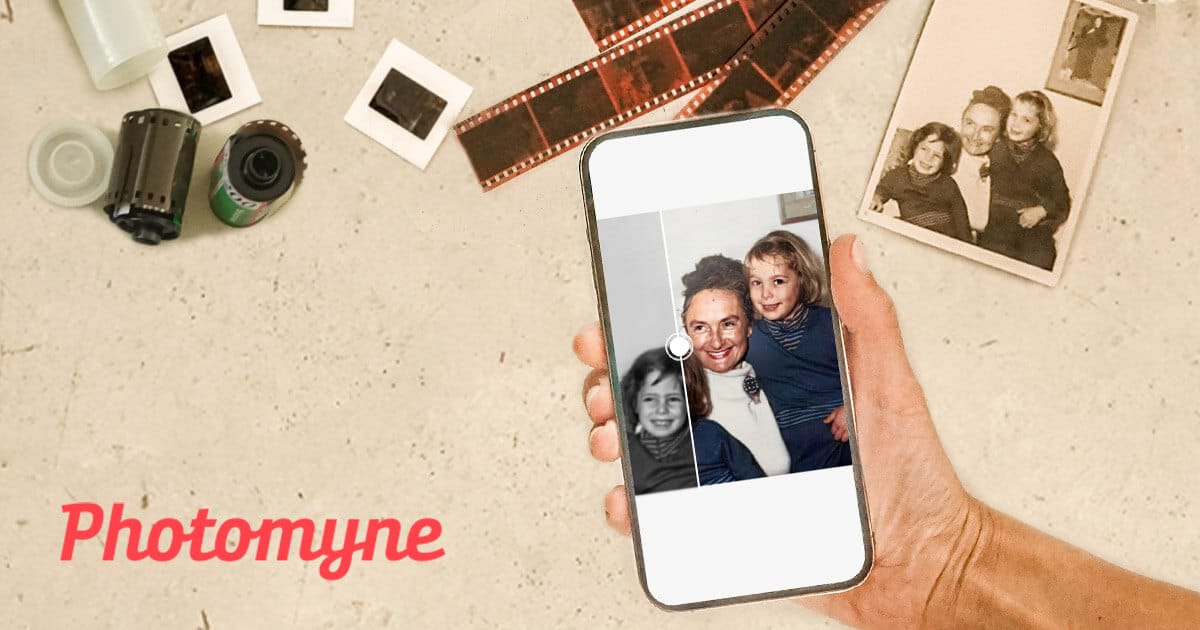
Photomyne is built for speed when you have hundreds of prints to get through — point it at a whole page of an album and it auto-detects, crops, and straightens multiple photos in one shot. The free version lets you scan and preview results, but full-resolution saving, cloud backup, and enhancement tools sit behind a paid subscription, so it’s better thought of as ‘try before you buy’ rather than a fully free tool.
CamScanner is a solid general-purpose option that also handles curled or faded prints well with auto-crop and perspective correction. The free tier works but stamps a small watermark on exported images, which matters if you’re printing or sharing copies but is a non-issue for personal archiving.
If you were counting on Microsoft Lens (formerly Office Lens), note that Microsoft retired the app in early 2026 and pulled it from the app stores — Microsoft now points users to OneDrive’s built-in scan feature instead, though it doesn’t save scans locally.
Whichever app you use, the technique matters as much as the software: turn off your camera flash, scan in even indirect daylight or bright shade rather than direct sun or overhead lamps, and lay the photo on a plain dark surface so the app can detect its edges cleanly.
How to Digitize VHS Tapes for Free
Unlike photos, VHS conversion isn’t something a phone app can do — a VHS tape stores an analog video signal that has to be played back on real VCR hardware and captured as it plays. The software involved can be completely free; the hardware is a one-time cost.
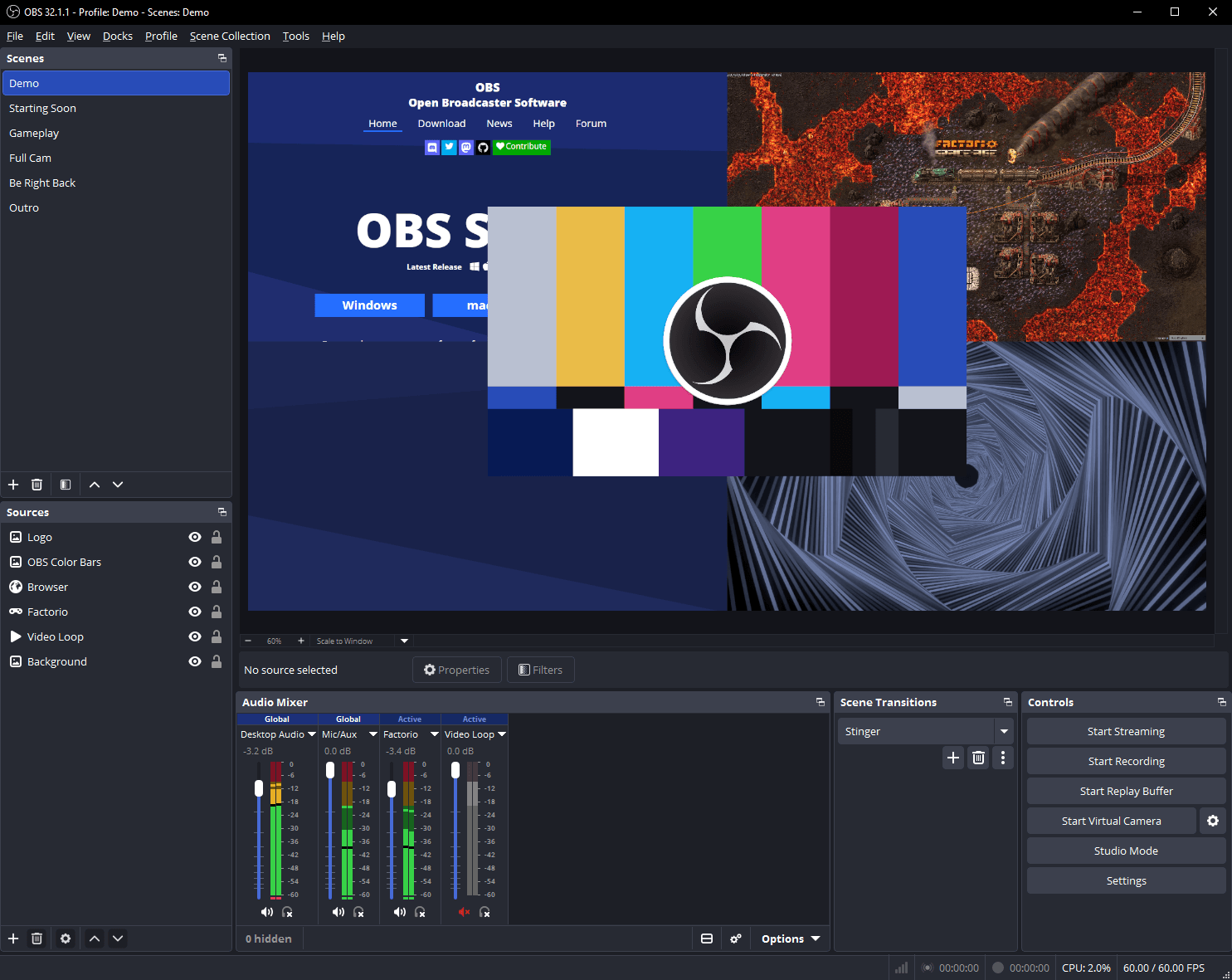
You’ll need three things: a working VCR (these haven’t been manufactured since 2016, so expect to buy a used one, typically in the $50–$150 range), a USB video capture device that converts the VCR’s composite or S-Video output into something your computer can read (roughly $30–$90), and capture software. Some capture devices bundle basic software, but OBS Studio is a free, open-source option that works well and gives you more control over resolution and format.
To capture, connect the VCR’s audio/video output to the capture device, plug that into your computer’s USB port, and open OBS. Add a ‘Video Capture Device’ source, select your capture hardware, and set the canvas to match standard VHS resolution (roughly 640×480 or 720×480 — going higher doesn’t recover detail that isn’t there). Rewind the tape fully, hit record in OBS, then immediately press play on the VCR. Let it run to the end, then stop recording — OBS saves the file locally, ready to trim or convert.
Expect a two-hour tape to produce a file in the range of a few gigabytes depending on your settings, so make sure you have external storage ready before you start a batch of tapes.
Tips and Common Mistakes
Digitize a short test clip first before committing a whole tape — it’s much easier to fix a bad cable connection or wrong resolution setting on a 30-second test than to redo an hour-long recording.
Every playback wears the tape slightly, so plan to capture each VHS tape once, cleanly, rather than repeatedly. If a VCR hasn’t been used in years, consider running a cleaning cassette through it first, since dirty heads cause visible streaking and dropouts in the transfer.
Label files immediately with the event and approximate date while you still remember it — ‘VHS_003.mp4’ six months from now tells you nothing. The same goes for scanned photos: batch them into dated folders as you go rather than promising yourself you’ll organize everything later.
Don’t discard original prints or tapes until you’ve actually opened and played back the digital copy. A rushed scan or a capture with the wrong input selected can produce a corrupted or blank file, and originals are your only fallback.
Back up digital copies in at least two places — for example, an external drive plus a cloud service — since a single hard drive failure would undo all the digitizing work.
Explore more: More technology guides.
Free apps for digitizing old photos and VHS tapes FAQs
Is Google PhotoScan still available in 2026?
Yes, it can still be downloaded free from the App Store and Google Play. Google stopped updating it in 2023, but it still functions normally for capturing and processing photos since it doesn’t rely on a cloud service to work.
Can I digitize VHS tapes without a VCR?
No. You need a working VCR (or a camcorder with an analog video output) to play the tape so a capture device can record the signal. There’s no way to extract video directly from a VHS cassette without playing it back on compatible hardware.
Is Photomyne completely free?
It’s free to download and try, and you can scan and preview results at no cost, but full-resolution exports, cloud backup, and enhancement features require a paid subscription.
What free software can I use to trim or convert a VHS capture afterward?
OBS Studio handles the initial recording. For trimming or converting the resulting file, free tools like VLC (for format conversion) or the free tier of DaVinci Resolve (for actual editing) work well.
Make Your Digital Life Better
More practical tech how-tos, tool picks, and guides to upgrade your everyday digital life. More on GTWebs.
Images: Photomyne.