


Every small business eventually hits the same wall: shared drives full of duplicate file names, someone emailing a spreadsheet attachment that’s three versions out of date, and no clear answer for who can access what. Picking a cloud storage platform fixes most of that, but Google Drive, Dropbox, and OneDrive each solve the problem a little differently, and the right pick depends more on your existing tools than on raw storage numbers.
Table of Contents
This guide breaks down what each platform actually costs at small-team scale, what you get for that price, and where each one has a genuine edge, so you can match the tool to how your team already works instead of paying for features you’ll never touch.
Quick Answer
If your team lives in Gmail and needs real-time document collaboration, Google Workspace (Google Drive) is the simplest fit. If you regularly send large files to outside clients or need the most flexible file-syncing layer regardless of what apps you use, Dropbox Business is built for that. If your team already runs Microsoft Office and Teams, OneDrive bundled into Microsoft 365 avoids duplicating tools you’re already paying for.
Storage, Pricing, and Plans
Google Workspace’s small-business tiers are Business Starter (30 GB pooled storage per user), Business Standard (2 TB pooled storage per user, plus Gemini AI features, eSignature, and video meetings for up to 150 participants), and Business Plus (5 TB pooled storage per user, with enhanced admin and security controls). List pricing runs from roughly $7 to $22 per user, per month on an annual plan, though Google frequently runs promotional discounts for new customers.
Dropbox’s Standard plan starts at 3 TB shared across the team, priced around $15 per user, per month (billed annually); Dropbox notes actual cost varies by team size and region. Its Advanced plan starts at 15 TB pooled storage and requires a minimum of three licenses, priced around $24 per user, per month, and adds extended 1-year deleted-file recovery (versus 180 days on Standard), end-to-end encryption and advanced key management, tiered admin roles, single sign-on, and audit logging. Both Standard and Advanced share the same 100 GB Dropbox Transfer file-size limit for sending large files to outside recipients — Advanced does not raise that ceiling, its advantages are storage volume, security, and admin controls.
Microsoft 365 Business Basic (around $7/user/month) and Business Standard (around $14/user/month, following a price increase Microsoft rolled out in mid-2026) each include 1 TB of OneDrive storage per user; Business Premium (around $22/user/month) adds advanced device management and threat protection on top of the same 1 TB allowance. Microsoft also offers Copilot-bundled versions of Standard and Premium at a higher price point. Note that Microsoft is retiring standalone OneDrive-only plans for new sign-ups, so OneDrive for a business is now purchased as part of a Microsoft 365 subscription rather than on its own.
Collaboration, Security, and Admin Controls
Google Drive’s strength is real-time, multi-user editing inside Docs, Sheets, and Slides — several people can work in the same file simultaneously with no separate save-and-merge step, and comments/suggestions are built in. Business Standard and above also fold in Gemini AI assistance and native eSignature, which can replace a couple of separate subscriptions.
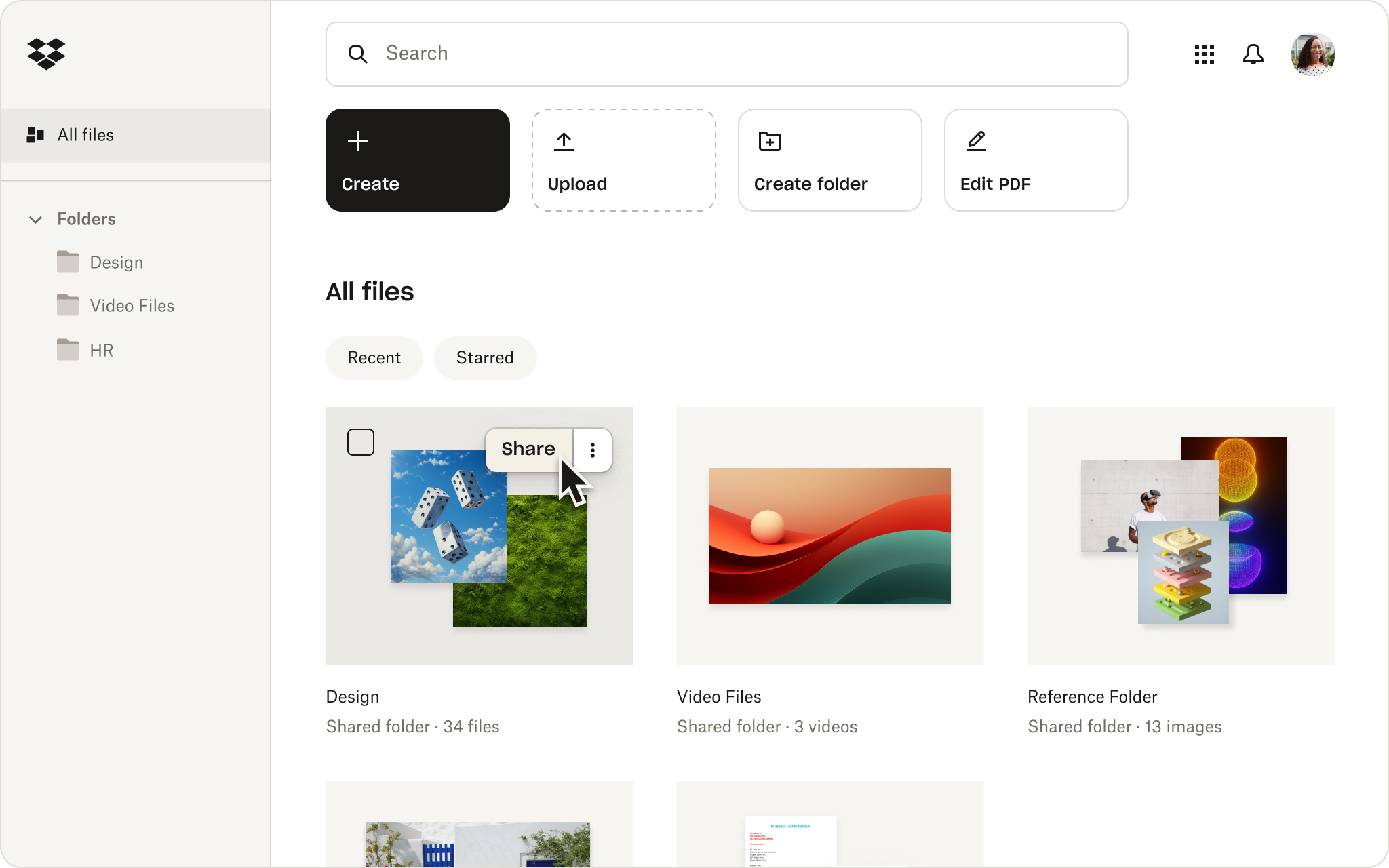
Dropbox treats file sync as the core product rather than an add-on to an office suite, which makes it a strong choice for teams that work across many different file types (design files, video, CAD) or that share large files with outside collaborators via link. The Advanced plan’s larger pooled storage, extended file recovery window, and stronger security/admin tooling are aimed specifically at businesses handling sensitive client files, not at larger file transfers.
OneDrive’s biggest advantage is how tightly it’s woven into Windows Explorer, Microsoft Teams, and desktop Office apps (Word, Excel, PowerPoint), so version history and file locking feel native rather than bolted on. For teams already standardized on Microsoft tools, it avoids the friction of running two separate ecosystems for email and file storage.

Tips / Common Mistakes
Don’t shop on storage-per-dollar alone — factor in what’s already included, like Google’s AI and eSignature tools or Microsoft’s desktop Office apps, since replacing those separately elsewhere often costs more than the storage upgrade would.
Check the minimum seat requirements before committing; Dropbox’s Advanced plan, for example, requires at least three licenses, which changes the math for a two-person team.
Don’t assume a higher-tier plan raises every limit. On Dropbox, the Standard and Advanced plans share the same 100 GB Dropbox Transfer file-size cap — if large outbound transfers are your main pain point, an upgrade to Advanced won’t change that number, so weigh it against the security and storage gains instead.
Test default sharing-link permissions before rolling a tool out company-wide. All three platforms default to relatively open link sharing in some scenarios, and tightening that after files are already circulating is harder than setting it correctly up front.
It’s common — and often the right call — for a business to run two tools at once: for example, Google Workspace for internal docs and email, plus Dropbox for large client-facing file transfers. Don’t assume you need to standardize on exactly one.
Before switching platforms, export or verify sync status of every existing file. Migrations between these three services are generally straightforward but rarely instant, and syncing can lag for very large libraries.
Explore more: more small business technology guides.
Google Drive vs Dropbox vs OneDrive FAQs
Which is cheapest for a very small team (2-5 people)?
Google Workspace Business Starter and Microsoft 365 Business Basic are both priced similarly at the entry level and don’t carry Dropbox Advanced’s higher per-license minimums, making them the more budget-friendly starting points for very small teams.
Can I use Google Drive and Microsoft Office files together?
Yes. Google Drive can store, preview, and edit Word, Excel, and PowerPoint files without converting them, and Microsoft 365 apps can likewise open files stored in OneDrive. Cross-compatibility exists, but real-time co-editing works best when everyone stays inside one ecosystem.
Is OneDrive included with Microsoft 365, or do I buy it separately?
OneDrive storage is bundled into every Microsoft 365 Business plan (1 TB per user across Basic, Standard, and Premium). Microsoft has been phasing out standalone OneDrive-only business plans, so for new customers it comes as part of a Microsoft 365 subscription rather than a separate product.
Does upgrading from Dropbox Standard to Advanced let me send larger files?
No. Both plans cap Dropbox Transfer at 100 GB per transfer. Advanced’s real advantages are more pooled storage, a longer 1-year deleted-file recovery window, and stronger security and admin controls like SSO and audit logs — not a bigger file-size limit.
Make Your Digital Life Better
More practical tech how-tos, tool picks, and guides to upgrade your everyday digital life. More on GTWebs.
Images: Workspace.