

If your WiFi bars drop the moment you walk up the stairs, the problem usually isn’t your internet plan — it’s how the signal is traveling through your house. Floors, walls, and even the router’s own position can quietly kill your upstairs connection.
Table of Contents
The good news is you don’t need to replace your router to fix it. This guide walks through free adjustments you can make right now, plus the cheapest hardware add-ons (extenders, mesh satellites, and powerline adapters) that solve the problem for good.
Quick Answer
Move your router to a central, elevated spot away from walls and metal objects, switch upstairs devices to the 2.4GHz band for better range, and update the router’s firmware. If that’s not enough, add a WiFi extender, a mesh satellite unit, or a powerline adapter near the top of the stairs — all of which work with your existing router and typically cost far less than replacing it.
Start With Free Fixes: Placement and Settings
Router position matters more than most people expect. WiFi signals spread outward and downward from the antennas, so a router sitting on the floor in a basement or closet is fighting gravity from the start. Put it on a shelf or table, as centrally located in the house as possible, ideally on the ceiling between floors rather than tucked in a corner of the ground floor.
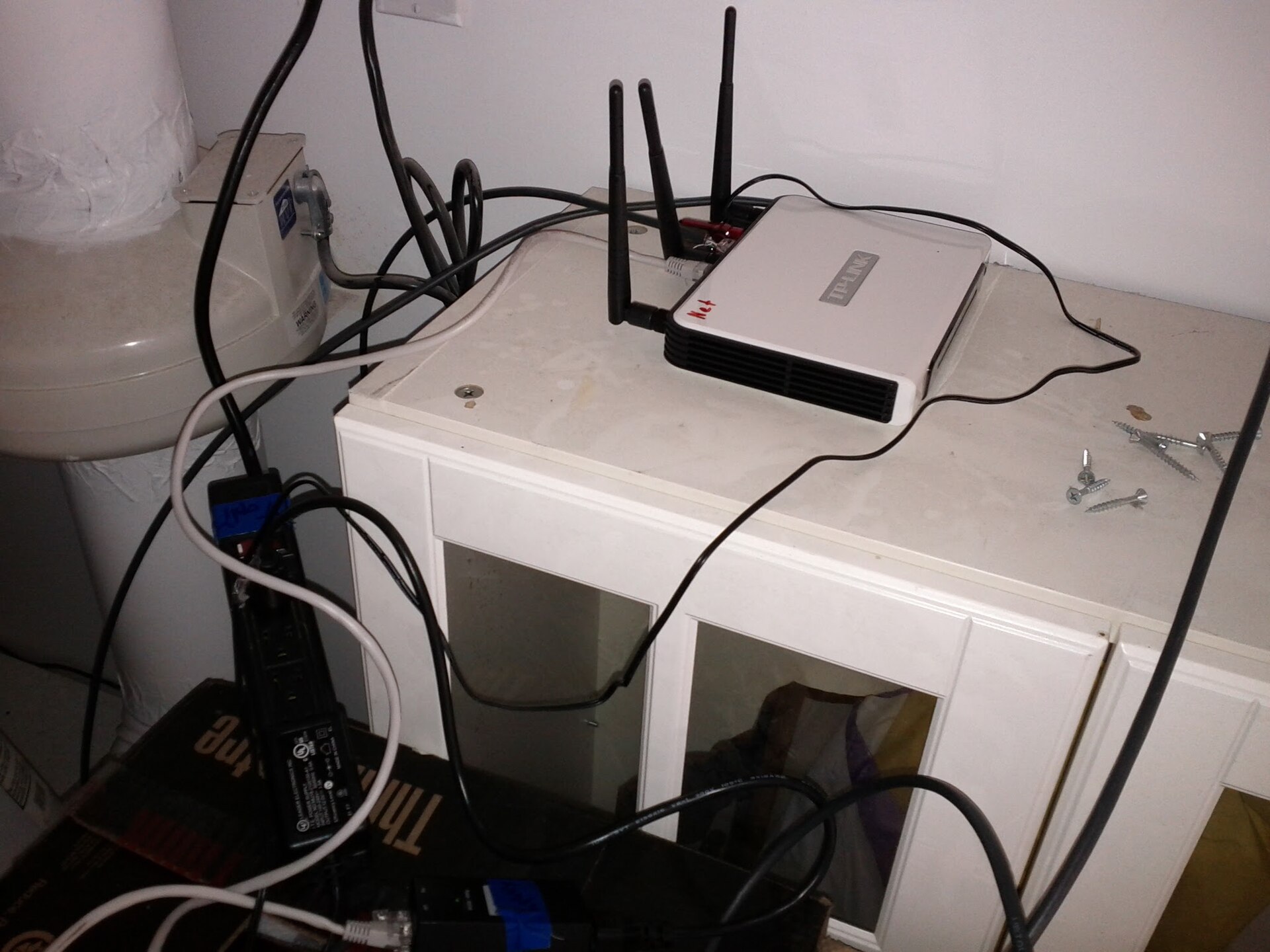
Keep it away from microwaves, cordless phones, baby monitors, and thick walls or metal surfaces like mirrors and appliances, since these interfere with or block the signal, especially on the 2.4GHz band. If your router sits inside a media cabinet, pull it out into the open.
Log into your router’s admin panel and check for a firmware update. Manufacturers regularly patch performance and stability issues, and an outdated router can underperform even in ideal conditions. While you’re in there, try switching your devices upstairs to the 2.4GHz network if your router broadcasts separate 2.4GHz and 5GHz bands — 2.4GHz travels farther through walls and floors, even though it’s slower up close. If your router only shows one combined network name, most modern routers auto-select the best band, but you can still test manually switching a device’s WiFi settings to see which connects more reliably upstairs.
Also check what channel your router is using. In crowded neighborhoods, overlapping WiFi channels from nearby routers can add interference. Many routers have an ‘auto channel’ setting — toggling it off and back on, or manually picking a less congested channel, can sometimes help.
If That’s Not Enough: Cheap Hardware That Works With Your Router
When placement and settings tweaks aren’t enough to fully cover the upstairs, three low-cost options extend your existing network rather than replacing it.
A WiFi extender (also called a repeater or booster) is the cheapest and simplest fix. Plug it into an outlet roughly halfway between your router and the weak-signal area — for a two-story house, that’s often near the top of the stairs or in an upstairs hallway. It picks up your router’s signal and rebroadcasts it, extending coverage into the dead zone. The tradeoff is that speeds on the extended signal are usually somewhat lower than the original, and devices don’t always switch smoothly between the router’s network and the extender’s network as you move around.
A mesh WiFi satellite unit (sold individually by brands like Google, TP-Link Deco, Netgear Orbi, and Eero) is a step up. Mesh satellites talk directly to your main router or to each other and share a single network name, so your devices roam between them automatically without dropping. Some mesh systems are sold as standalone add-on satellites compatible with your current router’s network, while others require replacing the whole system — check compatibility before buying just one unit.
A powerline adapter kit uses your home’s existing electrical wiring to carry the network signal instead of the air. You plug one unit into an outlet near your router and connect it with an ethernet cable, then plug the second unit into an outlet upstairs, where it either provides a wired connection or broadcasts its own WiFi. Powerline kits tend to give strong, stable coverage in specific problem rooms, since the connection doesn’t have to fight through walls and floors the way WiFi does. Performance can vary depending on your home’s electrical wiring, and they generally won’t work through outlets on a different circuit or with certain power strips and surge protectors in between.
Tips and Common Mistakes
Don’t place an extender too far from the router — it needs a strong signal to repeat, so put it roughly midway between the router and the dead zone, not right next to the weak spot itself.
Avoid stacking a router on top of a cable modem, game console, or other electronics, since heat and interference from nearby devices can degrade performance.
If you go with a mesh satellite, make sure it’s actually designed to pair with your specific router or works as a universal mesh extender — not every mesh brand supports mixing with third-party routers.
Restart your router periodically (or set it to reboot automatically overnight) since a router that’s been running for weeks or months without a restart can develop performance issues that mimic a weak-signal problem.
If you’ve tried placement, band-switching, an extender, and a powerline kit and upstairs WiFi is still unreliable, the router itself may be old enough (WiFi 4 or early WiFi 5 hardware) that a mesh system or router upgrade is genuinely the more cost-effective long-term fix.
Explore more: More technology guides.
boosting WiFi signal upstairs FAQs
Why is my WiFi so much weaker upstairs than downstairs?
WiFi signals lose strength passing through floors, walls, and ceilings, and routers are often placed low in the house (like a basement or ground-floor office), so the signal has to travel through the most material to reach upstairs rooms.
Do WiFi extenders actually slow down your internet?
An extender itself doesn’t reduce your internet plan’s speed, but because it has to receive and rebroadcast the signal, devices connected to the extended network typically get somewhat lower speeds than devices connected directly to the router.
Can I use a mesh satellite with my existing router, or do I need a whole new system?
It depends on the brand. Some manufacturers sell standalone satellite units built to extend an existing mesh system or pair with select routers, while other mesh ecosystems require buying the full matched set. Check the product’s compatibility details before purchasing a single unit.
Is a powerline adapter better than a WiFi extender?
Powerline adapters generally give a more stable, stronger connection to a specific room because they use your home’s wiring instead of open air, but they depend on your electrical circuit setup and won’t work through every outlet. Extenders are simpler to set up but can suffer from signal loss and rougher device roaming.
Make Your Digital Life Better
More practical tech how-tos, tool picks, and guides to upgrade your everyday digital life. More on GTWebs.
Photo: Alyx Baldwin / CC BY-SA 4.0, via Wikimedia Commons.