

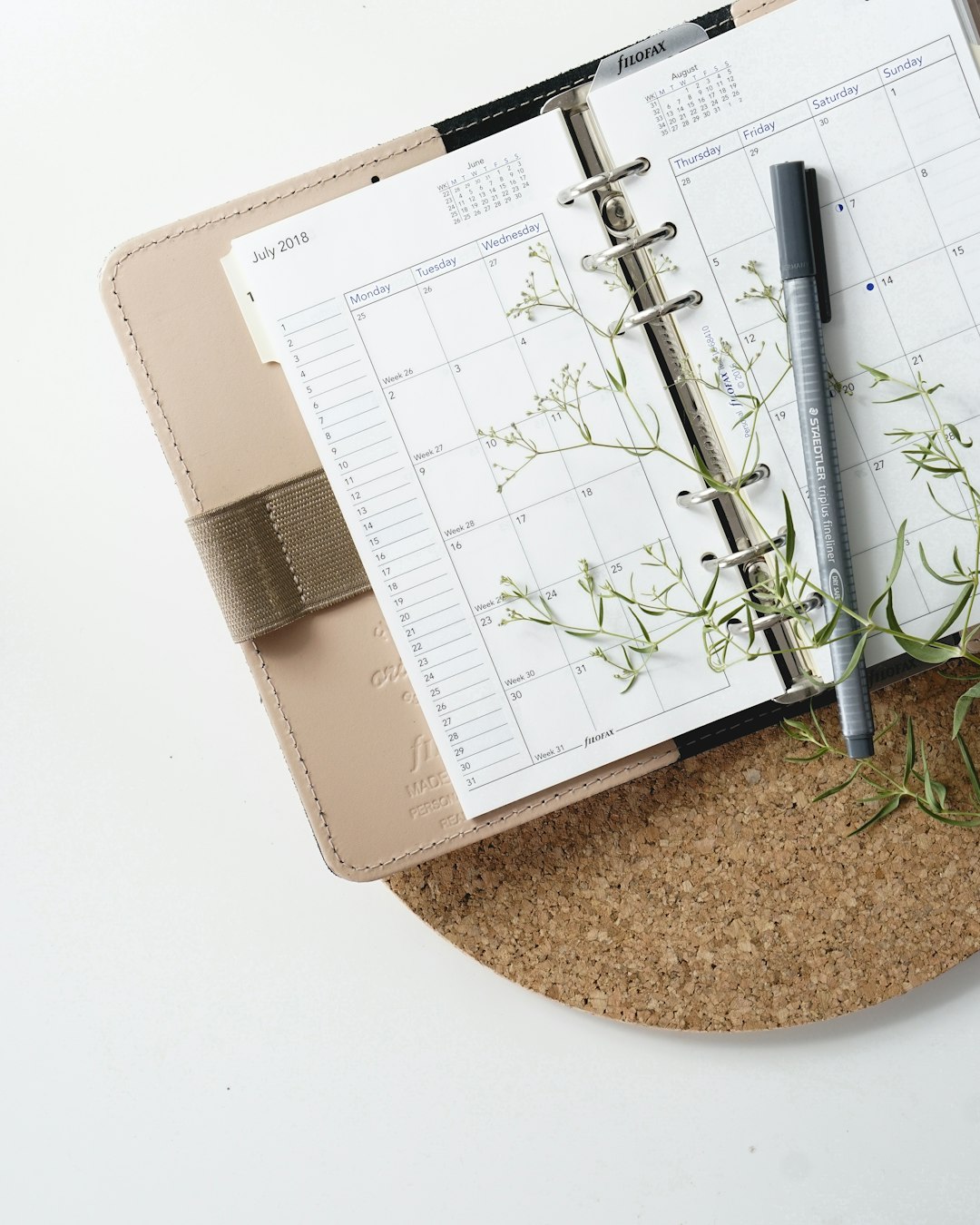
Printables — planners, wall art, checklists, invitations, worksheets — are one of the lowest-cost digital products you can make, and Canva is the tool most sellers reach for because it’s free to start and doesn’t require design software experience. But there’s a catch a lot of new sellers miss: not everything you can drag onto a Canva canvas is legally yours to resell as a standalone file.
Table of Contents
This guide walks through designing a printable in Canva the right way, understanding what Canva’s license actually allows, and getting the finished file listed for sale on Etsy without running into licensing or fee surprises.
Quick Answer
Design your printable in Canva by combining your own layout, text, and enough original elements that the result isn’t just a resold Canva graphic, export it as a high-resolution PDF (and a PNG/JPG if useful), then create an Etsy digital download listing with the files attached, a size/print guide, and mockup photos. Price it based on the time you put in and what similar listings charge, factoring in Etsy’s per-listing and per-sale fees.
Designing the Printable in Canva
Start with either a blank canvas or one of Canva’s templates, but set the exact dimensions first — most printables use US Letter (8.5 x 11 in) or A4 since that matches what buyers can print at home, though wall art and planner inserts sometimes use other standard sizes. Build in a small margin (roughly 0.25 in) so nothing gets cut off by home printers with limited edge-to-edge printing.
Customize the layout with your own text, color palette, and fonts rather than leaving a template mostly untouched. This matters for two reasons: it makes your product stand out in an Etsy search full of similar printables, and it’s the difference between an original design and a near-verbatim resale of stock content, which Canva’s license does not allow.
When the design is finished, use Canva’s Download menu and choose PDF Print for the sharpest, print-ready file (it flattens the design at high resolution), and export a PNG or JPG version too if buyers might use the design digitally (like on a tablet or as a phone wallpaper insert). Proof the PDF by printing a test copy yourself to check margins, color accuracy, and font legibility before you list it.
Staying Inside Canva’s License and Setting Up the Etsy Listing
Canva’s Content License Agreement allows commercial use of its elements inside designs you create, including selling physical or digital products — but it specifically prohibits selling a standalone file where a Canva graphic or template is the main thing being purchased. In practice, that means you shouldn’t sell a printable that’s essentially an unedited Canva template exported to PDF; you need to add enough of your own work (custom text, combined elements, an original layout) that the printable is a transformed, original product rather than repackaged stock content. If you want to sell editable templates rather than finished printables, Canva requires those to be shared as Canva template links rather than downloadable files.
On Etsy, create a new listing and set it as a digital item so buyers get an instant download instead of a shipped product. Upload your print-ready PDF (and any bonus formats) as the listing’s digital files, write a title and tags that match how buyers actually search (size, room, occasion, or use case), and add a few mockup images showing the printable in a frame, planner, or desk scene — Etsy buyers can’t touch a digital product, so the photos do the selling. In your description, spell out exactly what’s included: file formats, sizes, whether it’s editable, and that it’s a digital-only download with no physical item shipped.
When pricing, remember Etsy charges a small fee to publish each listing, plus a percentage-based transaction fee and a payment processing fee taken out of each sale — so build those into your price rather than treating your listing price as pure profit. Check a handful of comparable printables in your niche to gauge a realistic price range before you publish.

Tips and Common Mistakes
Don’t reuse the exact same Canva template other sellers are using without meaningfully changing it — oversaturated, near-identical printables are one of the most common reasons listings don’t sell. Export at full resolution (Canva’s PDF Print option is built for this) so text and lines stay crisp when printed at full size. Double-check any fonts or graphic elements for licensing restrictions beyond Canva’s own terms, especially if you used uploaded assets rather than Canva’s built-in library. Finally, keep a master copy of your Canva project so you can update sizes, fix typos, or create seasonal variations without rebuilding the design from scratch.
Explore more: more design guides and resources.
Canva printables for Etsy FAQs
Can I legally sell printables I made in Canva?
Yes, as long as the printable is an original design you built using Canva’s tools — combining your own text, layout, and enough customized elements — rather than an unedited Canva template or stock graphic resold as-is. Canva’s Content License specifically prohibits selling standalone files where a Canva asset is the main thing being purchased.
Do I need Canva Pro to make printables for Etsy?
No, Canva’s free plan has enough templates and elements to build sellable printables. Canva Pro adds a larger library of templates, premium elements, and fonts, which can speed up design work, but it isn’t required to get started.
What file format should I upload to my Etsy listing?
A high-resolution PDF is the standard for anything meant to be printed, since it preserves layout and print quality across devices and printers. It’s also worth including a PNG or JPG version if buyers might use the design on a screen rather than printing it.
Make Your Digital Life Better
More practical tech how-tos, tool picks, and guides to upgrade your everyday digital life. More on GTWebs.
Photo by Renáta-Adrienn on Unsplash.